
 Tutorials
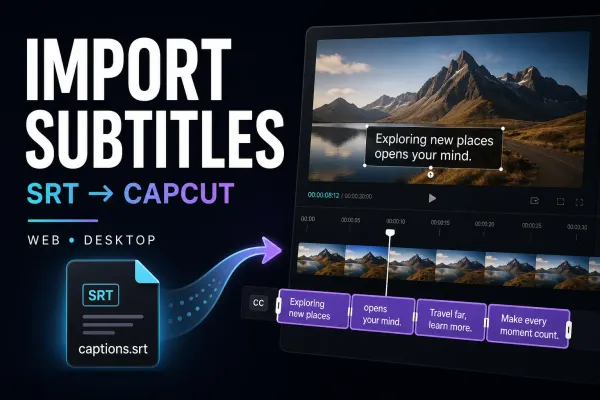
Import Subtitles into CapCut: SRT on PC, Mac and Web
Bring your existing subtitle file into the edit. Find the import control, fix unreadable text and keep approved captions intact when styling or switching devices.

Hands-on checks are labelled as hands-on. Sourced workflows link to current evidence, and a guide says plainly when generation, payment, export or a platform route was not tested.
Tutorials
Bring your existing subtitle file into the edit. Find the import control, fix unreadable text and keep approved captions intact when styling or switching devices.
 Tutorials
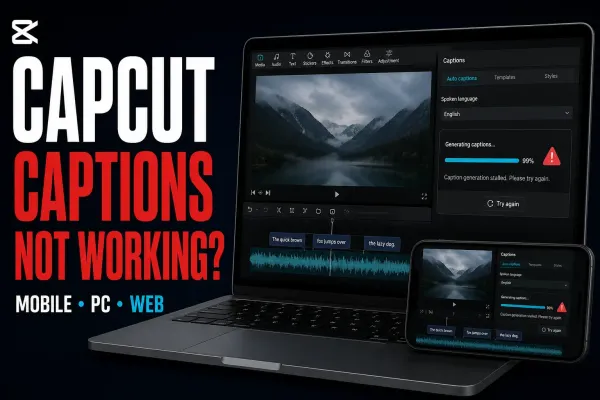
Find whether the problem is recognition, access or hidden text. Start with a safe speech test, then follow the branch that matches your error.
 AI Tools
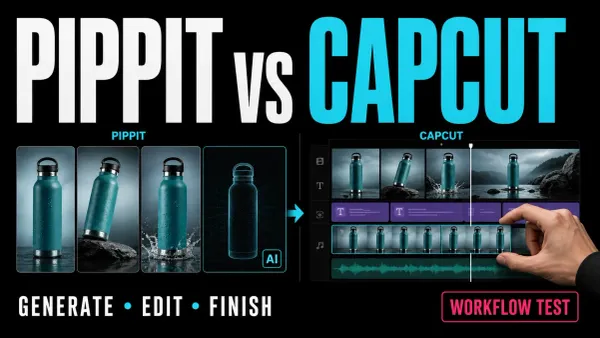
Choose Pippit, CapCut or one tool alone. A practical comparison of editing controls, platforms, costs and the limits of transferring a rendered video.
 AI Tools
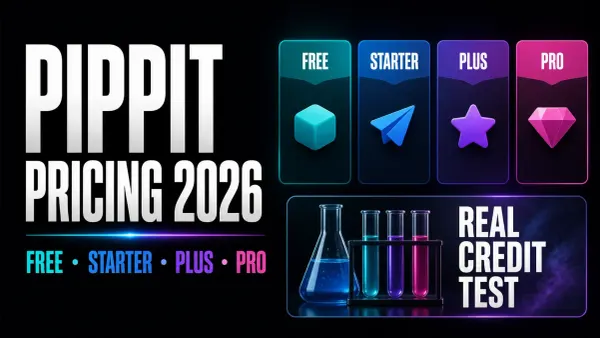
Pippit prices checked September 5, with credit expiry, billing-channel cancellation and a budget example based on two generation jobs.
 AI Tools
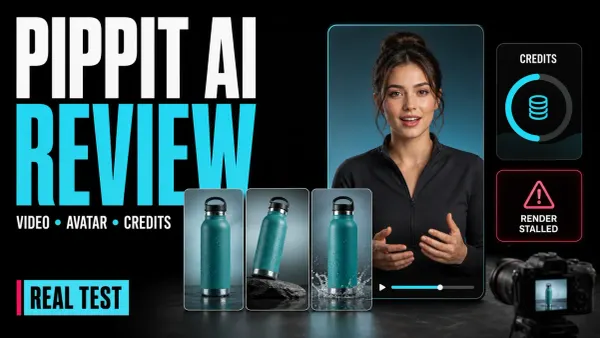
Two Pippit generation jobs used 341 free credits and returned one talking-photo draft. A separate URL-import check stopped without confirmed content rights.
 Tutorials
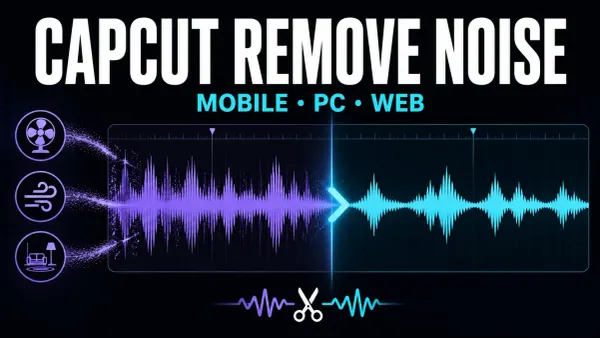
Reduce fan, hum, hiss and room noise in CapCut without making speech robotic, then fix missing controls or export blocks safely.
 Export
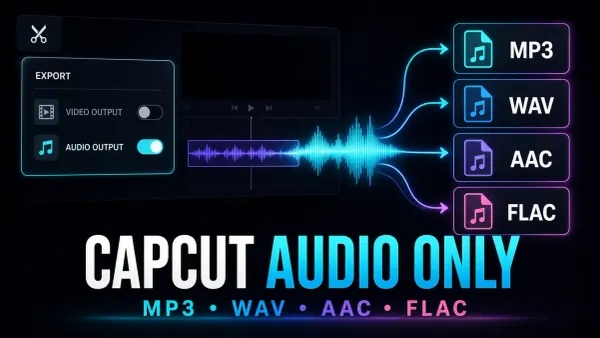
Save the soundtrack, not another video. Use Desktop audio export, prepare one clip, or convert a finished video when the phone or browser option is missing.
 Fixes
Fixes
Compare your original with a short export to find out whether CapCut’s preview is soft or the saved file really lost detail.
 Tutorials
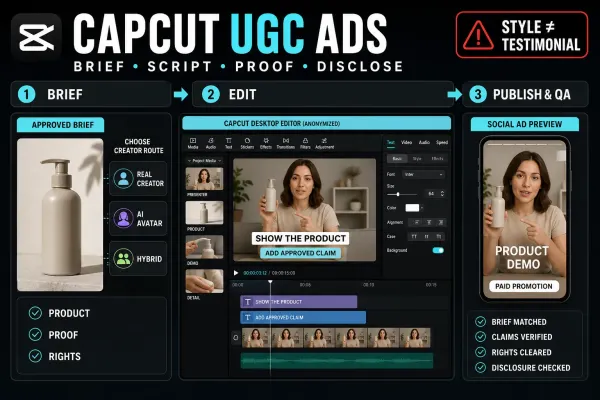
Build a CapCut UGC-style ad with real creator footage, an AI avatar or a hybrid edit—without turning scripted portrayal into a fake customer story.
 Tutorials
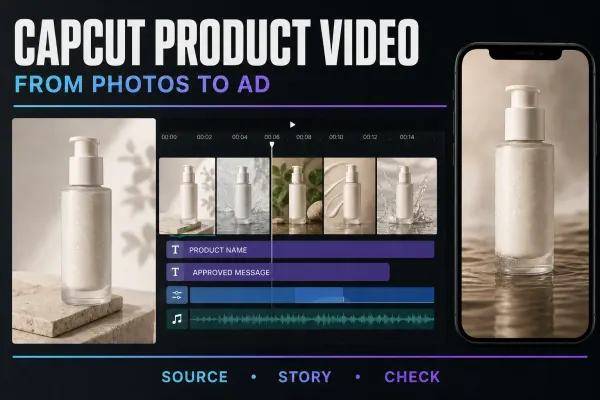
Build a product video from your own photos: arrange the shots, add subtle motion and accurate text, then check the item, rights and exported file.
 Tutorials
Find CapCut Brand Kit, add approved logos, colors and fonts, and check team access. Apply the assets in a short project before using them in client work.
 Tutorials
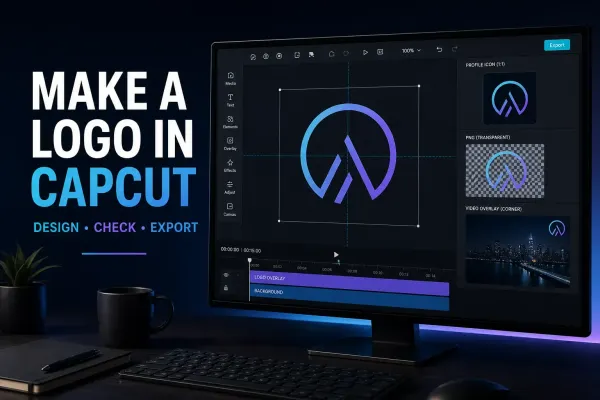
Create a logo in CapCut with AI Design or a manual canvas, test it at real size, check rights and export the correct digital file.
 Tutorials
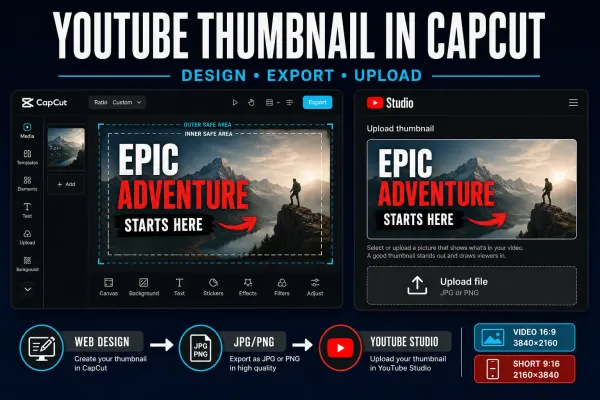
Create a separate YouTube thumbnail in CapCut, use the current video or Shorts dimensions, check the saved file and upload it in Studio.
 Tips & Tricks
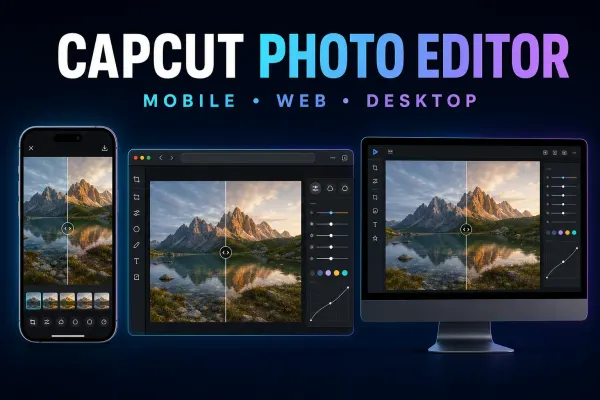
Choose the right CapCut photo editor route on Mobile, Web or Desktop, save a real still image, and fix missing tools, imports or soft output.
 Templates
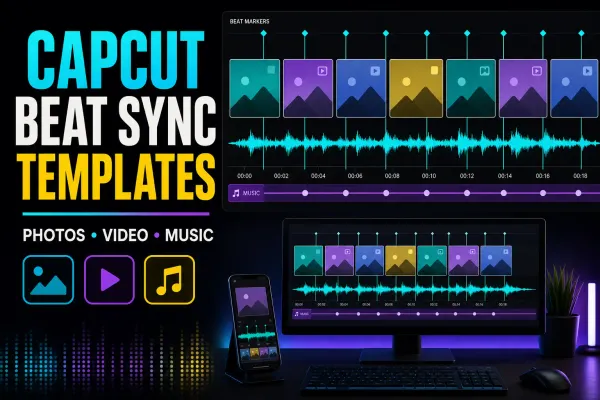
Compare live beat-sync templates by media count, then choose a fixed template, AutoCut or manual markers and repair timing, crop or audio problems.
 Templates
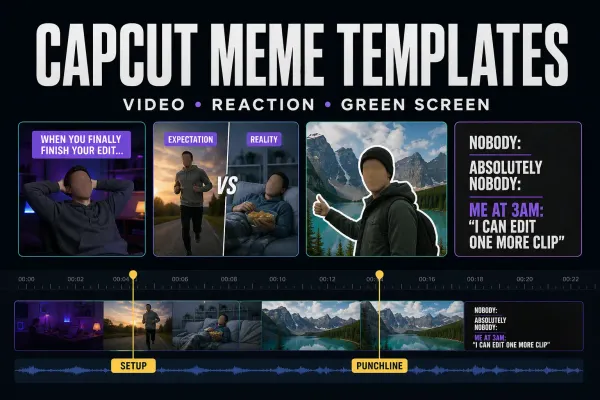
Choose a live meme template, build the timing manually, make a static image or clean up a green-screen reaction without losing the punchline.
 Templates
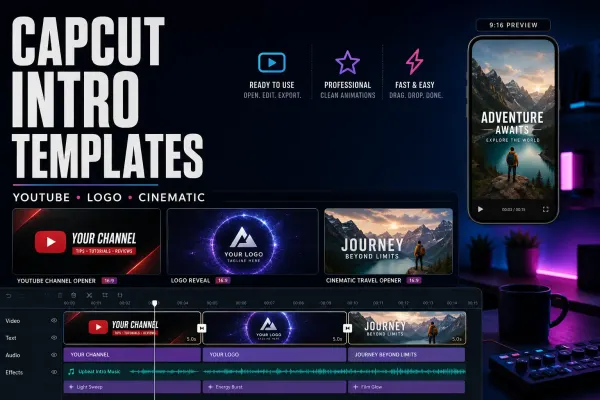
Compare four CapCut intro templates by clip count, duration and format, check text and music, or build an editable opener to reuse.
 Templates
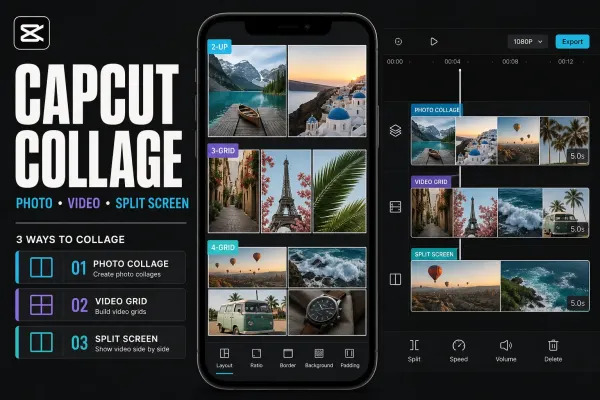
Choose a live CapCut collage template, make a static photo grid, or build a manual split screen without mixing up collage, slideshow and merge workflows.
 Templates
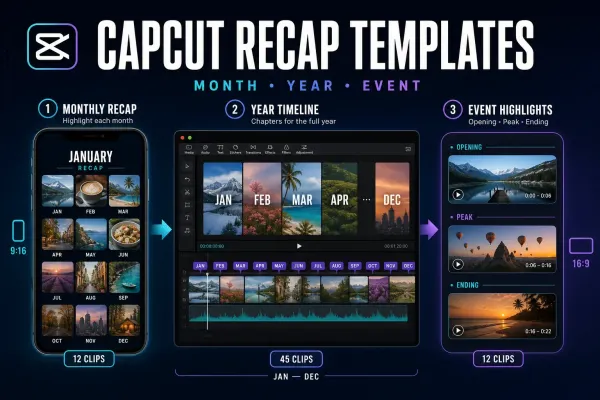
Choose a live monthly, yearly or event recap template by story shape and clip count—or build manually when fixed timing makes the memories hard to follow.
 Templates
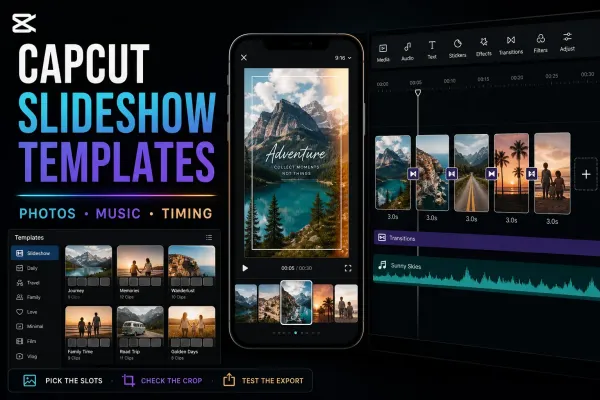
Choose a live CapCut slideshow template by media count, pace and format—or build the sequence manually when the fixed edit doesn't fit.
 Templates
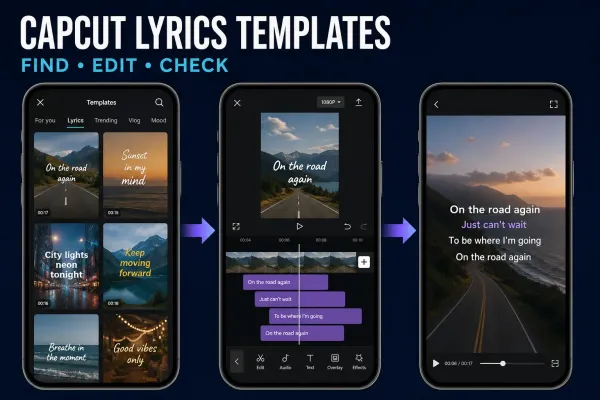
Choose a ready-made lyric video template or Auto Lyrics, then correct the words, timing and soundtrack before you export.
 AI Tools
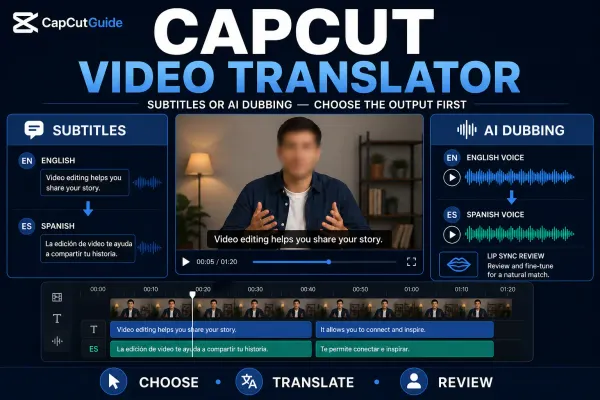
Choose translated subtitles or AI dubbing, follow the current platform route, then check meaning, names, timing, voice and lip-sync before export.
 AI Tools
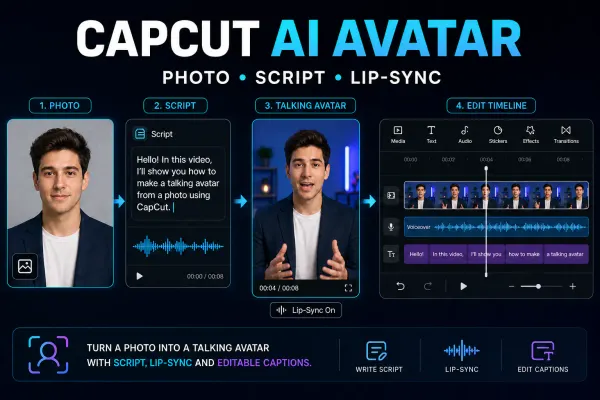
Choose the right CapCut avatar route, make one short talking-avatar test and check the face, voice, lip-sync, credits and final export.
 AI Tools
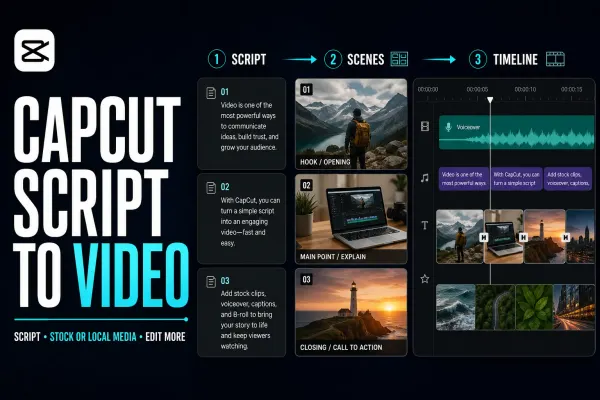
A practical Script to Video workflow for CapCut Mobile, Desktop and Web: prepare the script, choose media, generate a first cut and check every scene.
 Tutorials
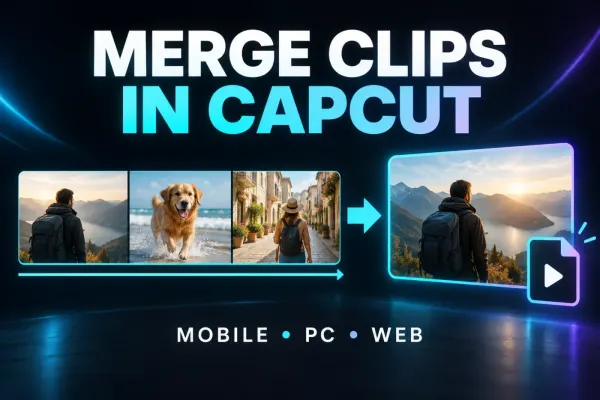
Join clips in order on CapCut Mobile, Desktop or Web, fix gaps and audio boundaries, understand Compound Clips, and verify the full export.
 Tutorials
Correct clip orientation, mirror left and right, handle a vertical flip and check framing and the complete exported file.
 Tutorials
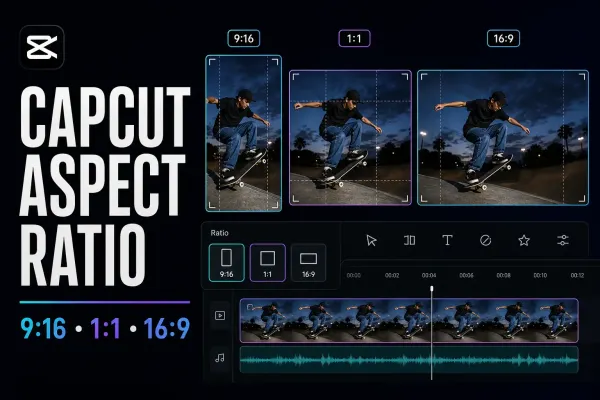
Change the CapCut project frame on Mobile, Desktop or Web, then choose Fit, Fill or Background without confusing Ratio with Crop or Auto Reframe.
 Tutorials
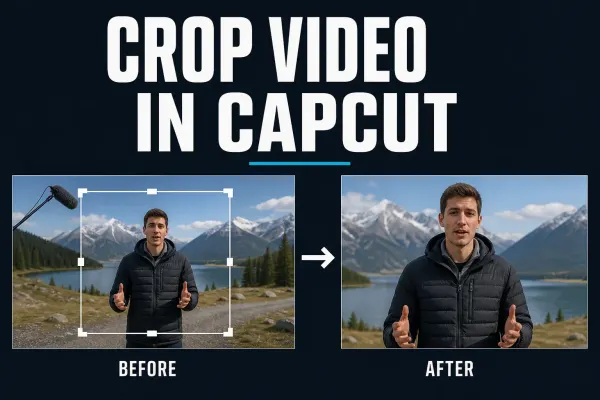
Current Mobile, Desktop and Web steps for cropping a CapCut clip, keeping the right subject in frame and fixing black bars or soft output.
 Tutorials
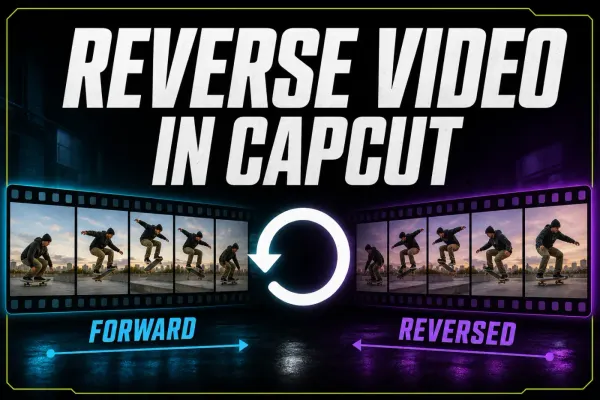
Current Mobile, Desktop and Web steps for reversing a CapCut clip, isolating one section, checking audio and fixing a missing or stalled Reverse tool.
 AI Tools
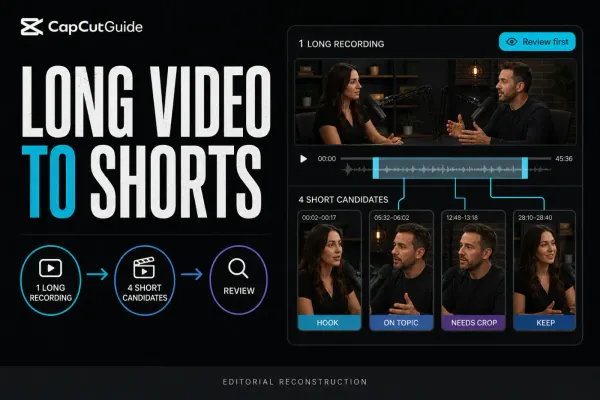
A checked workflow for turning one long recording into several CapCut short candidates, then reviewing context, crop, captions, audio and export.
 AI Tools
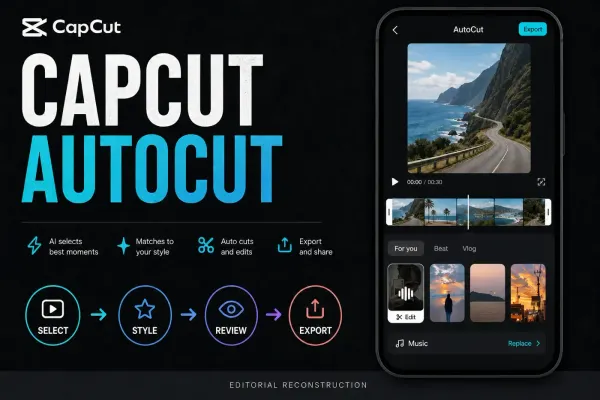
A checked guide to CapCut AutoCut on Mobile, cautious Desktop availability, draft review, repair decisions, music rights and missing-tool fixes.
 AI Tools
A dated guide to CapCut AI Image models, prompt construction, credit gates, image review and the rights checks to run before using a result.
 AI Tools
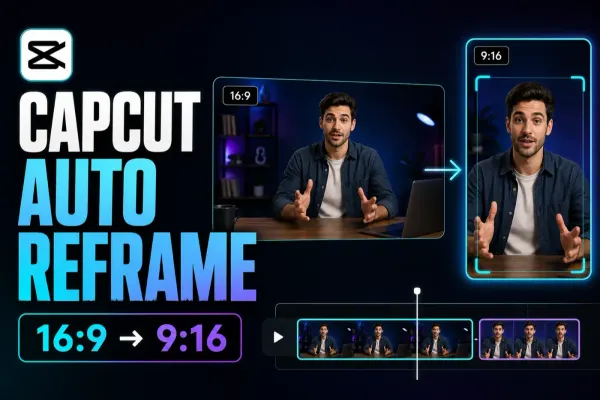
A practical guide to CapCut Auto Reframe: current Pro access, Desktop/Online/Mobile paths, 9:16 setup, track review and manual keyframe repairs.
 AI Tools
A dated, practical check of CapCut AI video models, live clip limits, credit quotes, prompt setup and the quality checks to run before publishing.
 AI Tools
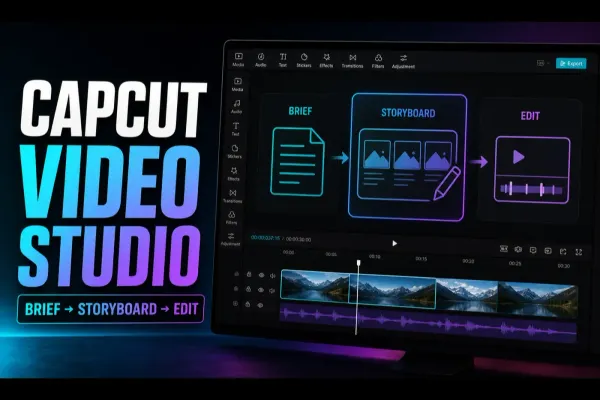
A practical CapCut Video Studio workflow: write the brief, review the storyboard, check credits, inspect the generated draft and finish in the editor.
 CapCut Pro
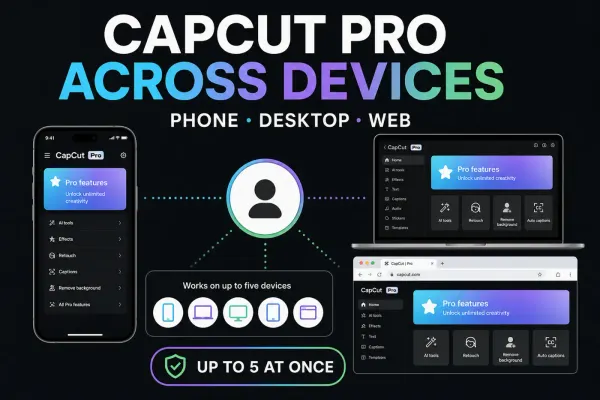
Use the same Pro account on another device without buying twice. Check device limits, linked sign-in methods and which projects actually transferred.
 Fixes
Fixes
Find the account you used before: check its ID and sign-in method, handle QR or password problems, and keep local drafts safe while recovering access.
 Tips & Tricks
Missing card, offline clips or deleted app data? Follow the recovery route that fits, preserve what remains and check the recovered edit before relying on it.
 Tips & Tricks
Move the editable timeline, not just an MP4. Preserve source files, choose a transfer route and check the destination before retiring the original.
 Tips & Tricks
Find the editable draft—not just the exported video. Check the folder, account and source media before moving or deleting anything.
 Fixes
Fixes
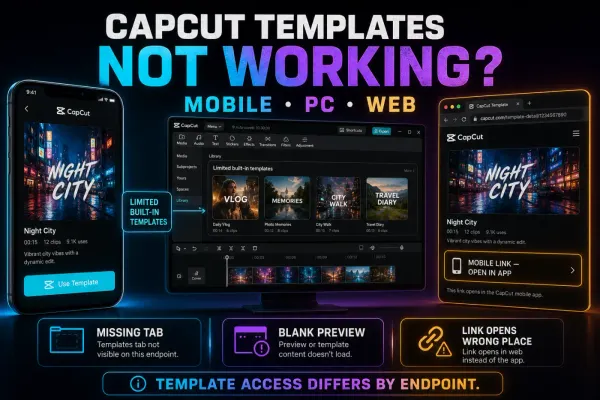
Find the first failure: missing tab, broken link, stalled loading, media replacement or export. Start with a small comparison, not a reinstall.
 Fixes
Fixes
A safe CapCut connection checklist for Mobile, PC, Mac and Web, including outages, permissions, sign-in, cloud features and local-project protection.
 Tutorials
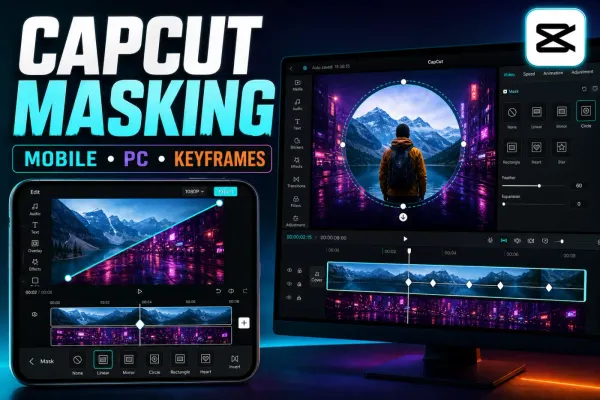
Mask video in CapCut Mobile, Desktop or Web, control shape, feather and Invert, then animate the mask without moving the wrong layer.
 Comparisons
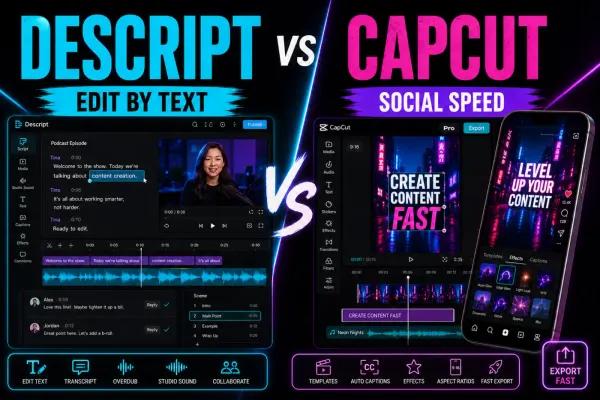
A current Descript review for CapCut users, covering transcript editing, dynamic captions, AI audio, current pricing, usage limits, collaboration and export trade-offs.
 Comparisons
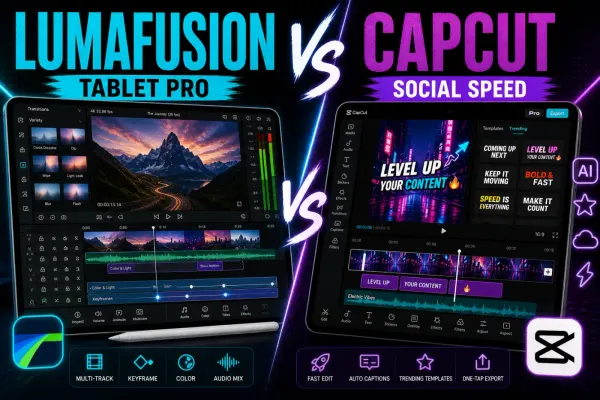
A current LumaFusion review for CapCut users, covering the paid app, Creator Pass, iPad and Android differences, multi-track editing, export limits, backups and the honest social-editing trade-off.
 Comparisons
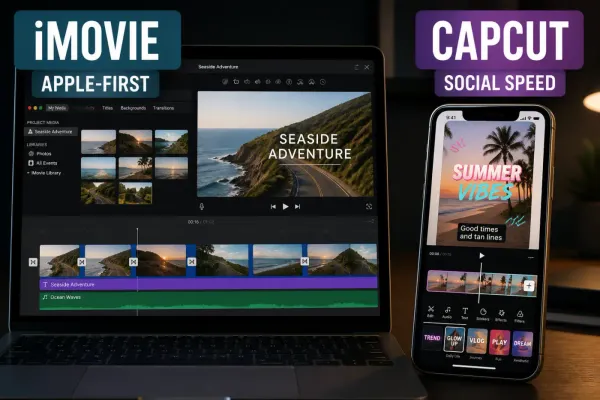
A current iMovie review for Apple users, covering free and Apple-only limits, Magic Movie, Storyboards, 4K/60 fps export, AirDrop/iCloud handoff, captions, music rights and the honest CapCut trade-off.
 Comparisons
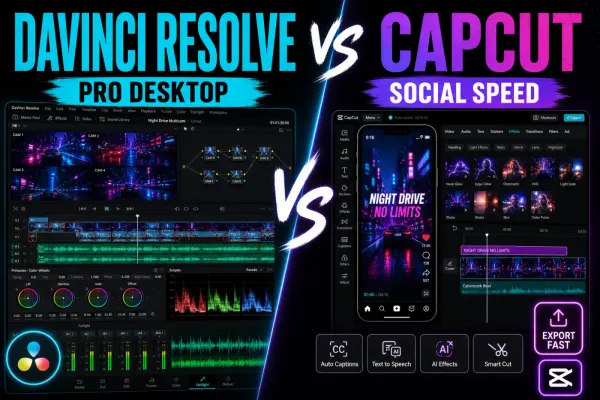
A current DaVinci Resolve 21 review for CapCut users, with Free-versus-Studio limits, supported hardware, captions, AI, project safety and a practical hybrid workflow.
 Comparisons
Filmora review for CapCut users: desktop timeline, Free watermark and a dated Filmora 15 plan snapshot. Filmora 16 is now the current release; verify its checkout before buying.
 Comparisons
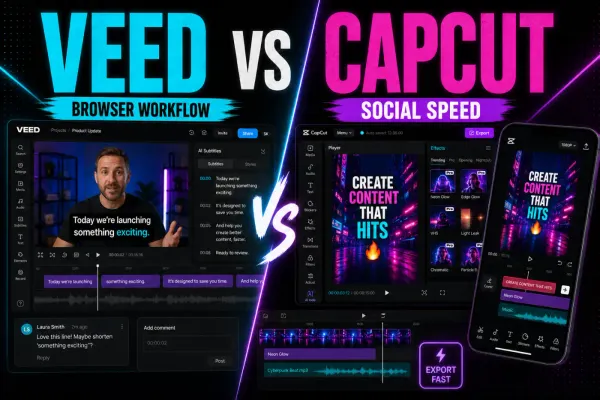
A current VEED review for CapCut users, covering Free versus paid exports, AI credits, transcript editing, captions, browser performance, collaboration, privacy and the mobile-app boundary.
 Comparisons
A fact-checked Canva Video Editor review covering pricing, 4K, watermark and license rules, AI, reliability, and practical differences from CapCut.