
 Comparisons
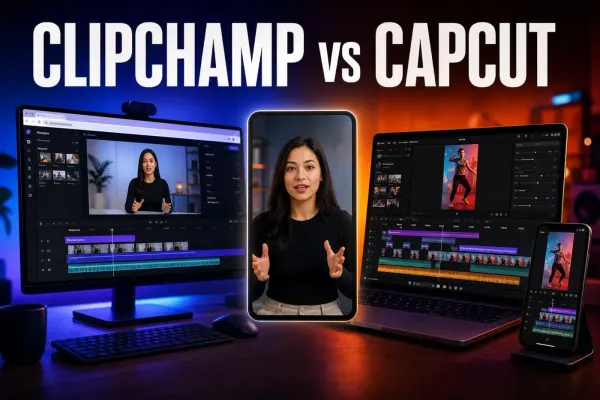
Clipchamp Review: Better Than CapCut on PC?
A current Clipchamp review covering free 1080p export, 30 fps, pricing, OneDrive, AI tools, reliability and practical differences from CapCut on PC.

Hands-on checks are labelled as hands-on. Sourced workflows link to current evidence, and a guide says plainly when generation, payment, export or a platform route was not tested.
Comparisons
A current Clipchamp review covering free 1080p export, 30 fps, pricing, OneDrive, AI tools, reliability and practical differences from CapCut on PC.
 Comparisons
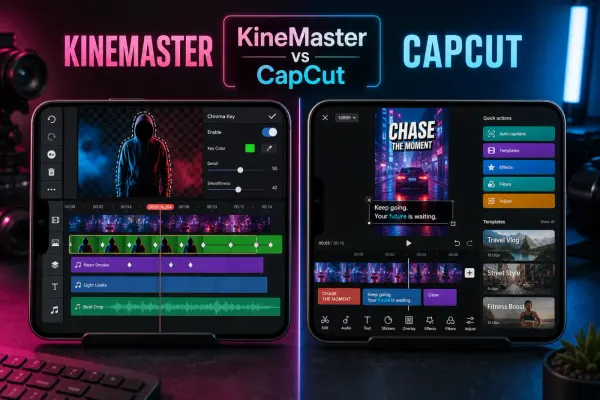
A current KineMaster review for CapCut users, covering Free versus Premium, watermark and ads, 4K/60fps, AI tools, layers, project backups, device support and pricing.
 Comparisons
A current InShot review covering pricing, watermark, 4K/60 fps, captions, keyframes, local drafts, privacy and practical differences from CapCut.
 Comparisons
VN is the calmer CapCut alternative for manual timeline work. Here is what remains free, what Pro adds, which platforms work, and where reliability still needs testing.
 Comparisons
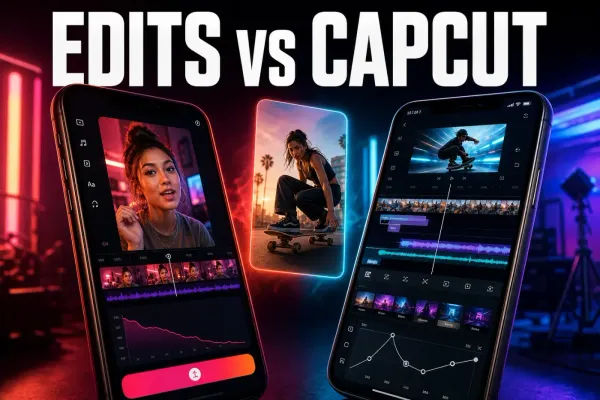
Edits is the better free phone editor for Instagram-first Reels. CapCut still wins when you need desktop, web or a broader multi-platform toolkit.
 Tutorials
Add photo or video overlays in CapCut Mobile, Desktop and Web, then control crop, timing, layer order, opacity, audio and export checks.
 Tutorials
Add and time music in CapCut Mobile, Desktop or Web, mix it under speech, check track-specific rights, and fix missing or silent audio safely.
 Tutorials
Add and time manual text on CapCut Mobile, Desktop and Web, then keep titles readable, reuse a style and fix text that is missing.
 Tutorials
Trim clip edges or split twice to remove a middle section. Follow Mobile, Desktop and Web steps, then check gaps, audio and the layers that must stay together.
 Fixes
Fixes
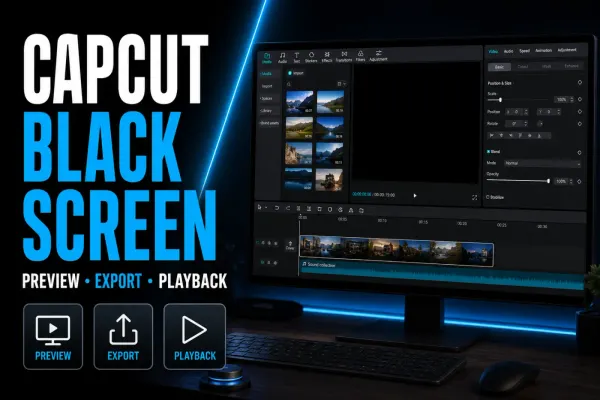
Separate a black CapCut preview from an export or player failure. Protect your draft, check layers and source media, then test reversible fixes.
 Fixes
Fixes
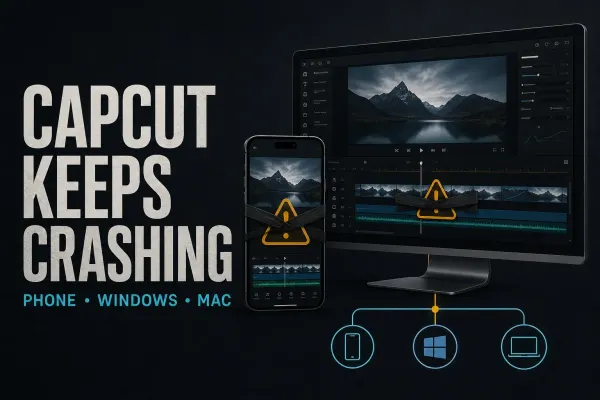
Find out whether CapCut closes at launch, import, playback or export. Protect local drafts, test one change at a time and avoid destructive resets.
 CapCut Pro
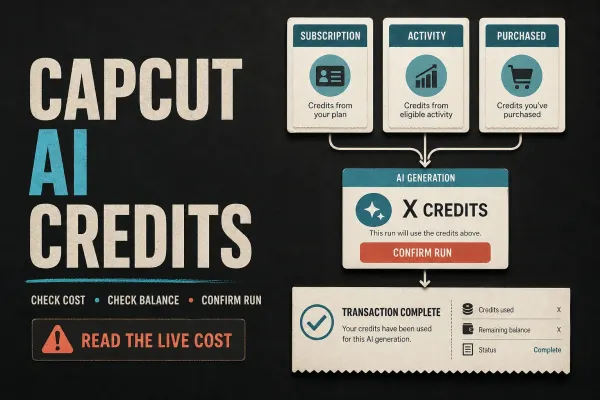
Separate Pro access from AI run costs, calculate paid-credit value and check expiry. CapCut’s conflicting Help pages need care before you spend.
 CapCut Pro
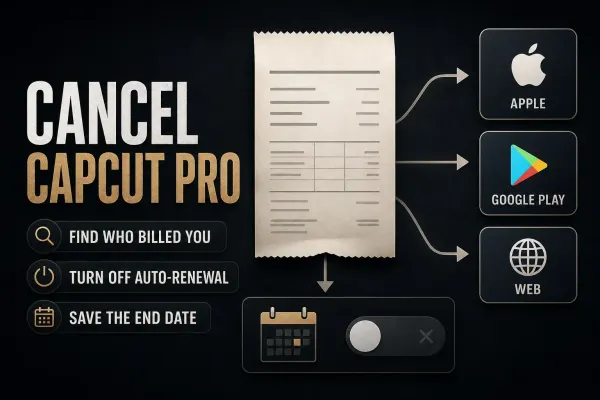
Stop renewal with the company that billed you. Follow the right account, handle a missing Cancel button and confirm when access ends.
 CapCut Pro
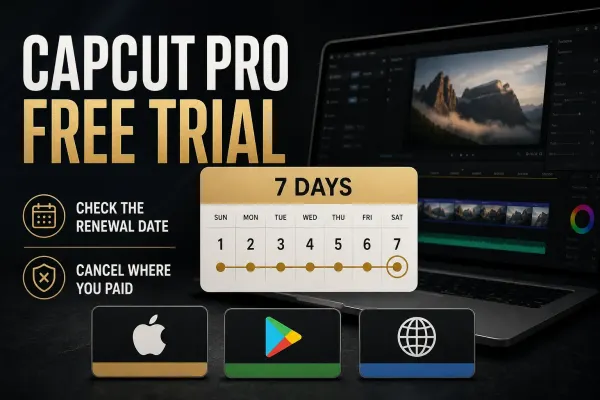
Check your offer before approving it, test the feature you need and leave time to cancel before renewal.
 CapCut Pro
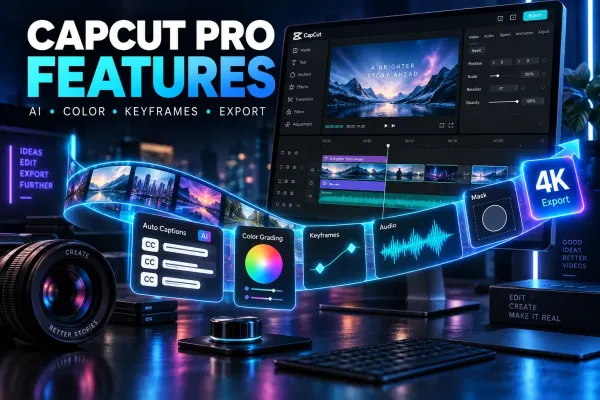
See what premium assets, AI tools and export benefits do, with practical examples and the credit, storage and licensing limits that still apply.
 CapCut Pro
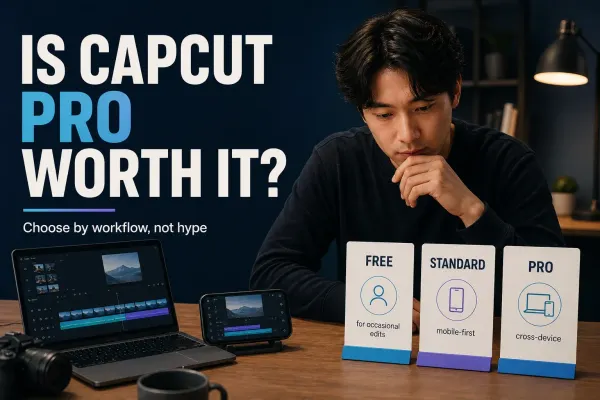
Decide whether one project or regular editing justifies Pro, after correction time, AI usage, subscription commitment and client rights.
 Tutorials
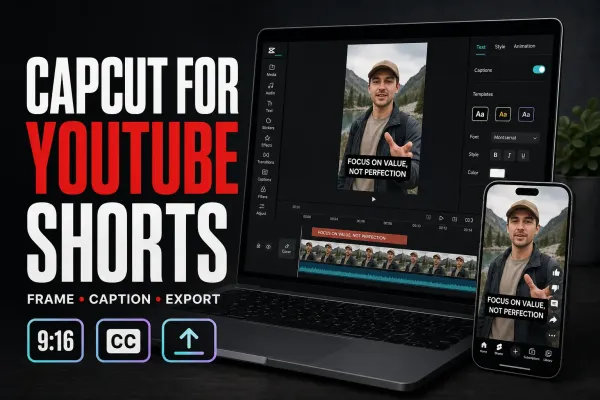
A practical CapCut YouTube Shorts workflow with 9:16 setup, UI-safe captions, defensible export routes, three-minute rules and music-rights checks.
 Tutorials
A practical CapCut-to-Instagram Reels workflow with 9:16 setup, caption placement, cover crops, music choices and export/upload QA.
 Tutorials
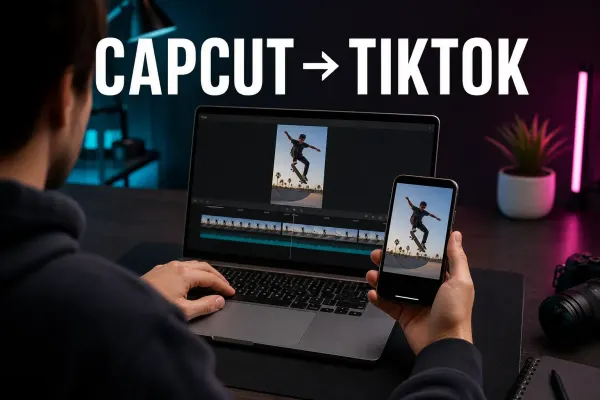
A practical CapCut-to-TikTok workflow for vertical projects, corrected captions, safe placement, clean exports and a final live-interface check.
 CapCut Pro
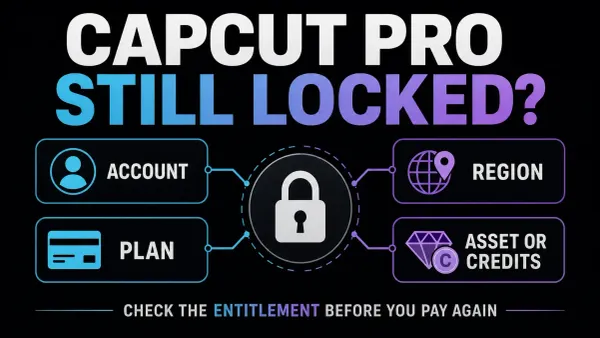
Paid but still locked? Identify the subscription and CapCut account before paying again, signing out or clearing project data.
 Tutorials
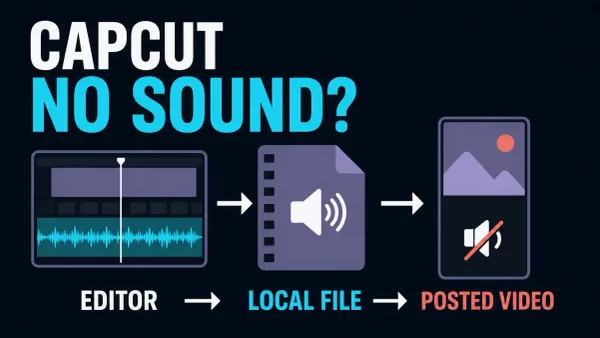
Find where audio disappears, check the right controls and test a short project copy. Includes Windows output, missing voiceovers and muted social posts.
 Fixes
Fixes
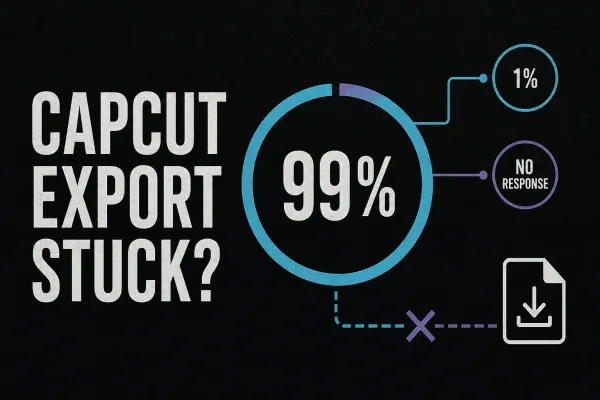
Find out whether CapCut is failing on the timeline, saving the file or refusing to start. Use short tests and the exact error code before changing the project.
 Download
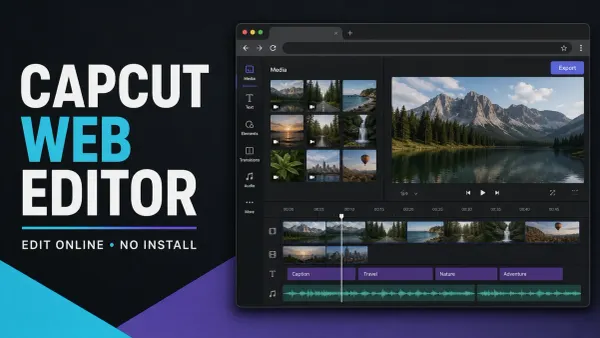
Open CapCut in a browser without installing the desktop app, then check the browser, storage and export limits that decide whether Web fits the job.
 Download
Start with the official Google Play listing. Check device compatibility, distinguish CapCut Pad, and protect editable projects before changing an existing installation.
 Effects
Remove a video background without a green screen, repair difficult edges, add a new scene and avoid flattened transparency on Mobile, Desktop and Web.
 Effects
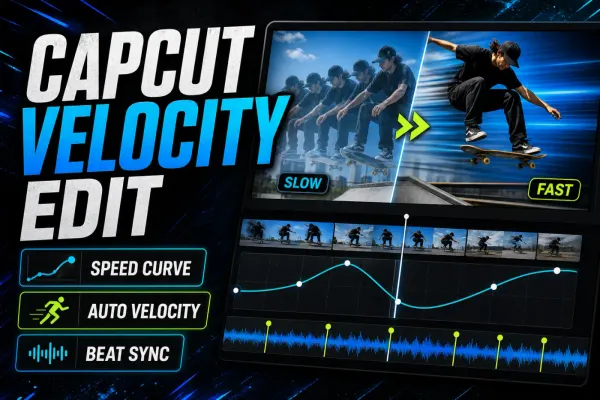
A practical CapCut velocity edit guide for manual speed ramps, Auto Velocity, beat timing and cleaner slow motion on Mobile, Desktop and Web.
 Tutorials
A practical cross-platform guide to CapCut keyframes, from the first diamond marker to smooth zooms, moving text, easing and missing-control fixes.
 Tutorials
A practical CapCut stabilization workflow for PC, Mobile and Web, including level choice, crop, warping, rolling shutter and a stuck Stabilizing export.
 Effects
A practical way to blur one static or moving area in CapCut on PC and Mobile, with mask tracking, keyframes, drift fixes and a proper exported-file check.
 Effects
A practical face-blur workflow for CapCut Desktop and Mobile, including moving faces, multiple people, tracking drift and the privacy checks that happen after export.
 Effects
Three practical CapCut background-blur workflows: keep the subject sharp, fill empty canvas space, or mask one area without losing track of the timeline.
 Tutorials
For a 30 fps vertical project, start with 1080 × 1920, MP4, H.264 where available and Recommended bitrate. Keep the timeline’s frame rate, check the local file, then test the processed upload.
 Text & Captions
To add Auto Captions, open your project, choose Captions → Auto captions, select the spoken language and generate. Some layouts use Text. Then correct the words, check their timing and apply a readable style.
 Effects
Add CapCut video, body, and AI effects on Mobile, Desktop, or Web, compare effects with filters, and fix missing, paid, or failed results.
 Transitions
Add and edit CapCut transitions on Mobile, Desktop, and Web, then fix a missing icon, failed preset, short clips, or a Pro asset prompt.
 Effects
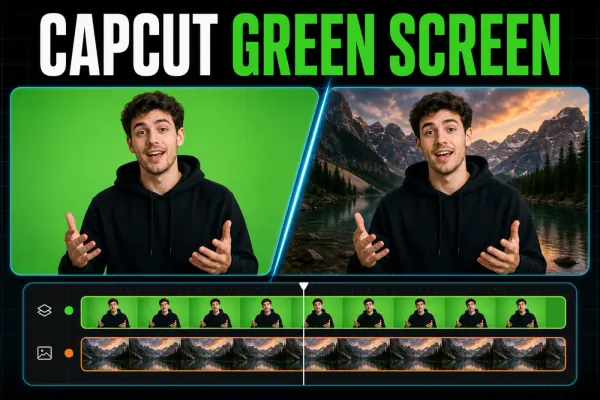
Put green-screen clips in the right order, find Chroma Key on each CapCut platform, clean the edge, and fix a missing or greyed-out tool.
 Fixes
Fixes
Find the right checks for CapCut crashes, failed exports and account problems. Start with the symptom and protect local drafts before changing app data.
 Fixes
Fixes
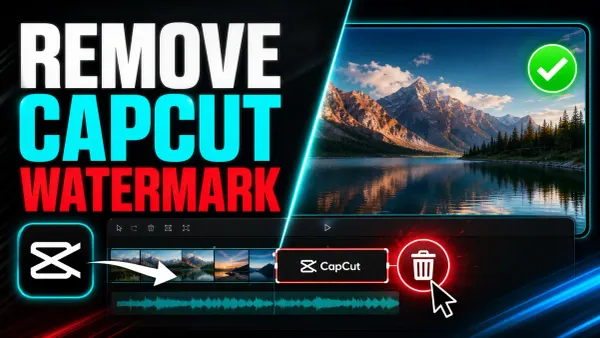
Delete a separate ending clip, diagnose an export mark and check paid assets without confusing a clean file with permission to reuse the footage.
 Download
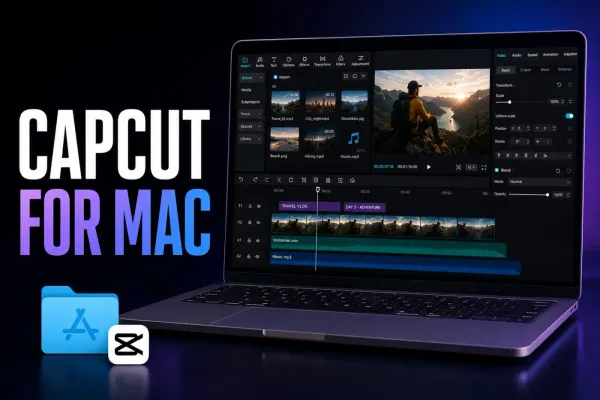
Download CapCut for Mac safely, compare official install routes, check current requirements, understand project sync and fix common setup problems.
 Download
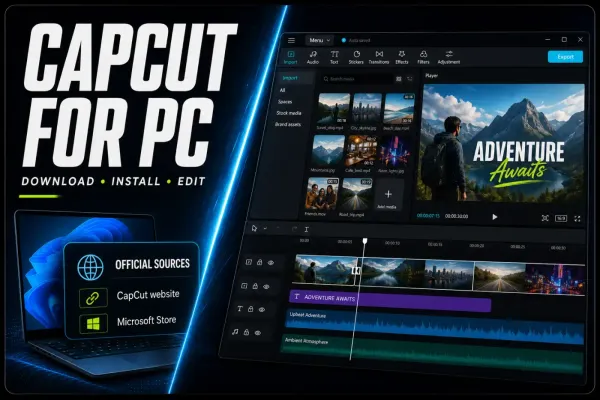
Download CapCut for PC from a verified source, check current Windows requirements, make a first edit, update safely and fix installation problems.
 Templates
Compare three live Healing Thailand templates, open the correct Mobile link, fix missing, Pro and watermark problems, or rebuild the timing manually.
 Download
Use the official Apple listings, choose between CapCut and CapCut Pad, fix a blocked download, and protect projects before reinstalling.
 Download
CapCut has live US store listings. Federal app restrictions exclude individual-user enforcement, but device policies, privacy and backup checks still matter.
 Templates
Find current CapCut templates across Mobile, Desktop, Web and TikTok, then verify the link, format, editability and export before using one.
 Templates
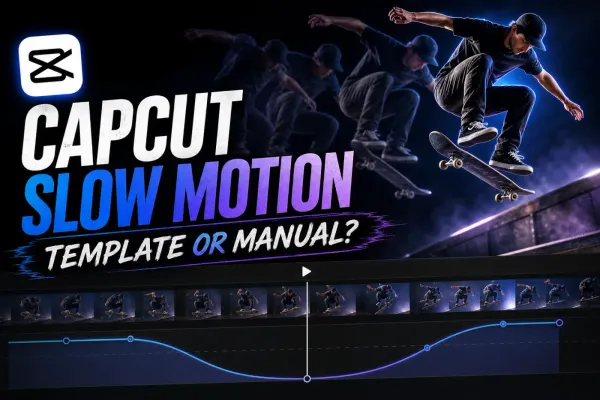
A current guide to CapCut slow-motion templates, manual Speed and Curve controls, source frame rate, interpolation artifacts and reliable test exports.
 AI Tools
Change an audio clip, record your own voice profile and reuse it for new narration. Includes safe troubleshooting for missing voices.
 CapCut Pro
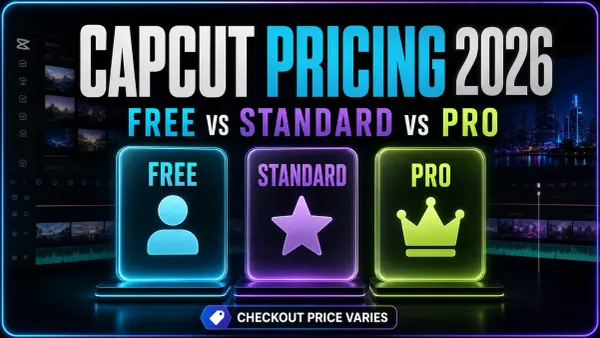
Compare named US and UK store prices with published annual references, then check your actual renewal, benefits and extra AI costs.
 Templates
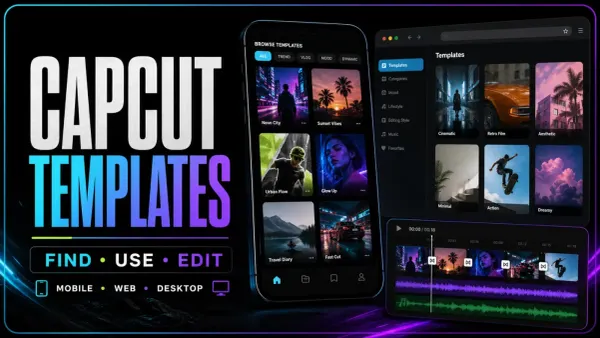
Find an official CapCut template by category, media slots, duration and ratio, then use the current Mobile, Web or Desktop route and check the edit before export.
 Text & Captions
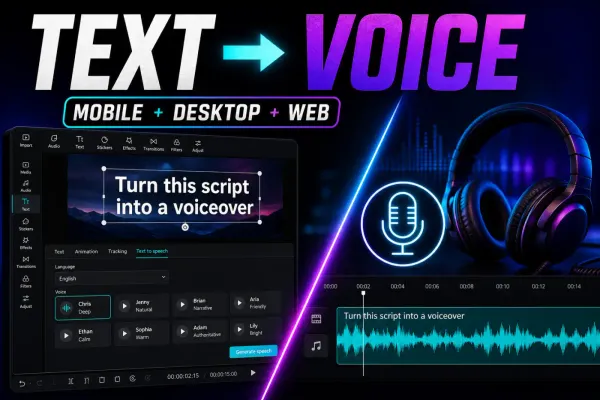
A current guide to CapCut text to speech on mobile, desktop and web, with voice selection, timing, availability, licensing and troubleshooting checks.
 Tutorials
A maintained CapCut feature matrix for Mobile, Desktop and Web, with the plan, credit, region, version and project conditions that a simple yes/no table misses.