

The CapCut Creator Program is not one universal application with one payment table. CapCut currently runs several creator routes for different regions and skills: template creation, visual assets, motion graphics, AI workflows, referrals and affiliate promotion. The right starting point depends on where you live, what you make and whether you want to publish reusable assets or promote CapCut to an audience.
For most video editors in the United States or United Kingdom, the clearest official route is the regional Template Creator Program. Designers and AI creators may fit the broader CapCut World Creator Program. Publishers with an audience should compare the Affiliate Program. Client editing and selling your own products are separate businesses outside these programs.
Choose the program before you build the portfolio
| Route | Best fit | What you create or do | How value is measured | First place to check |
|---|---|---|---|---|
| US Template Creator Program | US editors who want to publish reusable CapCut templates | Templates built for other users to customize and export | Template performance, tasks and program level | Official US application page |
| UK Template Creator Programme | UK editors focused on reusable edits and trends | Templates, challenge entries and assigned tasks | Exports, virality, challenges and tasks | Official UK application page |
| CapCut World Creator Program | Asset, motion, visual and AI creators across supported regions | Stickers, fonts, effects, motion graphics, covers, prompts and related assets | Program stage, content quality and performance under the offer shown | Current CapCut World application |
| CapCut Affiliate Program | Publishers, educators and creators with an audience | Referrals and promotional content | Qualified actions under the current affiliate terms | Official affiliate page and network terms |
| Pioneer or special partner programs | Creators invited to a campaign or specialist initiative | Program-specific work | Separate campaign rules | Current official program page or invitation |
| Independent editing services | Editors who want direct client revenue | Finished videos, retainers, template packs or training | Your own pricing and client agreement | Your portfolio and sales process |
The mistake is sending every route the same generic reel. A good template portfolio proves people can replace the footage and still get a useful result. A motion-design portfolio proves you can build polished, reusable components. An affiliate application has to show audience fit and distribution. Editing skill alone won't carry it.

The regional Template Creator Programs
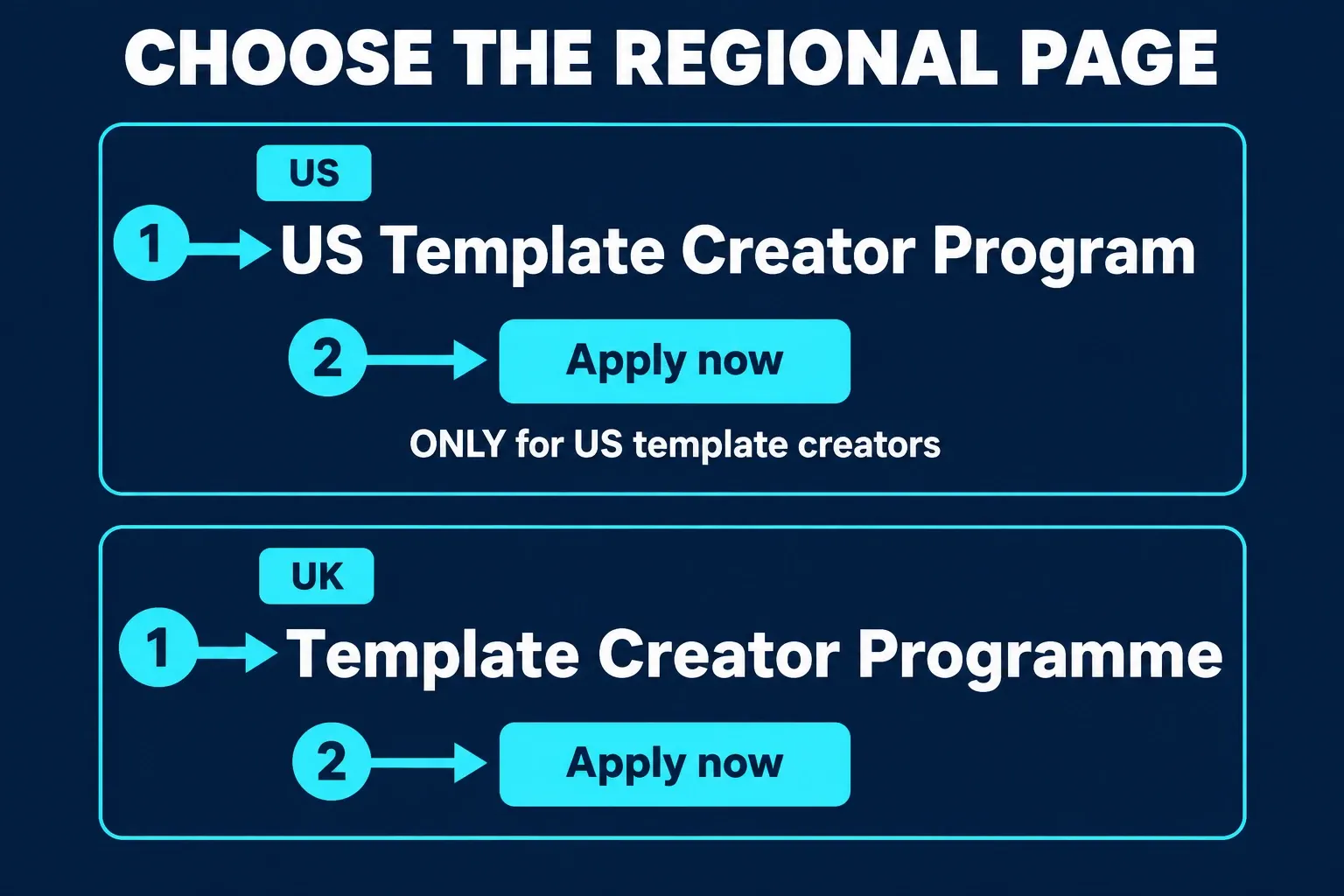
CapCut's US Template Creator Program is explicitly limited to US template creators. Its current page describes Explorer, Emerging and Elite levels. Your level affects access to workshops, tasks, visibility support and rewards, and some specialist groups are invitation-based.
The UK Template Creator Programme has a simpler public application path. You submit an application, go through review and local onboarding, then create templates once you're approved. Its page says rewards may come from individual performance, template virality, challenges and team tasks.
Both pages point to the same practical conclusion: CapCut is looking for original, reusable templates that are easy for another user to customize. A beautiful edit that only works with your exact footage may make a strong social post and still be a weak template submission.
What a useful template portfolio should prove
Skip the unrelated effects and build a small portfolio around repeatable outcomes. Each example should answer five questions:
- Who is it for? Travel creators, small businesses, photo dumps, product demos, event recaps or another clear use case.
- What does the user replace? Mark the number and type of video or photo slots.
- What stays readable? Titles should survive different names, dates and languages where possible.
- What makes it reusable? Timing, transitions and framing should work with ordinary user footage.
- What makes it yours? Use original structure and assets you have the right to submit.
Our walkthrough for using CapCut templates covers the user side of replacing clips and text. Read it as a usability test. If a user can't tell what to replace, the template needs another pass.
How the application process usually works
The exact form differs by program. The review logic is consistent enough, though, that you can prepare before you open it.
1. Confirm the region and route
Use the regional page that matches your actual location and account. A US-only form isn't a global application, so don't treat it as one. If the public page doesn't name your region, check the current form and official support before you build a portfolio around that route.
2. Prepare your CapCut identity
Keep your CapCut ID, profile link, contact email and public portfolio consistent. Reviewers should be able to connect the application to the work you submitted without guessing which account is yours.
3. Select a focused portfolio
Three to six relevant examples beat a long reel that buries the skill being reviewed. For template programs, include templates or edits that can clearly become templates. For the World program, group your examples by the design category you select.
4. Submit only rights-cleared work
Use footage, audio, fonts, graphics and effects that you created or can license for the proposed use. Under CapCut's general Creator Terms of Service, you're responsible for owning or licensing your Creator Content and for being able to provide evidence of that chain of rights. These general terms expressly direct US users to separate US Creator Terms; check the terms and offer that govern your account.
5. Save the version you submitted
Save the portfolio files, application answers, live program page and any program-specific agreement in one folder. If an offer arrives later, compare it with the public page you saw instead of trusting memory.
How to evaluate earnings without believing a headline
CapCut's regional pages say template earnings are linked to performance, exports, challenges and tasks. What they don't publish is one permanent rate that applies to every creator, template and market.
The general Creator Terms for users outside the US are even clearer. Cooperation and fee calculations can be governed by separate agreements, and the general terms provide no minimum guarantee of fees, incentives or income. So a screenshot of another creator's dashboard isn't a rate card for your account.
Before accepting a task or program offer, identify:
- the eligible action: publish, export, use, qualified referral, approved task or another event;
- the measurement window and reporting source;
- the country, account level and content category covered;
- thresholds, caps, exclusions and fraud checks;
- payout currency, method and minimum withdrawal amount;
- review, adjustment and payment timing;
- tax forms and withholding rules;
- what happens if a template is removed or the account leaves the program.
A useful forecast uses three cases instead of one viral assumption:
| Scenario | Eligible results in the period | Reward per result or task | Deductions and thresholds | Estimated payout |
|---|---|---|---|---|
| Low | Your conservative estimate | Current offer only | Apply all known limits | Calculate from the live terms |
| Expected | Based on comparable work you control | Current offer only | Apply all known limits | Calculate from the live terms |
| High | Strong performance without assuming virality | Current offer only | Apply caps and review rules | Calculate from the live terms |
If the offer doesn't define the eligible action or payout calculation, ask for those details before you spend weeks on production.
Rights you grant when you publish Creator Content
Joining a creator program isn't the same as selling a finished video to a client. The general Creator Terms for users outside the US say you or your licensor retain copyright in Creator Content. Posting it, though, grants CapCut a broad, worldwide, perpetual, royalty-free and transferable license that includes modification, derivative works, distribution and storage.
That's a material business term. Read it alongside any separate program agreement before you submit an asset you plan to license exclusively somewhere else.
Also check these obligations:
- you must own or license every element you submit;
- you may need to provide chain-of-title evidence;
- content can be edited, refused or removed under the terms;
- deleting an account or incentivized content may be restricted by the applicable rules;
- the relationship does not create employment, partnership or a joint venture;
- tax responsibility and withholding may depend on the payment arrangement and jurisdiction.
Before you turn an edit into a public template, run its stock, music, fonts and client media through the CapCut commercial-use rights checklist. A license that covers one finished social post may not cover distribution inside a reusable template.
CapCut World is a different creator route
The current CapCut World Creator Program asks for creators across four broad directions:
- asset design, including illustrations, stickers and fonts;
- animation design, including effects, text animation, motion graphics and 3D;
- visual design, including social assets, banners, key visuals, posters and covers;
- AI prompt and skill creation, including prompt engineering and related workflows.
The application asks for your region, design skills, creation direction and a portfolio or social link. The page also lays out a staged growth model and performance-based incentives. Treat the displayed range as marketing for that program, not guaranteed personal income. Confirm eligibility, stage requirements, deliverables, calculation and payment terms in the offer you receive.
For a motion designer or asset creator, this path makes more sense than forcing that work into a template-only portfolio.
Affiliate, referral and special programs
The CapCut Affiliate Program is aimed at promotion and referral rather than making templates for the library. It can fit tutorial publishers, educators, comparison sites and creators who already reach people interested in video production. In the current affiliate agreement, check the approved traffic sources, attribution window, qualified action, commission reversals and disclosure rules.
The US Template Creator page also describes a referral program that opens up after a creator joins. That's an extra program benefit, not a substitute for getting accepted in the first place.
CapCut keeps pages for initiatives such as the Pioneer Program, but special campaigns can open, close or shift focus. Only go for one when the current page, form or direct invitation clearly says applications are active and your account or region is eligible.
Independent editing may be the better first income path
You don't need to be accepted into a CapCut program to sell editing services. If you're a newer editor, direct work can be easier to control. You set the service, price, revision policy and client relationship.
Possible offers include:
- short-form editing packages for a defined number of videos;
- monthly repurposing from long-form recordings;
- UGC ad editing with hooks and variants;
- event, travel or real-estate recap edits;
- rights-cleared template packs sold under your own terms;
- editing consultations or training.
The CapCut for Business guide covers workspace and production choices. If you're selling paid social production instead of public templates, the UGC ads guide is the better starting point.
Don't describe client work as participation in the CapCut Creator Program. In proposals, invoices and disclosures, keep the platform program, your service business and any affiliate relationship separate.
Application checklist
Use this before pressing submit:
- I selected the program that matches my region and output.
- My CapCut ID, email and portfolio identify the same creator.
- The portfolio is focused on the category being reviewed.
- Each sample shows a repeatable user outcome.
- I own or can license every submitted element for this use.
- I saved the live application page and terms I reviewed.
- I understand how the program defines an eligible result.
- I found thresholds, caps, review timing and payment method.
- I reviewed the license granted for Creator Content.
- I have a backup income path if the application is declined or delayed.

Practical questions
Is the CapCut Creator Program available worldwide?
Not as one uniform program. The US template page is explicitly US-only, the UK has its own programme, and CapCut World lists a broader set of regions plus an “Other” option. Eligibility still depends on the current form and review.
How many followers do I need?
The public US and UK template pages focus on editing ability and original templates rather than one universal follower minimum. Specialist groups, affiliate offers and individual campaigns may add audience requirements.
Does CapCut pay for every template?
Do not assume that. Public pages describe performance rewards, challenges and tasks, while the general Creator Terms for users outside the US state that no minimum payment or income is guaranteed. Use the offer visible to your account.
Can I apply without professional experience?
The US and UK pages say professional experience is not required, but applicants should understand editing and show a willingness to improve. A focused portfolio still matters.
Can I use copyrighted music in a submitted template?
Only if you have the rights needed for that submission and distribution. A song being available in an editor does not automatically let you include it in reusable Creator Content.
What happens after I apply?
The UK page describes review followed by onboarding with local teams. CapCut World describes application, evaluation and an agreement step. Timing and communication vary, so keep your application record and watch the contact address you submitted.
The practical recommendation
I'd start with the output you can make over and over. A reusable edit for ordinary users calls for a template portfolio and the correct regional page. If you create effects, visual assets or AI workflows, compare CapCut World. When your advantage is audience distribution, look at the affiliate route. And if you need income you can control now, package a direct editing service while the application is under review.
Don't pick a program because someone posted a payout screenshot. Pick it because the deliverables match your skill, the rights grant fits your plans and the current offer explains how eligible work becomes a payment.