
 Tutorials
How to Remove Audio From a Video in CapCut
Choose between Volume 0, Separate audio and selective stem separation when you need to remove sound from a CapCut video.
CATEGORY
CapCut shortcuts, hidden settings, performance tips and pricing breakdowns to get more out of the app.
Tutorials
Choose between Volume 0, Separate audio and selective stem separation when you need to remove sound from a CapCut video.
 Tutorials
Duplicate a trimmed clip for a fixed number of repeats, then check the joins and the finished file.
 Tutorials
Set a steady speed above 1x on Mobile, Desktop or Web, then check the shortened clip, audio and export.
 Tutorials
Stack an original clip, a title and a subject cutout in the right order, then check timing and moving edges.
 Tutorials
Check whether your account can publish templates, design replaceable media slots and follow CapCut's documented creator route.
 Tutorials
Find the Delete or Move to Trash command on each CapCut platform, and avoid losing the only editable version of your project.
 Tutorials
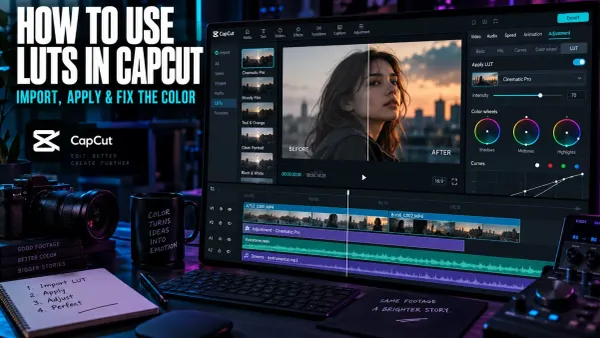
Import a custom LUT in CapCut Desktop, choose the correct technical or creative transform, control its intensity, and prevent common color problems.
 Tutorials
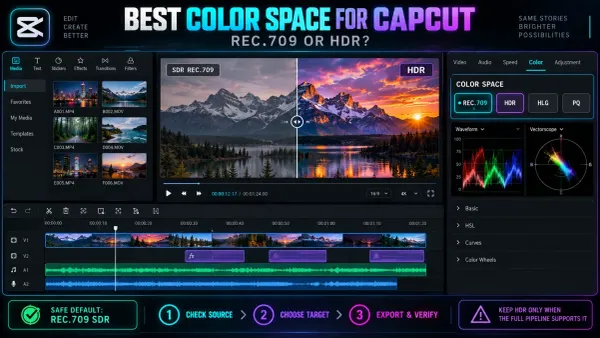
Choose a dependable color space for CapCut, prevent SDR and HDR mismatches, and fix washed-out iPhone footage before the final export.
 Comparisons
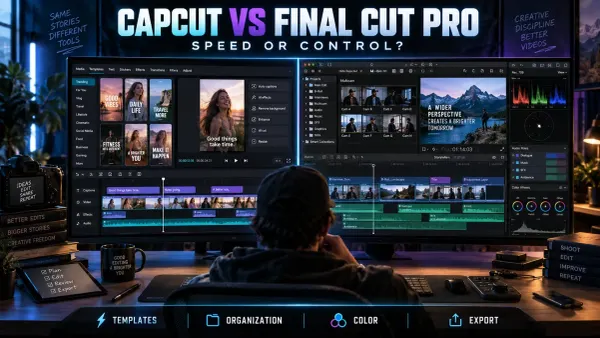
Choose between CapCut and Final Cut Pro by comparing publishing speed, platforms, captions, multicam, media organization, pricing and migration costs.
 AI Tools
Learn when CapCut Video Upscaler helps, which defects it cannot recover, how to compare HD, UHD and 4K, and what to inspect before export.
 Tutorials
Save a compatible video from CapCut, upload it as a Pinterest video Pin, then check its cover, details and playback.
 Tutorials
Export a CapCut video file and upload it to the right Facebook profile or Page, or use mobile sharing if available. Check audience and playback.
 Tutorials
Choose direct mobile sharing or export a file, then check the saved video and LinkedIn post preview before publishing.
 Tutorials
Export a GIF directly when CapCut exposes the option, or use a reliable MP4-to-GIF fallback with practical size, quality and format guidance.
 Tutorials
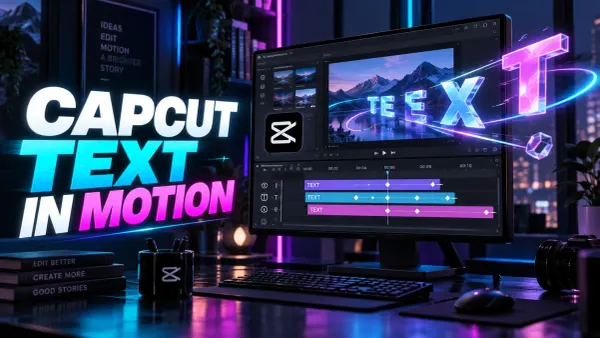
Animate CapCut text with In, Out and Loop presets or precise Position, Scale and Opacity keyframes, then check timing, safe areas and export readability.
 Tutorials
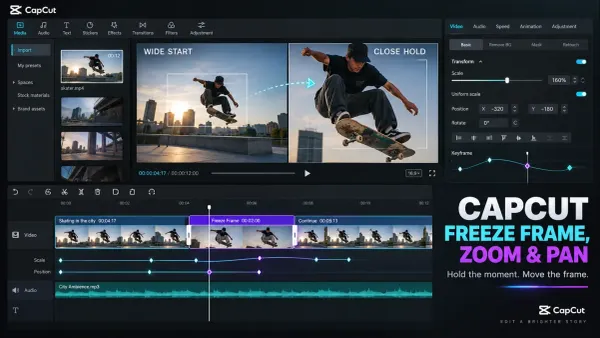
Create a clean freeze frame in CapCut, set the hold duration, then animate zoom and pan with Scale and Position keyframes without blur, black edges or jumps.
 PC & Desktop
Separate background removal from alpha export, choose a compatible codec and verify the file over vivid, black and white layers.
 Tutorials
Compare CapCut creator routes, build the right portfolio, evaluate earnings terms and review content rights before applying.
 Tutorials
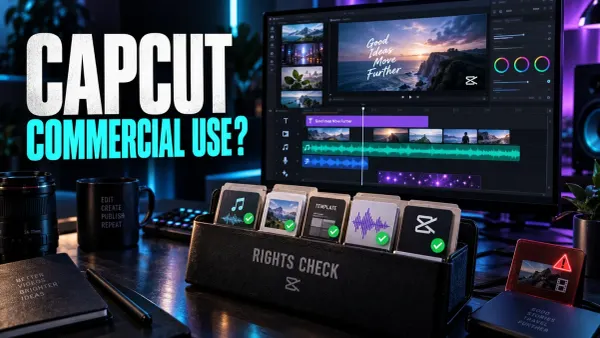
Use CapCut for commercial videos only after checking every asset. This guide covers music, templates, stock, AI outputs and client delivery rights.
 Tutorials
Use CapCut more safely by choosing official downloads, limiting permissions, protecting private media and reviewing account, cloud, AI and sharing risks.
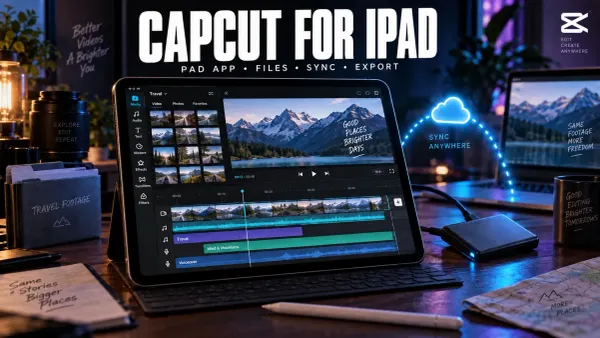 Mobile Editing
Choose the right CapCut app for iPad, protect editable drafts, import local media safely and verify project sync before deleting the original copy.
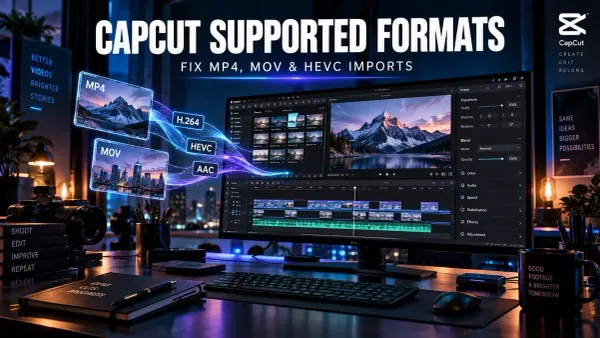 Tips & Tricks
Diagnose CapCut import failures by checking the real codecs, file access and timing, then test a short H.264, AAC and CFR compatibility copy.
 Tips & Tricks
Find where a CapCut video first turns pale, check HDR and SDR color information, compare players and displays, and choose the right delivery path.
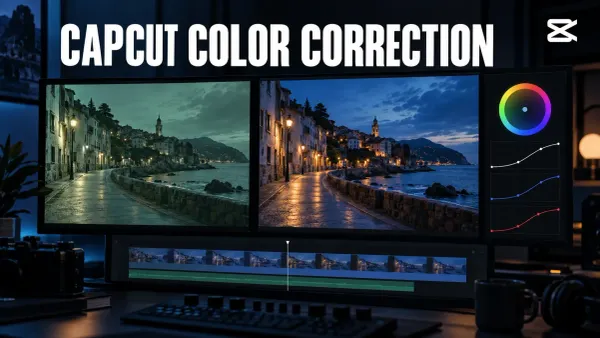 Tips & Tricks
Fix exposure and white balance, keep skin natural, match clips recorded under different light, and check your CapCut color correction after export.
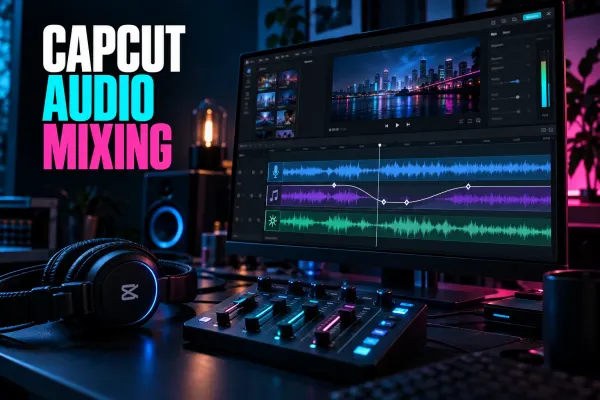 Tutorials
Balance voice, music and sound effects in CapCut, build smooth ducking with keyframes, use fades correctly and check the finished mix after export.
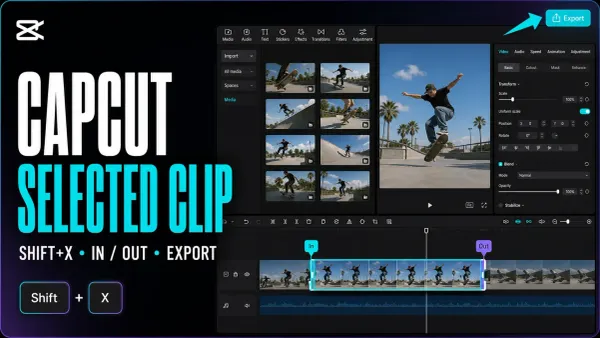 Export
Save one clip, a custom section or several separate files. Mark the timeline range, keep the right layers and check each finished video.
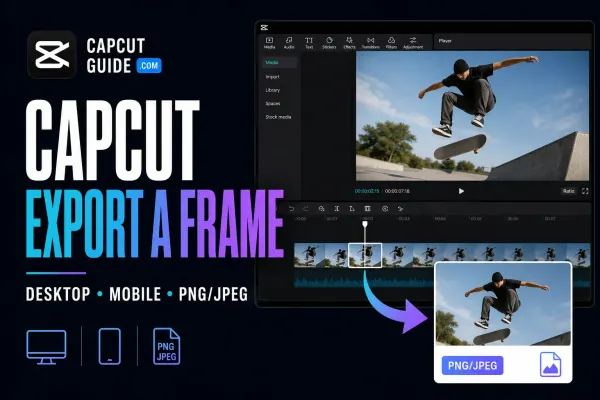 Export
Save one video moment as a separate picture. Find the Desktop command, check the phone route and choose a format that suits the job.
 Fixes
Fixes
Find out whether the stutter is in your exported file, one player or the uploaded copy. Test a short section without risking the working project.
 Fixes
Fixes
Find where your video lost detail, test one change at a time, and check the saved export before rebuilding the edit or uploading it again.
 Tutorials
Reduce fan, hum, hiss and room noise in CapCut without making speech robotic, then fix missing controls or export blocks safely.
 Export
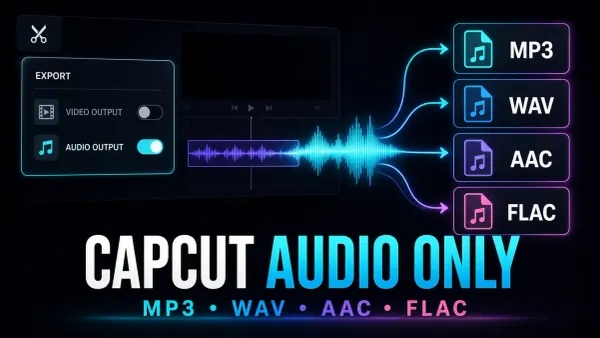
Save the soundtrack, not another video. Use Desktop audio export, prepare one clip, or convert a finished video when the phone or browser option is missing.
 Fixes
Fixes
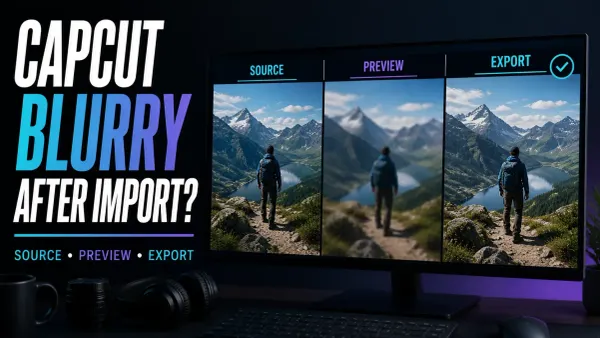
Compare your original with a short export to find out whether CapCut’s preview is soft or the saved file really lost detail.
 Tips & Tricks
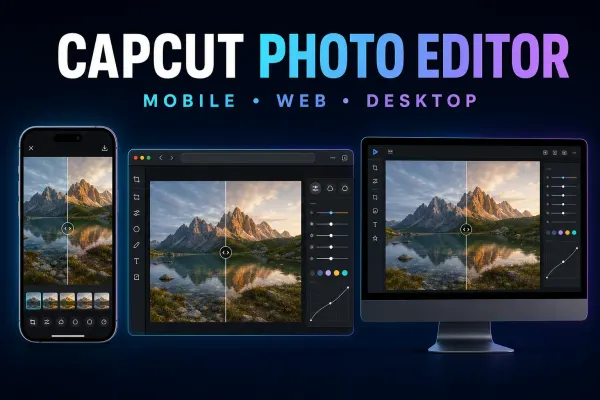
Choose the right CapCut photo editor route on Mobile, Web or Desktop, save a real still image, and fix missing tools, imports or soft output.
 Templates
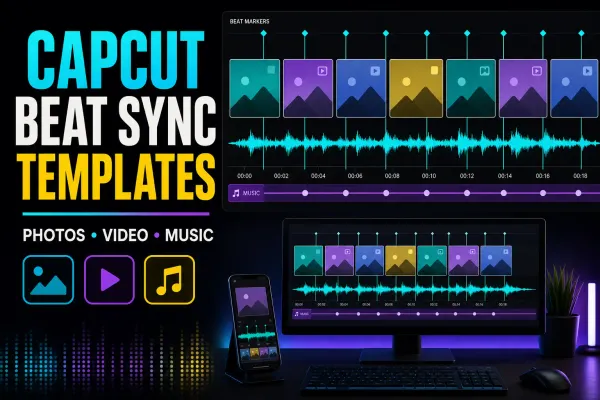
Compare live beat-sync templates by media count, then choose a fixed template, AutoCut or manual markers and repair timing, crop or audio problems.
 Templates
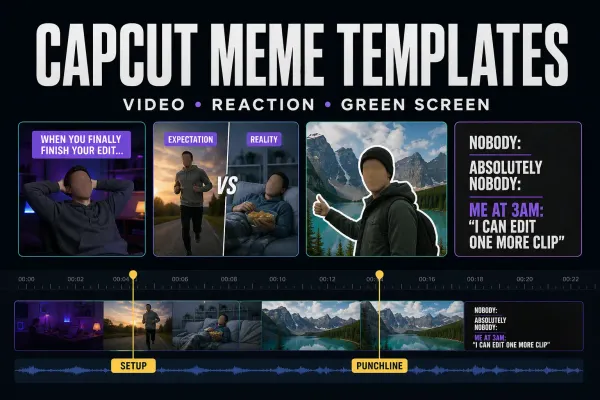
Choose a live meme template, build the timing manually, make a static image or clean up a green-screen reaction without losing the punchline.
 Templates
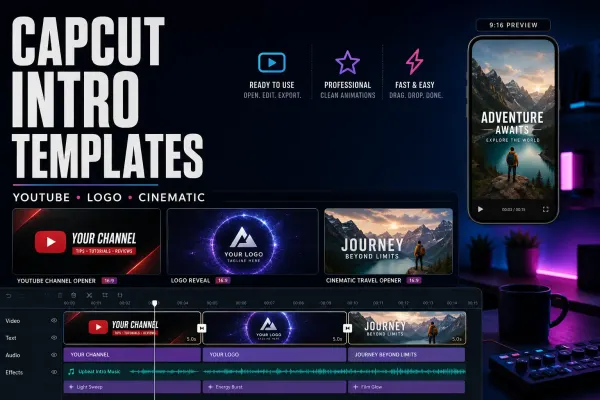
Compare four CapCut intro templates by clip count, duration and format, check text and music, or build an editable opener to reuse.
 Templates
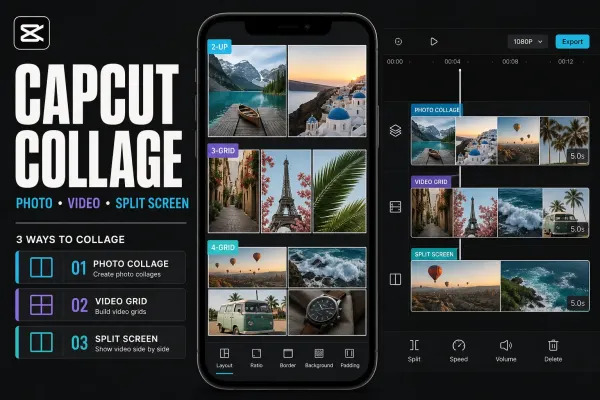
Choose a live CapCut collage template, make a static photo grid, or build a manual split screen without mixing up collage, slideshow and merge workflows.
 Templates
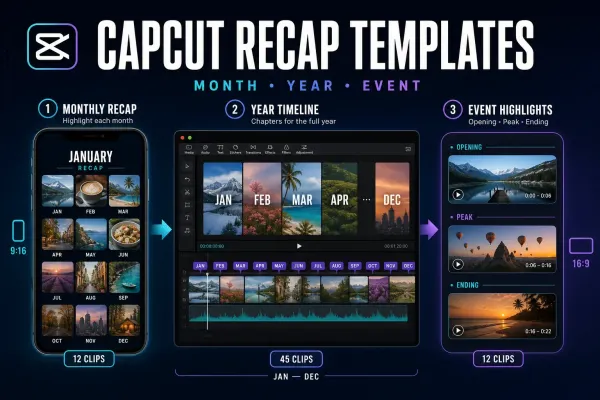
Choose a live monthly, yearly or event recap template by story shape and clip count—or build manually when fixed timing makes the memories hard to follow.
 Templates
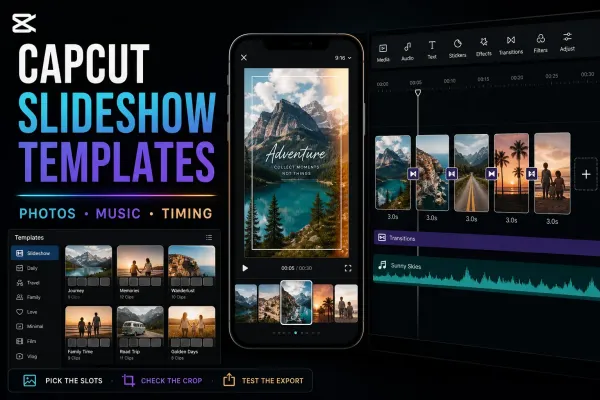
Choose a live CapCut slideshow template by media count, pace and format—or build the sequence manually when the fixed edit doesn't fit.
 Templates
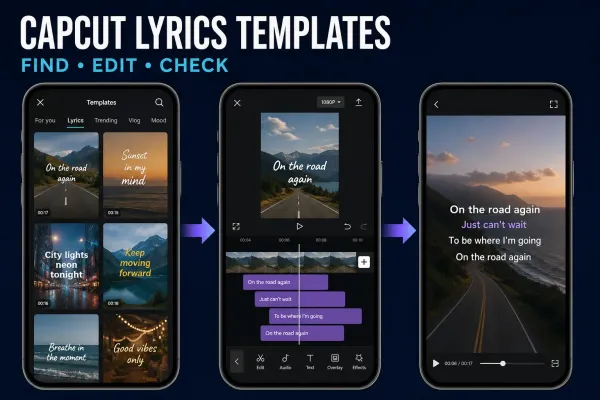
Choose a ready-made lyric video template or Auto Lyrics, then correct the words, timing and soundtrack before you export.
 AI Tools
Choose translated subtitles or AI dubbing, follow the current platform route, then check meaning, names, timing, voice and lip-sync before export.
 AI Tools
Choose the right CapCut avatar route, make one short talking-avatar test and check the face, voice, lip-sync, credits and final export.
 AI Tools
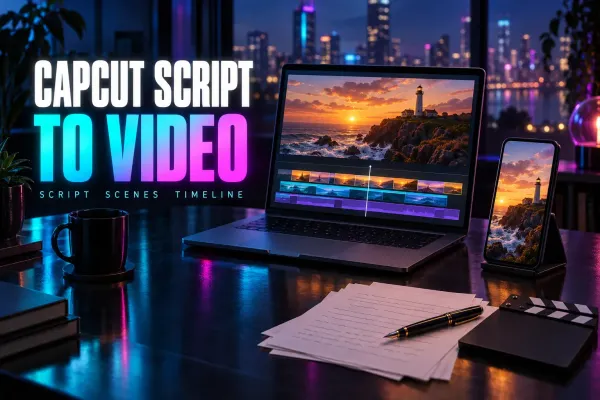
A practical Script to Video workflow for CapCut Mobile, Desktop and Web: prepare the script, choose media, generate a first cut and check every scene.
 AI Tools
A practical workflow for turning one long recording into several CapCut short candidates, then reviewing context, crop, captions, audio and export.
 AI Tools
A practical guide to CapCut AutoCut on Mobile, cautious Desktop availability, draft review, repair decisions, music rights and missing-tool fixes.
 AI Tools
Where CapCut AI Image lives, which Seedream and Nano Banana models CapCut documents, how credits and export size work, and how to review a result before use.
 AI Tools
A practical guide to CapCut Auto Reframe: current Pro access, Desktop/Online/Mobile paths, 9:16 setup, track review and manual keyframe repairs.
 AI Tools
Two CapCut AI video routes, the models and limits CapCut documents, how per-second credit billing works, and the checks to run on a clip before you publish it.
 AI Tools
A practical CapCut Video Studio workflow: write the brief, review the storyboard, check credits, inspect the generated draft and finish in the editor.
 CapCut Pro
Use the same Pro account on another device without buying twice. Check device limits, linked sign-in methods and which projects actually transferred.