










Keep a small test small
If CapCut opens, save the current work before creating a separate project with a short, non-sensitive local clip. Try only the action that fails. A successful test does not prove the main project is corrupt: CapCut's export guidance also identifies large projects and device-resource limits. If the test fails too, record that result for the relevant guide instead of clearing everything.
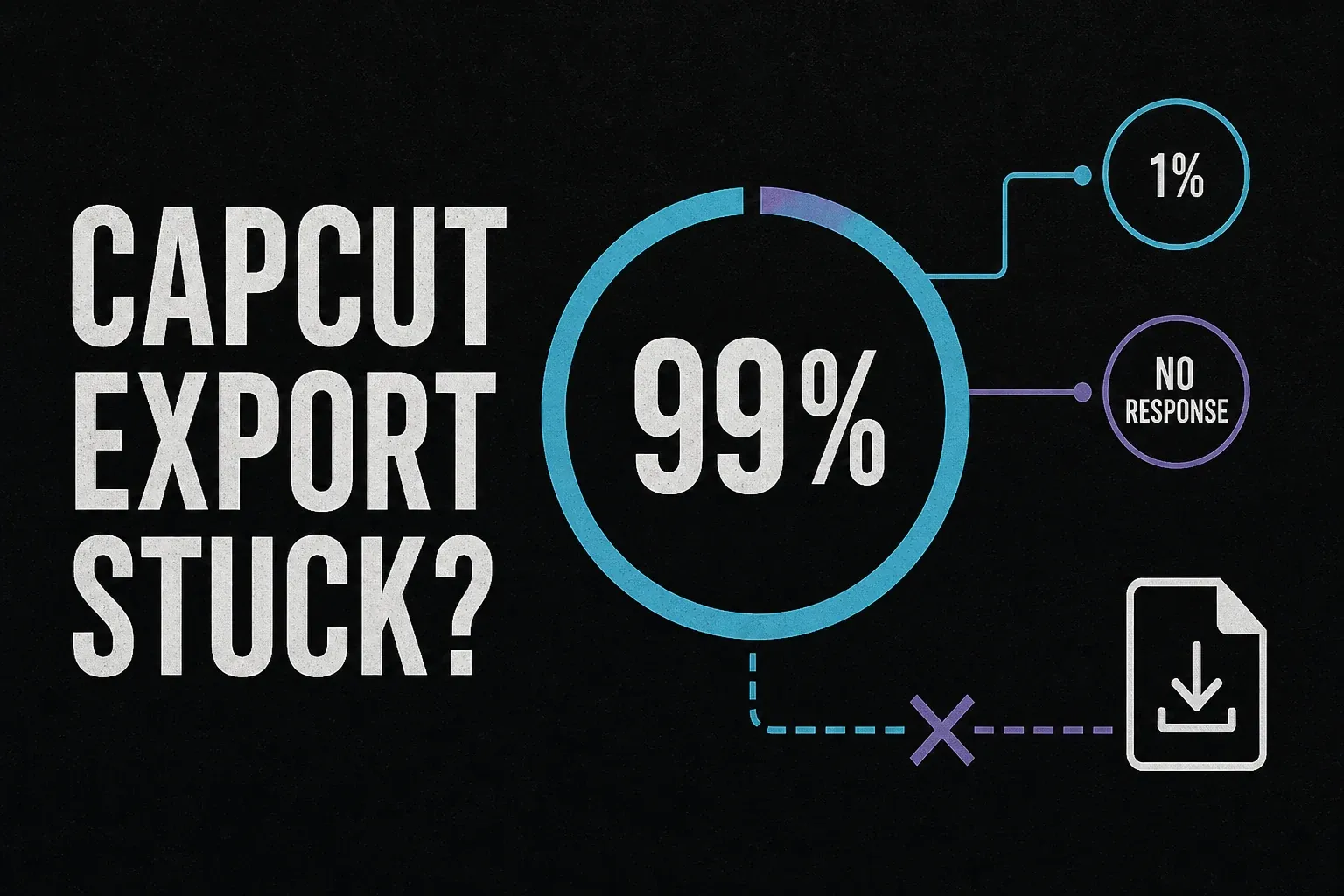
For a repeatable export failure, CapCut's error-code instructions use smaller sections to isolate some material-related errors. Do that on a duplicate and preserve the original media. Do not translate the progress percentage into a clip timestamp: the official 99% guidance includes failure to save an already rendered video. Try a permitted local destination for an export-path permission error; do not disable device security as a general fix.
Stop before a fix risks your work
CapCut's connection help warns that clearing system App Data deletes local projects and that uninstalling during an update risks unsynced work. Cache controls vary by platform and build. Do not substitute Android Clear storage, browser site-data deletion or manual folder removal for a clearly identified cache control.
Before removing an installation, confirm that a separate editable copy opens with its source media and that you can access the account holding it. A cloud thumbnail or unfinished upload is not that check. An MP4 preserves a finished video, not its editable timeline. If private or client media cannot be uploaded, use an approved independent backup route; cloud upload is not compulsory. If recovery cannot be verified, stop and ask for a non-destructive next step.
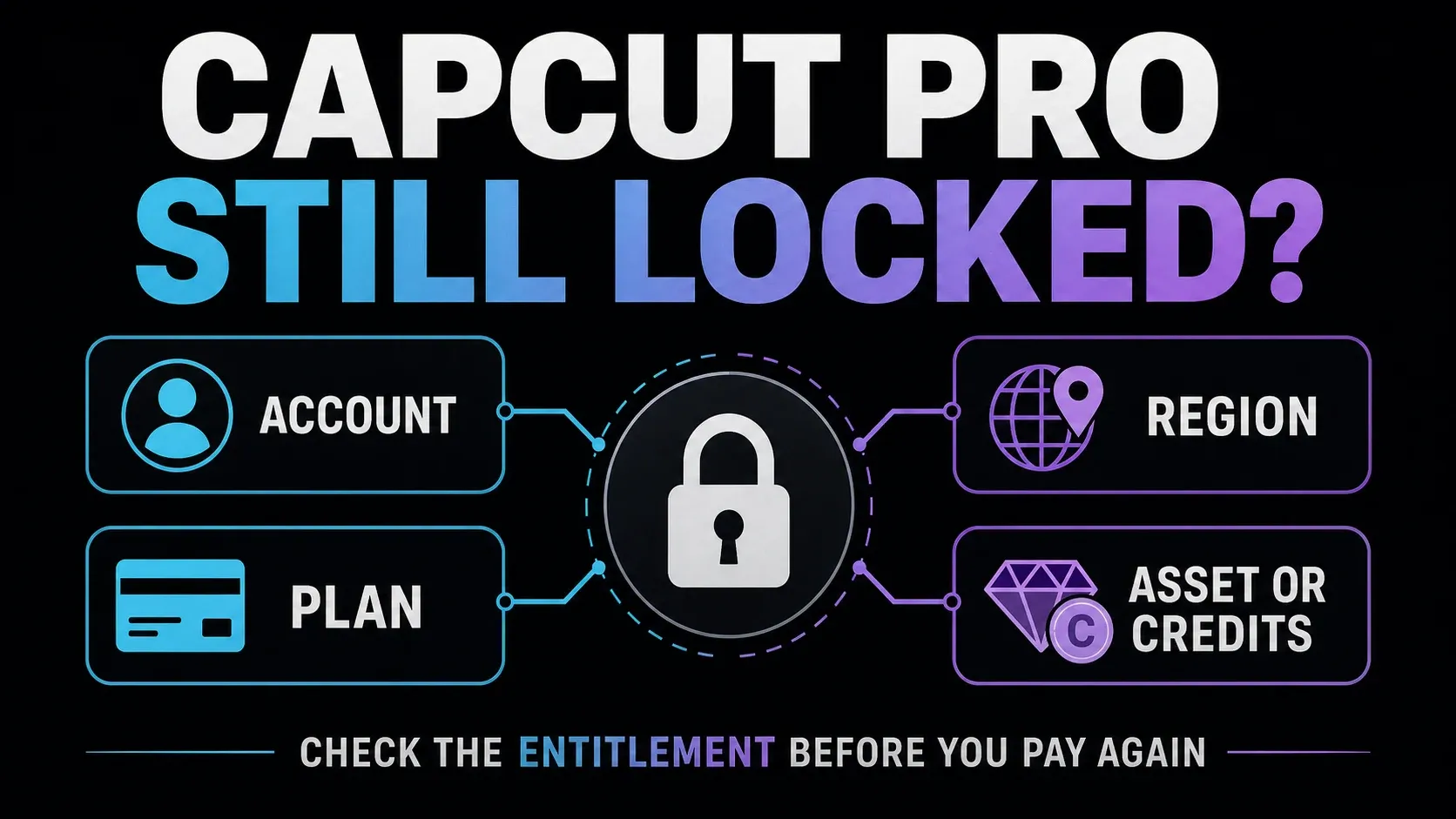
Missing tools also need context. CapCut documents platform and regional differences in template availability; a working template elsewhere does not establish a local installation fault. For paid tools, verify the CapCut account and plan separately from the store receipt. Preserve the last working session until another login route is verified.
An AI label is not necessarily an ordinary ending clip or logo. For example, CapCut's Dreamina Seedance 2.0 announcement describes visible watermarks, C2PA credentials and invisible marking for that model. Do not apply that description to every CapCut export or assume payment removes provenance. Use the watermark card for the specific mark you have.
When the symptom guide is not enough
Start from CapCut's official Help Center or the app's support route. Record the device, operating system, app version if accessible, exact error and failing action. Include whether a separate test project works, without treating that result as a diagnosis. If the app will not launch, say so rather than guessing a version or test outcome.
The official UID and DID guide explains identifiers support may request. Send account identifiers or a receipt only through a verified private support channel. Never send passwords or one-time codes. Before posting screenshots publicly, hide identifiers, personal paths, project names, payment details and client media. Share a non-sensitive reproduction when possible, not the only copy of your project.