Compare plans, check trial terms and AI costs, fix a paid subscription or find the right cancellation route. Start with the guide for your next step.
Last updated September 30, 2026.
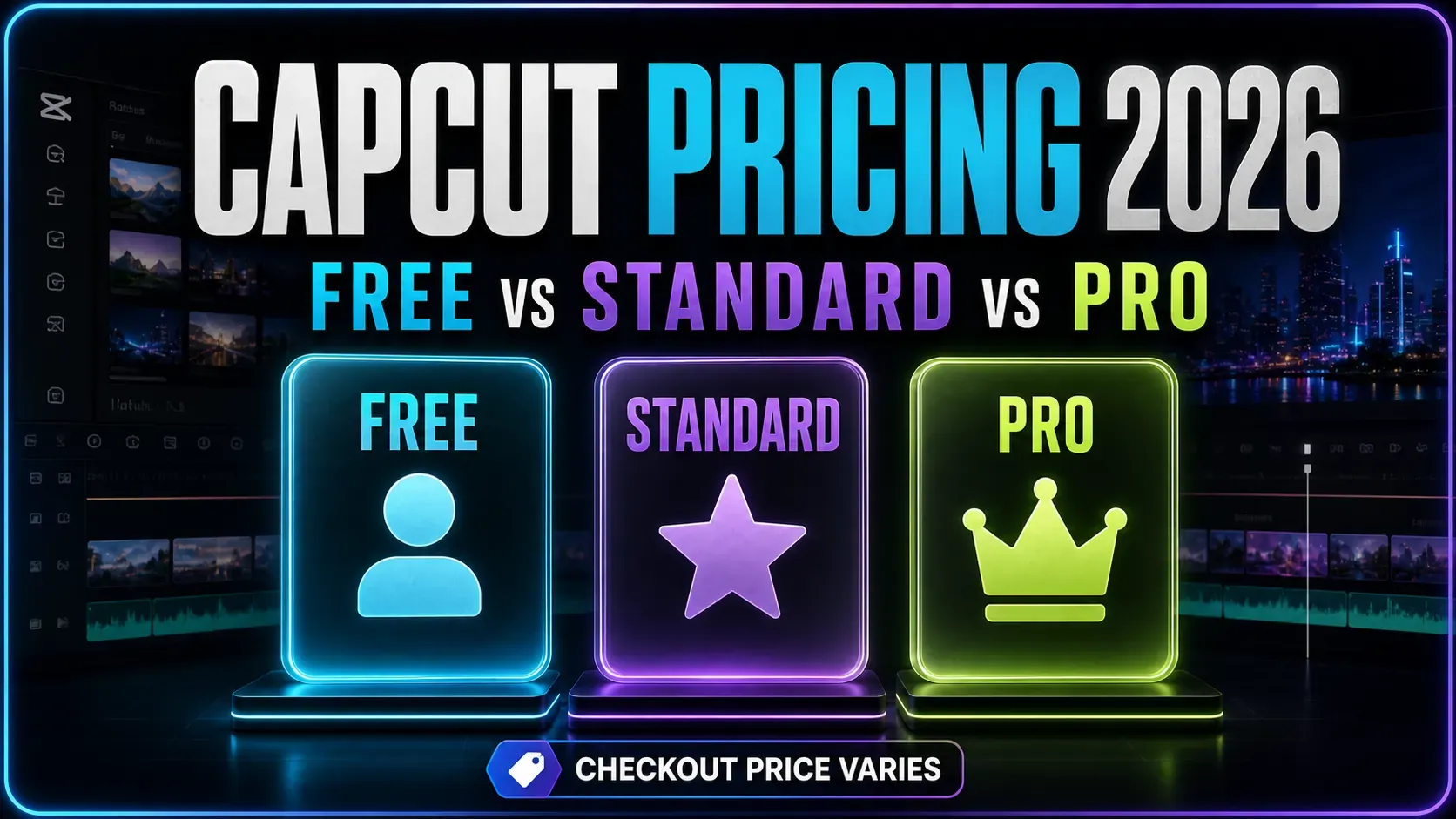
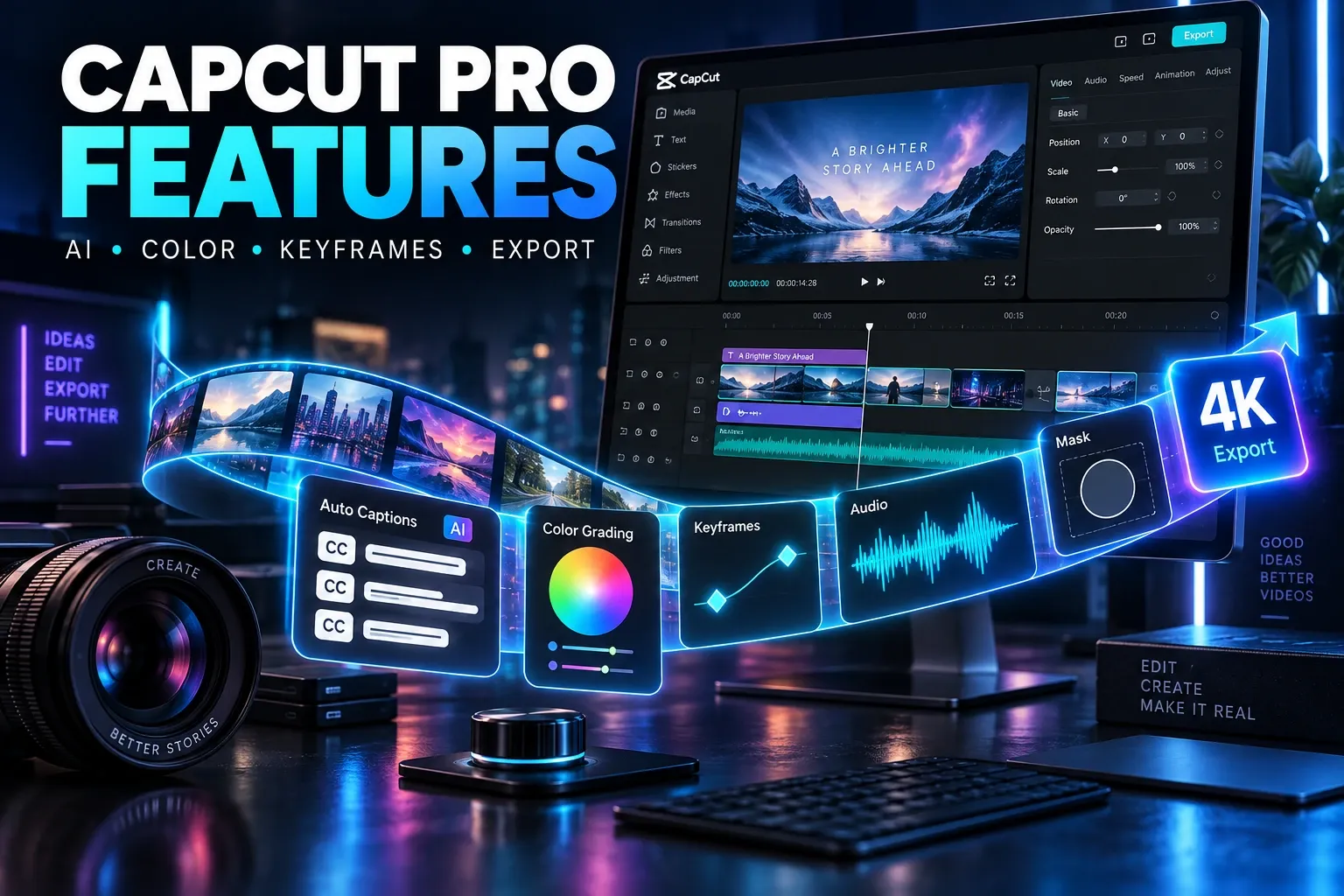
CapCut Pro is a paid membership for premium editing tools, assets and cloud storage. These independent guides help you compare the offer, check trial and AI costs, or sort out a subscription you already have. Choose the task you need below. CapCut’s pricing guidance says offers vary by region, device and promotion, so check your own checkout before paying.
Check the offer and AI costs
Manage a subscription you already have
Before you change a subscription
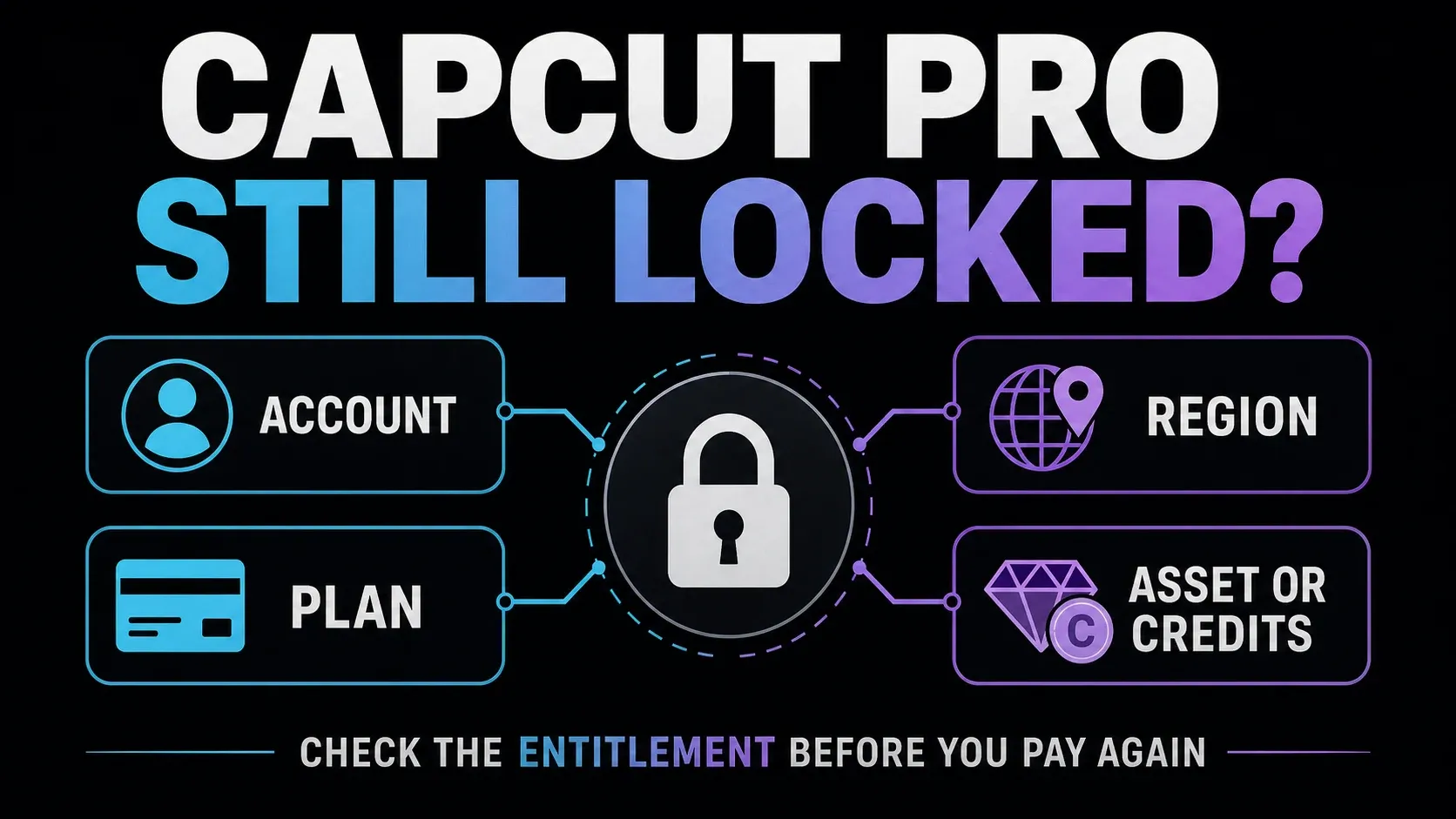
- Pro still looks locked? Keep any working session open and save your CapCut account ID, login method and receipt. Do not buy again until you have checked which account holds the plan. CapCut lists multiple subscribed accounts as a cause of duplicate billing.
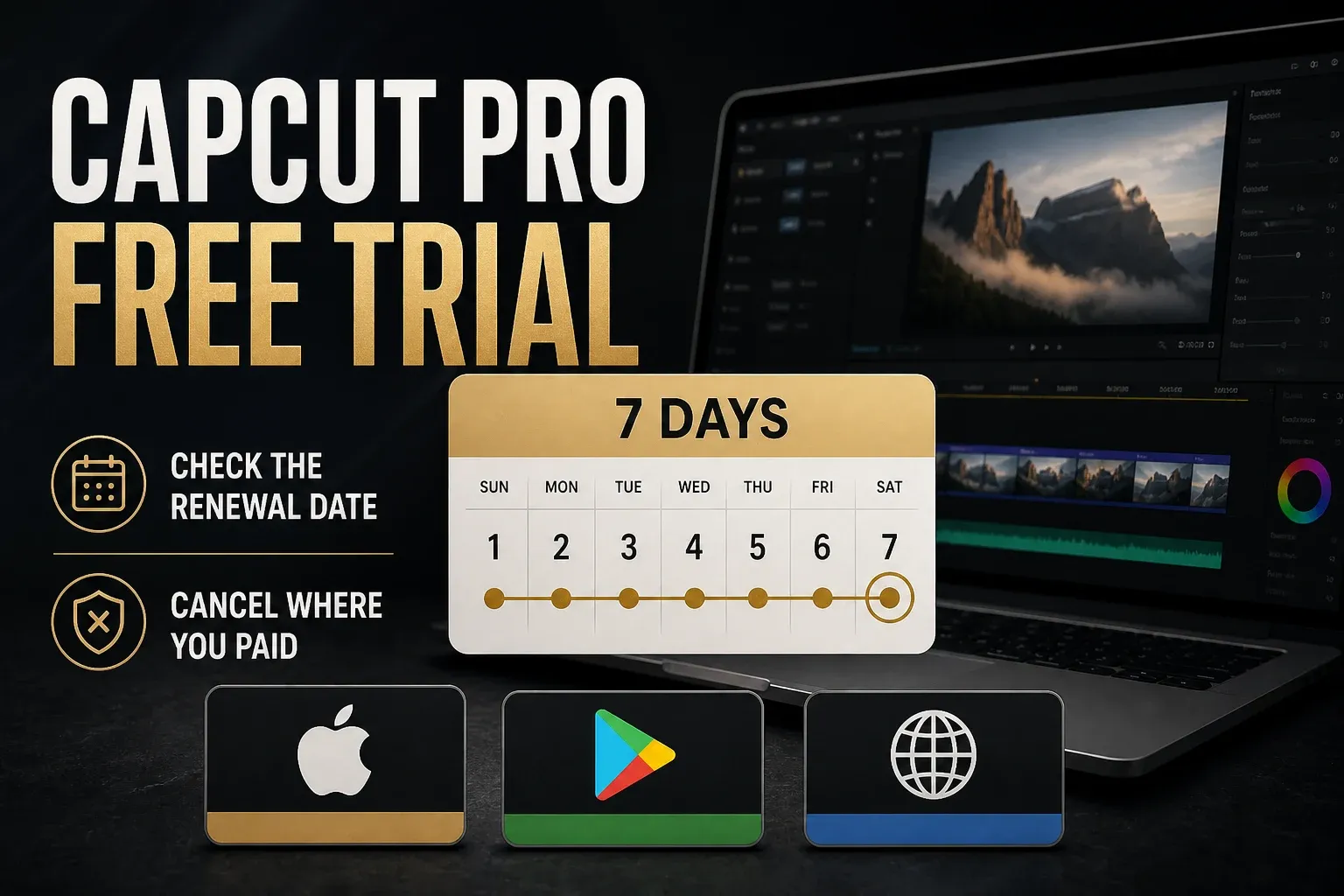
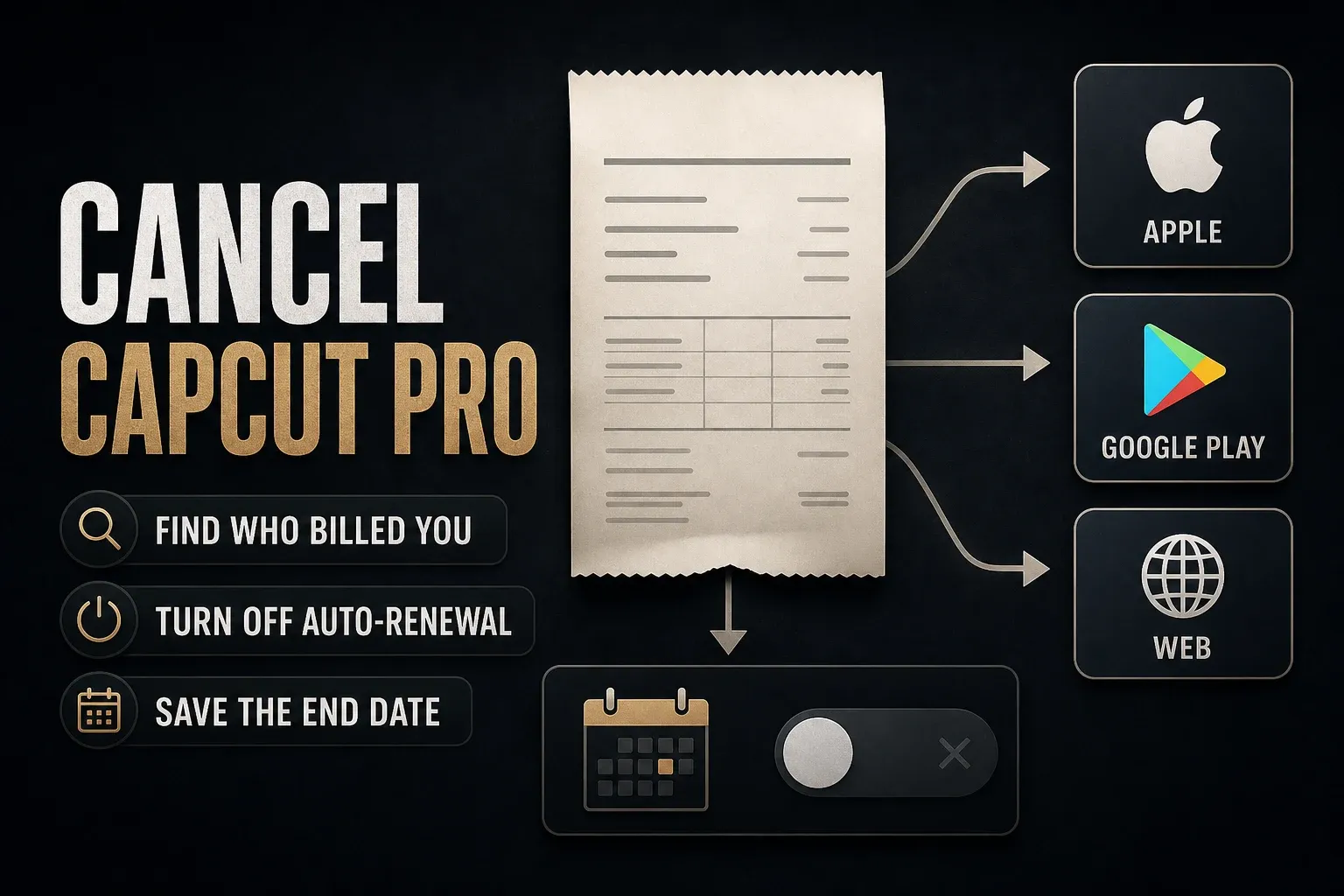
- Stopping renewal? Use the billing company on your receipt, not the device you currently edit on. Apple’s cancellation guidance explains how to identify the seller. CapCut advises cancelling at least 24 hours before renewal; complete the confirmation rather than relying on an unsubmitted request. Cancellation is separate from a refund.
- Leaving paid cloud storage? Keep an independent editable backup with its source media before capacity expires. A finished video is not an editable project backup. CapCut’s cloud-storage terms warn that paid capacity can be suspended when the subscription ends.
Quick answers before you choose
What is the difference between CapCut Standard and Pro?
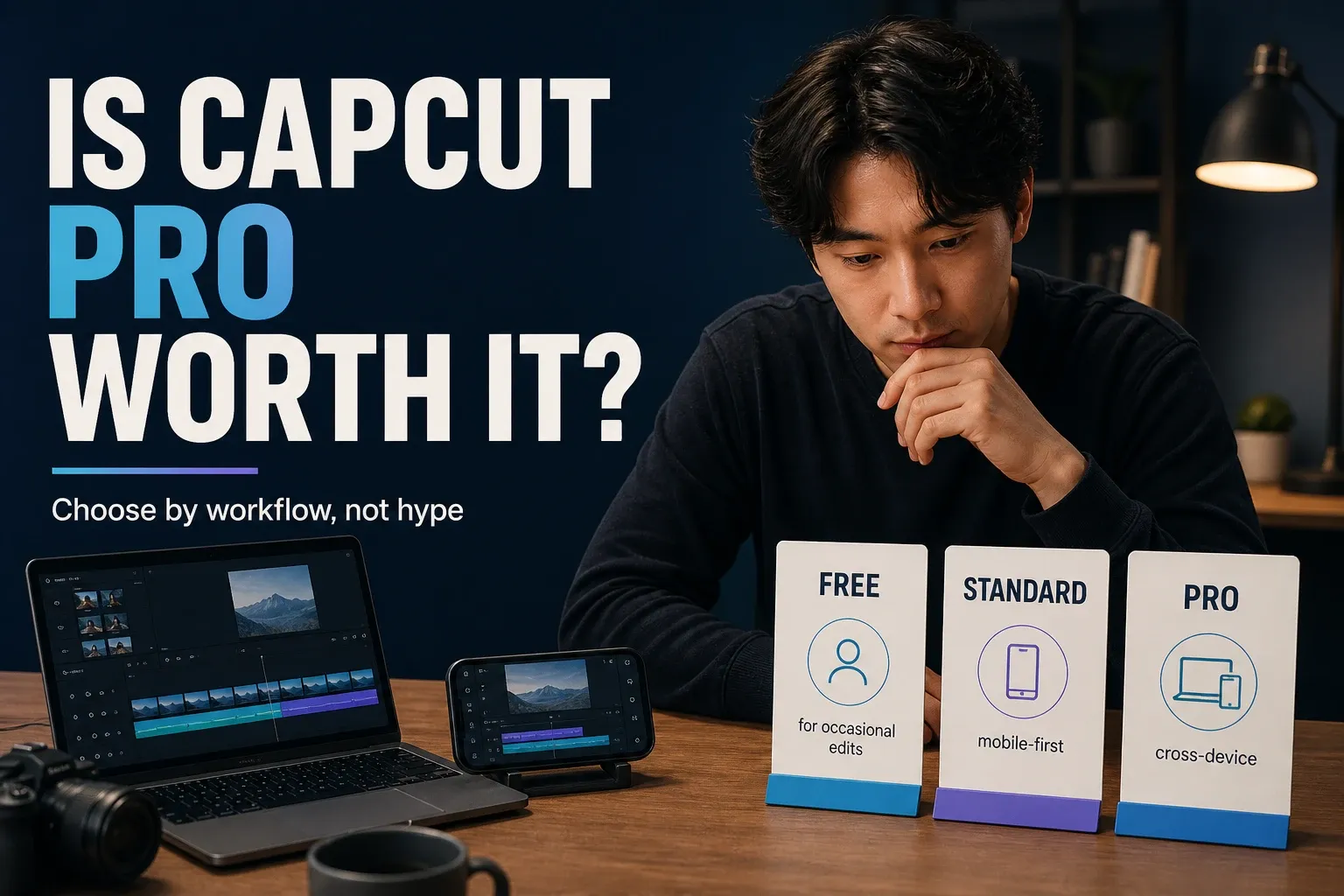
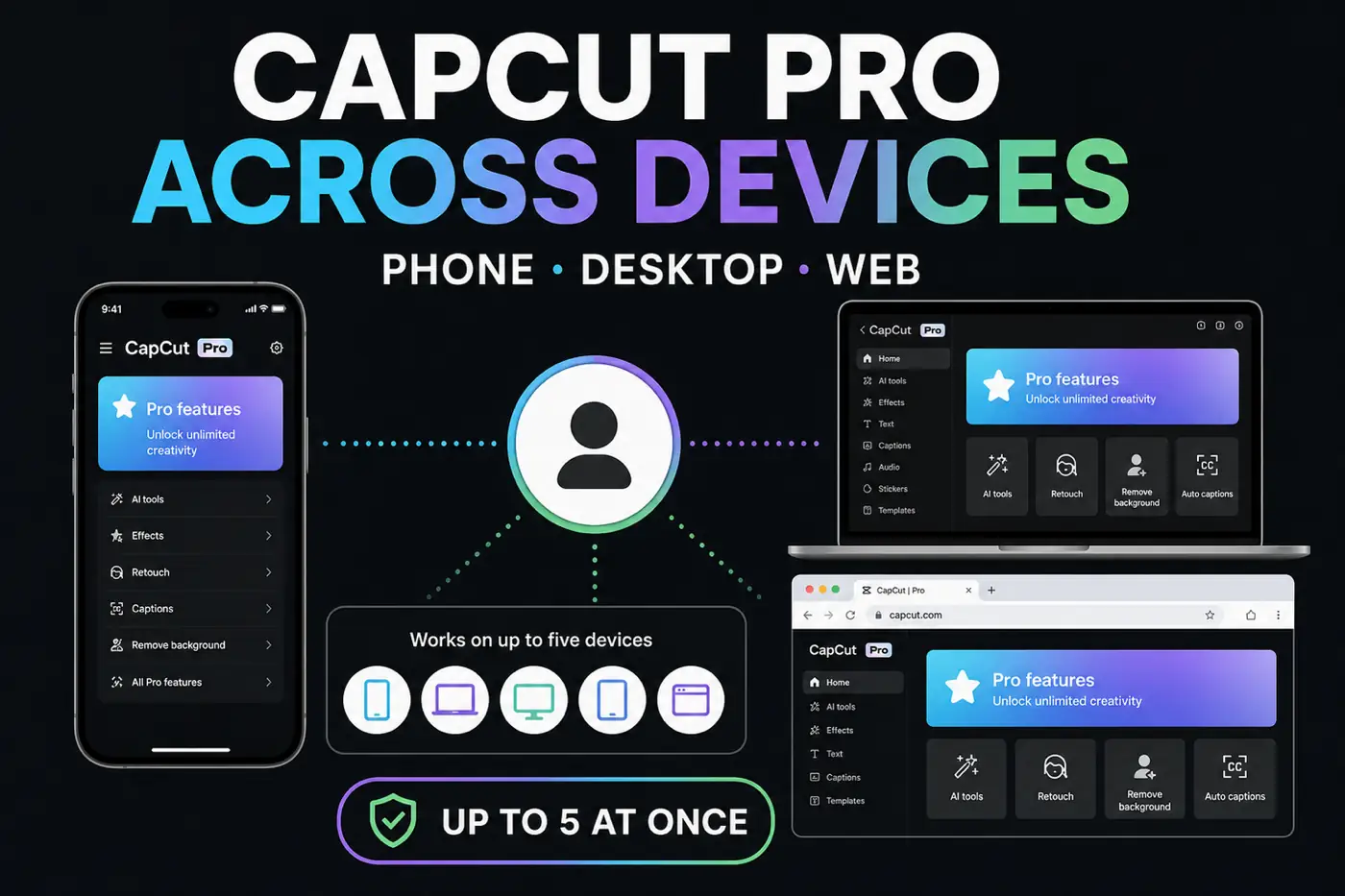
Standard’s paid benefits are mobile-only where the plan is available. Pro extends paid membership to mobile, desktop and web on the same CapCut account. This does not stop you using free Desktop tools, and it does not mean every platform has identical features. CapCut’s platform guidance explains the boundary.
Does CapCut Pro include unlimited AI credits?
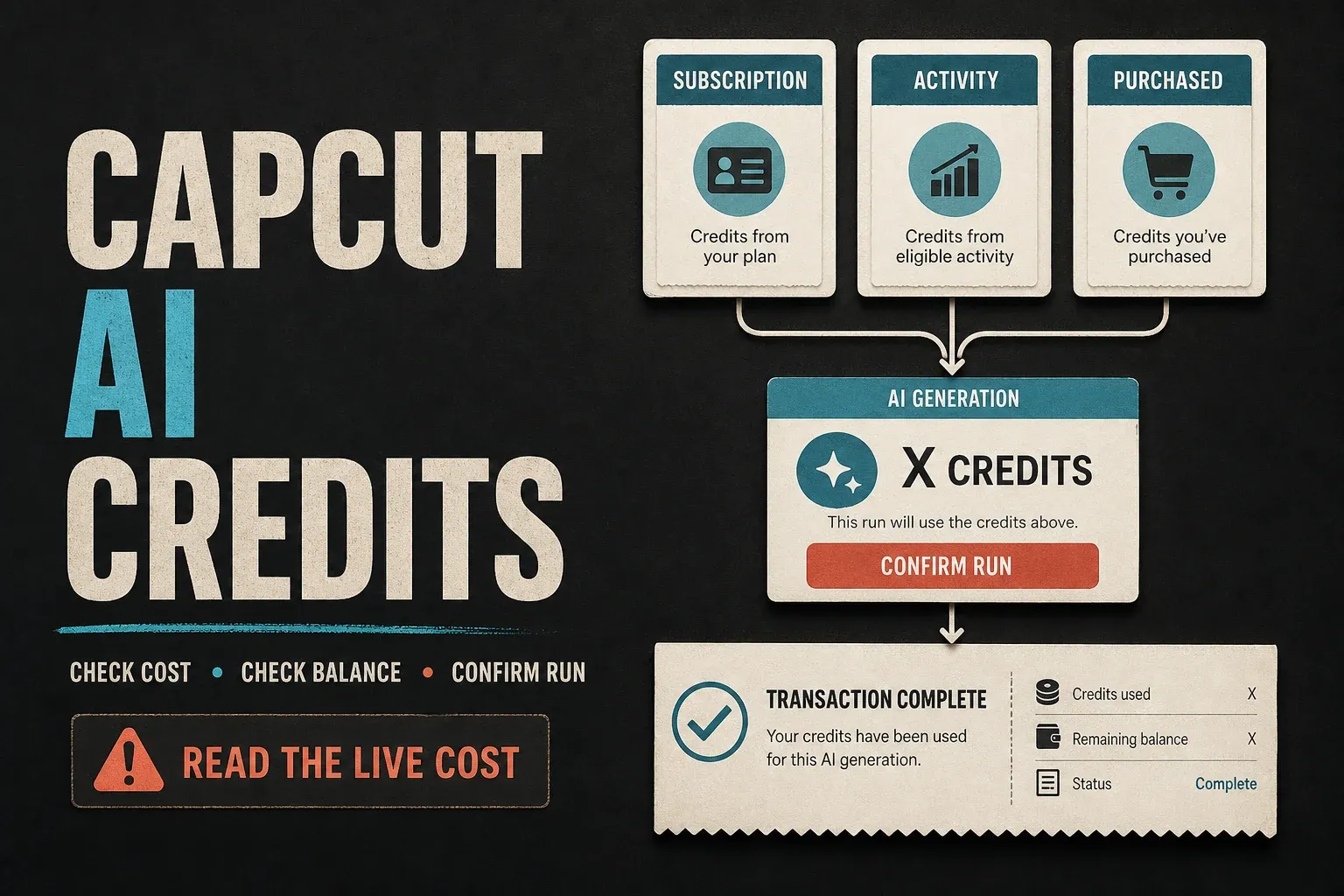
No. Some AI actions consume credits. The Credit Rules describe subscription, activity and purchased balances with different expiry conditions. Check the cost and available balance before a run; do not assume annual billing makes every credit last a year.
Can I keep editing after cancelling a free trial?
Do not assume so. Google Play’s trial terms allow access to end immediately on cancellation unless otherwise specified. Read your provider’s warning, save your work first and record the confirmed status and access end date, if shown.
Does Pro make every asset safe for client work?
No. A paid badge is not a blanket commercial licence. Check the asset’s permitted use, destination and territory against the Materials License Agreement applicable to your country before using it for a client.