


Checked September 23, 2026. Refund eligibility, billing routes, plan names and account access can vary by seller, platform, country, currency, offer and CapCut account. Use the receipt and current subscription record as the source of truth for your purchase.
A CapCut refund request should go to the company that processed the charge. If the receipt says Apple, use Apple's refund route. If it says Google Play, use Google Play. If the order came directly from CapCut Web or Desktop, contact CapCut with the order details.
Do not treat a refund, cancellation and restored paid access as the same task:
- Refund: asks the seller to reverse a completed charge. Approval is not automatic.
- Cancel: stops a subscription from renewing again. It normally does not reverse an earlier payment.
- Restore access: reconnects an active purchase to the correct CapCut account or device.
Fast answer: find the receipt, identify the seller, check whether the transaction is completed or pending, cancel future renewal if needed, then send one complete request through that seller's official route. Do not buy the plan again merely because Pro disappeared on another device.
Start with the receipt, not the device
The phone or computer in front of you does not necessarily identify the seller. You can use CapCut on Windows while an iPhone App Store subscription remains billed by Apple. Paying on a website with Apple Pay does not automatically make the order an App Store subscription.
Search your email for the receipt, then compare it with the transaction in your Apple, Google or CapCut billing account. Record:
- seller or merchant name;
- order or transaction ID;
- purchase and renewal date;
- plan name, such as Standard or Pro;
- amount, currency and tax;
- payment status: pending, completed, refunded, failed or expired;
- CapCut account ID and the sign-in method used when purchasing.
If the charge is unfamiliar, first check family purchases and your other Apple or Google accounts. Apple's guide to an unrecognized Apple Services charge explains how family purchases and grouped charges can affect what appears on a statement.
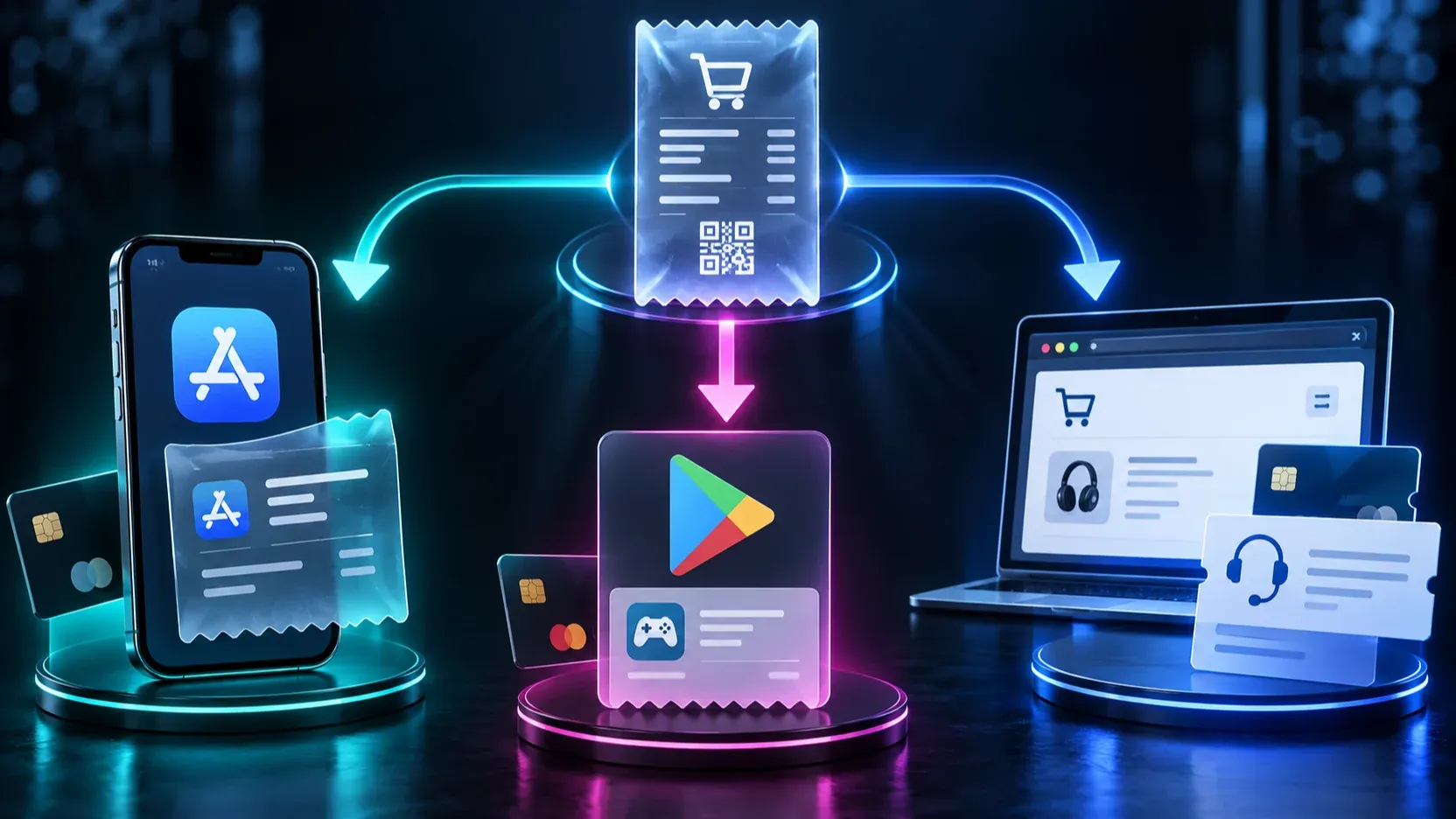
CapCut refund decision table
| What you see | What it usually means | First action | Where the request belongs |
|---|---|---|---|
Apple receipt or apple.com/bill |
Apple processed the purchase | Open the purchase in Apple's report-a-problem flow | Apple |
Google Play order, often beginning GPA. |
Google Play processed the purchase | Open Google Play order history and refund help | Google Play |
| CapCut/ByteDance receipt from Web or Desktop | CapCut processed the purchase directly | Gather order and account data | CapCut support |
| Charge still marked pending | The transaction has not fully posted | Wait for the final receipt or status | The seller after it posts |
| Paid plan active in the store but missing in CapCut | Access or account mismatch may be more likely than a refund issue | Match CapCut account ID and sign-in method | Restore access first |
| Renewal succeeded but you wanted to stop future billing | Cancellation and refund are separate | Cancel renewal, then assess refund eligibility | Seller shown on receipt |
| Two completed charges for the same period | Possible duplicate billing | Save both order IDs and dates | Seller or CapCut, depending on receipts |
| Different price on another account or platform | Region, tax, platform, promotion or account offer may differ | Compare the full checkout terms before buying | No refund request unless a charge is wrong |
The table routes the problem; it does not promise a refund. Seller policy, timing, purchase type, local law and whether the paid service was used can all affect the result.
How to request an App Store refund
Apple directs App Store refund requests through Report a Problem. Sign in with the Apple Account that owns the purchase, choose Request a refund, select the reason, then choose the CapCut purchase and submit it. Apple decides eligibility under the rules that apply to the purchase and region.
If the charge is still pending, Apple's current instructions say you cannot request a refund until the charge has posted and a receipt is available. A pending authorization can also differ from the final charge, so avoid submitting the same issue through several routes while the transaction is unsettled.
Cancel future renewal separately. Apple's subscription cancellation instructions route you through the subscription record for the Apple Account that owns it. Deleting CapCut, removing a payment card or signing out of the app is not a reliable cancellation method.
If you cannot find CapCut in Subscriptions or purchase history, switch to the Apple Account named on the receipt. The CapCut account used inside the editor and the Apple Account used for billing are separate identities; both have to point to the expected purchase.
How to request a Google Play refund
Google says refund rules differ according to what was purchased, when and how it was paid for, and the buyer's location. Begin with the official Google Play refund policy and request routes, signed into the Google Account that owns the order.
Check for a GPA. order number in the receipt or Google Play order history. If the subscription is missing, switch between Google Accounts before assuming the charge came from somewhere else. Google Play also distinguishes a refund request from an unauthorized-charge report, so choose the route that accurately describes what happened.
Cancellation remains a separate step. Google's subscription management guide states that uninstalling an app does not cancel its subscription. After a normal cancellation, access generally continues for the time already paid, though an approved refund or a special plan condition can change that outcome.
How to handle a direct CapCut Web or Desktop charge
If the receipt identifies CapCut or ByteDance as the seller and no Apple or Google Play order exists, use CapCut's support route. Include enough information for the team to locate one specific transaction without asking you to repeat the case.
CapCut's current billing help says virtual purchases generally do not support standard refunds, while accidental double billing and other special circumstances can be submitted for review. The same page asks users to provide account information, receipts and the nature of the request. That makes a clear evidence package more useful than a long complaint.
CapCut's Terms of Service describe a 14-calendar-day refund policy for Premium subscriptions, measured from the start of the subscription, if you have not used Premium Services in any form since subscribing. The terms also contain jurisdiction-specific withdrawal provisions, including a separate 14-day withdrawal section with rules about services provided during that period. Do not treat either provision as an unconditional refund promise for every purchase: the seller, store rules, applicable law, timing and use of the service matter. Apple App Store and Google Play purchases follow their respective store terms.
For a direct charge, send:
- CapCut account ID and exact sign-in method;
- order ID and merchant name;
- charge date, amount, currency and tax;
- plan name and billing interval;
- whether the charge is pending or completed;
- the requested result: refund review, duplicate-charge review or restored access;
- a screenshot of the receipt with unrelated personal data hidden;
- both transaction IDs if you believe the charge is duplicated.
Do not send a full card number, account password, one-time code or identity document unless an official support flow clearly requires a specific item.
Read the receipt without exposing personal information
A useful receipt screenshot proves the transaction while limiting unrelated data. Keep the merchant, order ID, date, plan, amount, currency, tax and status visible. Hide your home address, full payment-card number, unrelated purchases and any authentication code.
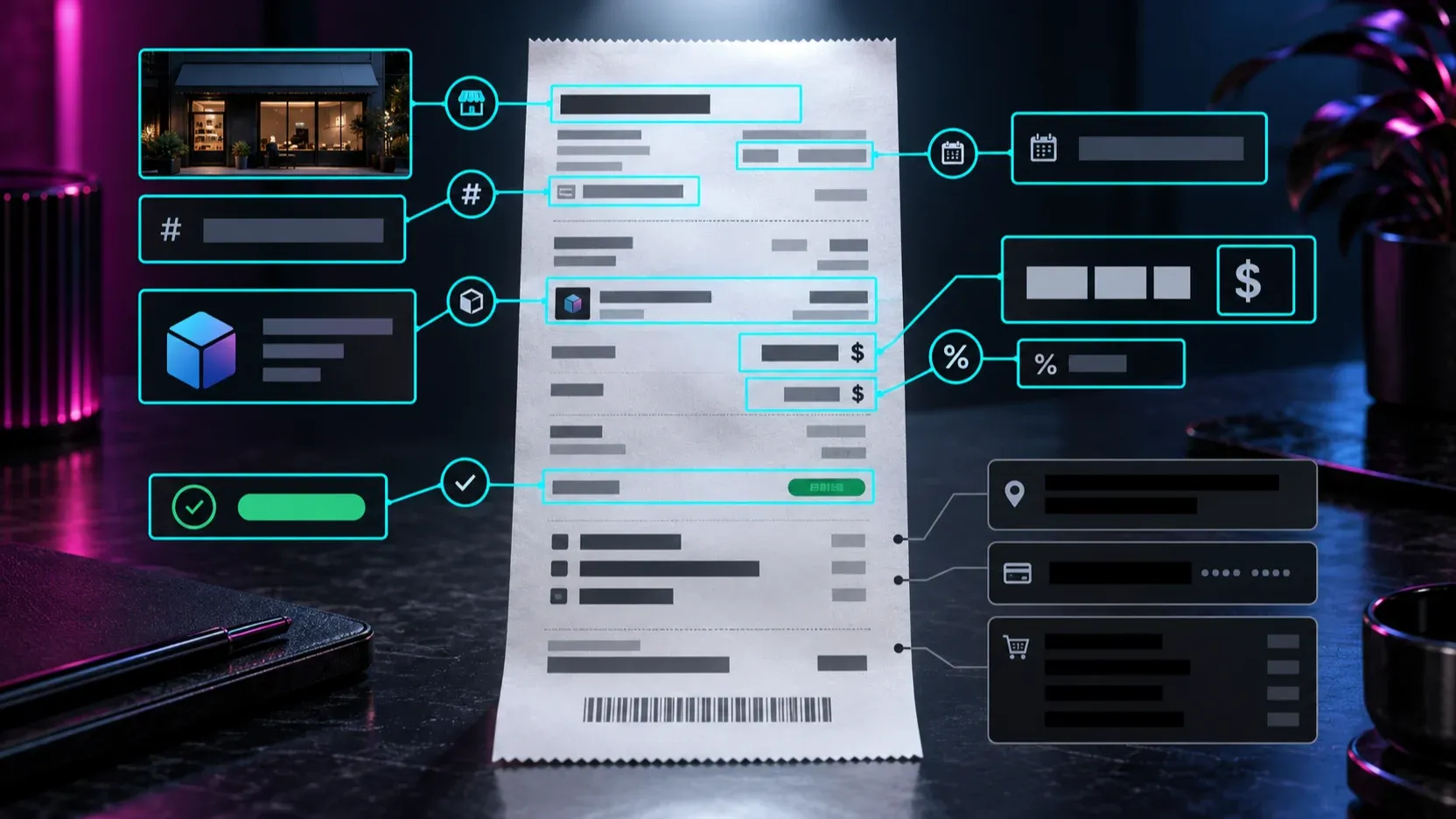
A bank-statement line alone may be insufficient because it can omit the plan, order ID and account. Pair it with the seller's receipt or order-history entry. If two charges look duplicated, capture both entries and confirm that they are completed charges rather than one pending authorization and one final transaction.
What to do with pending, duplicate and renewal charges
Pending charge
Wait for the seller to post or release it before treating it as a completed purchase. Apple explicitly blocks refund submission for a pending charge. With other sellers, a pending authorization may disappear or settle at a different amount. Save the date and merchant name, but do not count it as a second completed charge yet.
Duplicate charge
Compare seller, order ID, date, amount, currency, plan and covered period. Two entries can represent separate accounts, monthly and annual products, Standard and Pro, a tax adjustment, or a pending authorization beside the completed payment. If the same seller produced two completed orders for the same plan and period, submit both IDs in one case.
Unwanted renewal
First stop the next renewal through the seller's subscription controls. Our CapCut cancellation guide shows the Apple, Google Play and direct CapCut routes. Then request a refund review through the seller if your circumstances fit its policy. Cancellation alone normally protects the next billing date rather than reversing the renewal that already completed.
If a free trial converted to a paid plan, keep the original offer, renewal date and charge amount. The CapCut Pro trial guide explains how to document the offer and avoid treating a trial as a guaranteed refund period.
Refund, cancel or restore paid access?
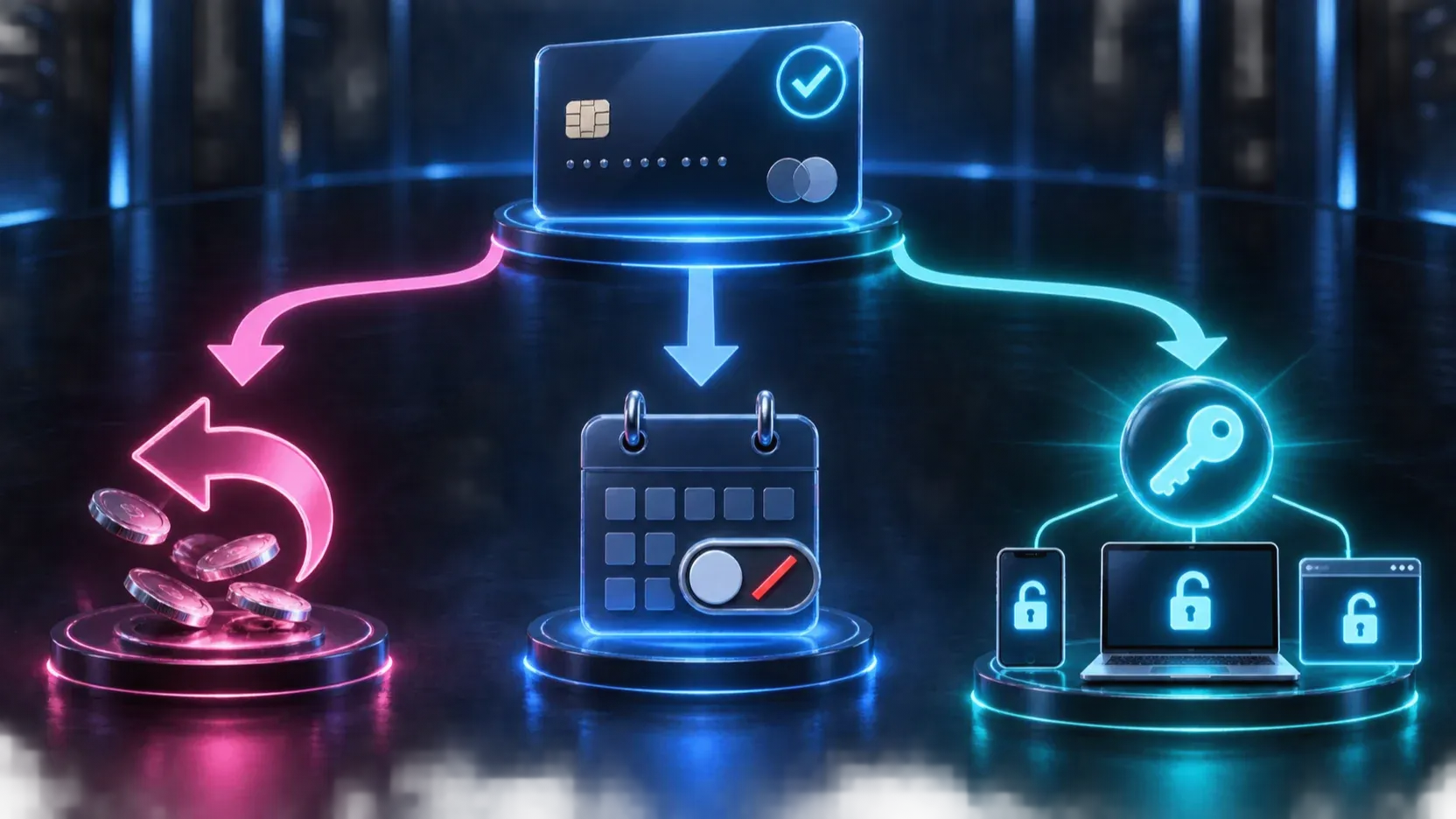
Use this sequence:
- Is the charge wrong or unwanted? Identify the seller and refund rules.
- Could it renew again? Cancel through the same seller even while the refund is reviewed.
- Is the purchase active but Pro is missing? Troubleshoot account access before paying again.
- Did you change devices? Sign into the same CapCut account and verify whether the plan supports that platform.
CapCut says Pro membership can be used across Mobile, Desktop and Web when you sign into the same CapCut account. Its cross-platform subscription guidance separately notes that Standard has narrower platform support. A Standard subscription showing on mobile but not unlocking Desktop may therefore reflect plan scope rather than a failed payment.
When Pro should work but does not, compare the CapCut account ID on both devices, not just the display name or email you remember. Using Google, Apple, TikTok, Facebook or an email/password login can lead to different CapCut accounts even when the addresses look related. Follow the CapCut Pro access checklist before repurchasing.
Why the price can differ across platforms or accounts
A lower price on another phone does not by itself prove that your charge is incorrect. CapCut's billing documentation says price can vary with the purchase channel, country or region, currency, taxes, promotions and account-specific availability. Apple and Google also present their own store price and tax treatment.
Compare the checkout as a complete offer:
- Standard versus Pro;
- monthly versus annual billing;
- trial or introductory period;
- amount charged today;
- normal renewal amount;
- currency and tax;
- seller and cancellation route;
- platform access included.
Our CapCut Free, Standard and Pro comparison helps separate plan scope from price. A monthly equivalent displayed beside an annual plan is not necessarily the amount collected each month.
If the receipt matches the offer you accepted but another account now sees a promotion, that usually calls for a future plan decision rather than a billing-error claim. If the charged amount does not match your confirmed checkout or receipt, attach both records to the seller's support case.
A clean support message
Use a factual request that identifies one outcome:
I am requesting a review of a CapCut charge. The seller on the receipt is [Apple / Google Play / CapCut], order ID [ID], charged on [date] for [amount and currency]. The plan is [Standard / Pro and billing interval]. The transaction status is [completed / pending]. I am requesting [a refund review / duplicate-charge review / restoration of paid access]. My CapCut account ID is [ID], and I signed in with [method]. I have attached the receipt with unrelated personal information hidden.
For a duplicate charge, add both order IDs and explain why they appear to cover the same plan and period. For missing access, add the device/platform and a screenshot of the active subscription status. Do not combine several unrelated billing events into one case.
CapCut refund FAQ
Can I get a CapCut refund after forgetting to cancel?
You can request a review, but approval is not guaranteed. The seller, region, timing, purchase type, use of the service and applicable law may affect eligibility. Cancel future renewal separately so another billing cycle does not begin.
Does deleting CapCut cancel the subscription?
No. Cancel with Apple, Google Play or CapCut according to the seller shown on the receipt. Google explicitly states that uninstalling an app does not cancel its subscription.
Can I request a refund while the charge is pending?
Apple says a pending charge cannot be submitted for refund until it posts and a receipt is available. For any seller, confirm the final status before claiming a duplicate or completed charge.
Will cancellation remove Pro immediately?
A normal cancellation commonly leaves access active until the paid term ends. An approved refund, trial condition or seller-specific action can change access sooner, so read the confirmation before submitting.
Why is CapCut Pro missing after I changed devices?
The most common checks are the CapCut account ID, sign-in method, store account and plan scope. Pro is documented for cross-platform use with the same CapCut account; Standard has more limited platform support.
Final checklist
Before submitting anything:
- identify the seller from the receipt;
- confirm whether the charge is pending or completed;
- cancel future renewal if that is part of the problem;
- choose refund, duplicate-charge review or restored access;
- match the Apple, Google and CapCut accounts involved;
- capture the order ID, date, plan, amount, currency, tax and status;
- hide unrelated personal information;
- send one complete case through the seller's official route;
- keep the confirmation and recheck the subscription record.
The fastest route is the accurate one. A short request with the correct seller and complete transaction data is easier to resolve than several partial requests sent to the wrong company.
For plan details, continue with the CapCut Pro guide or the CapCut subscription troubleshooting guide.