
 Fixes
Fixes
CapCut Customer Service: How to Contact Support
There is no CapCut phone line. Here is which official route fits a bug, a charge, a hacked account or a copyright claim, and what to send so support can find you.

Hands-on checks are labelled as hands-on. Sourced workflows link to current evidence, and a guide says plainly when generation, payment, export or a platform route was not tested.
Fixes
There is no CapCut phone line. Here is which official route fits a bug, a charge, a hacked account or a copyright claim, and what to send so support can find you.
 Tutorials
Choose between Volume 0, Separate audio and selective stem separation when you need to remove sound from a CapCut video.
 Tutorials
Duplicate a trimmed clip for a fixed number of repeats, then check the joins and the finished file.
 Tutorials
Set a steady speed above 1x on Mobile, Desktop or Web, then check the shortened clip, audio and export.
 Tutorials
Stack an original clip, a title and a subject cutout in the right order, then check timing and moving edges.
 Tutorials
Check whether your account can publish templates, design replaceable media slots and follow CapCut's documented creator route.
 Tutorials
Find the Delete or Move to Trash command on each CapCut platform, and avoid losing the only editable version of your project.
 Tutorials
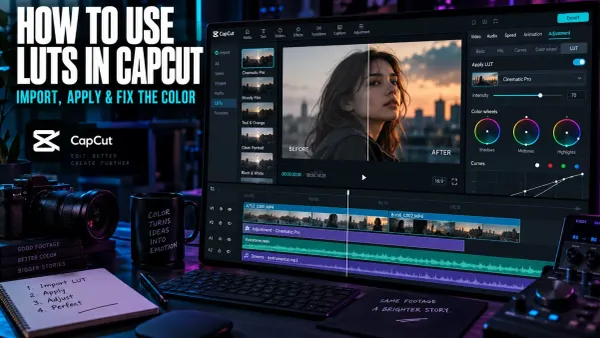
Import a custom LUT in CapCut Desktop, choose the correct technical or creative transform, control its intensity, and prevent common color problems.
 Tutorials
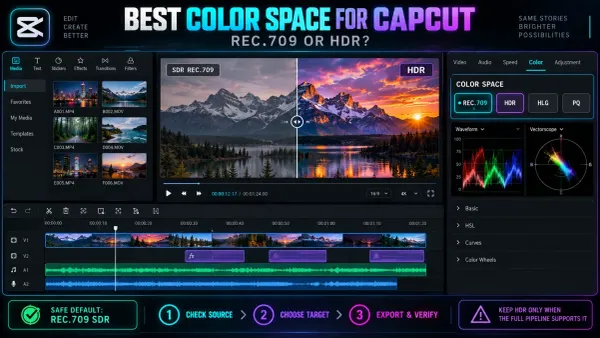
Choose a dependable color space for CapCut, prevent SDR and HDR mismatches, and fix washed-out iPhone footage before the final export.
 Comparisons
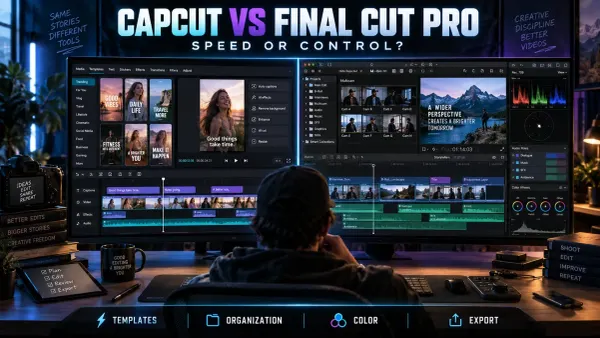
Choose between CapCut and Final Cut Pro by comparing publishing speed, platforms, captions, multicam, media organization, pricing and migration costs.
 AI Tools
Learn when CapCut Video Upscaler helps, which defects it cannot recover, how to compare HD, UHD and 4K, and what to inspect before export.
 Tutorials
Save a compatible video from CapCut, upload it as a Pinterest video Pin, then check its cover, details and playback.
 Tutorials
Export a CapCut video file and upload it to the right Facebook profile or Page, or use mobile sharing if available. Check audience and playback.
 Tutorials
Choose direct mobile sharing or export a file, then check the saved video and LinkedIn post preview before publishing.
 Tutorials
Export a GIF directly when CapCut exposes the option, or use a reliable MP4-to-GIF fallback with practical size, quality and format guidance.
 Tutorials
Animate CapCut text with In, Out and Loop presets or precise Position, Scale and Opacity keyframes, then check timing, safe areas and export readability.
 Tutorials
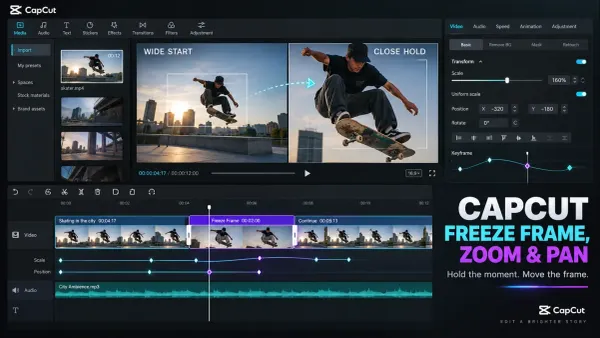
Create a clean freeze frame in CapCut, set the hold duration, then animate zoom and pan with Scale and Position keyframes without blur, black edges or jumps.
 PC & Desktop
Separate background removal from alpha export, choose a compatible codec and verify the file over vivid, black and white layers.
 PC & Desktop
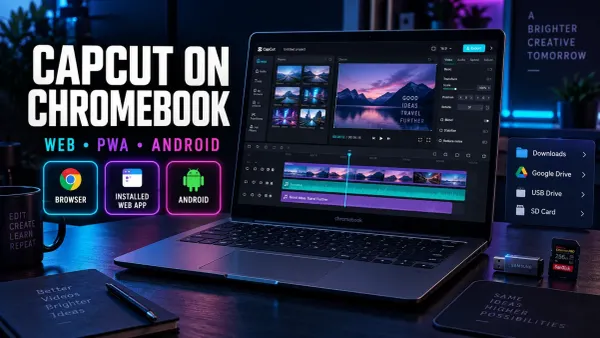
Choose the right CapCut route for a Chromebook, install it safely, manage files and storage, and verify exports before committing to a long edit.
 Tutorials
Compare CapCut creator routes, build the right portfolio, evaluate earnings terms and review content rights before applying.
 Tutorials
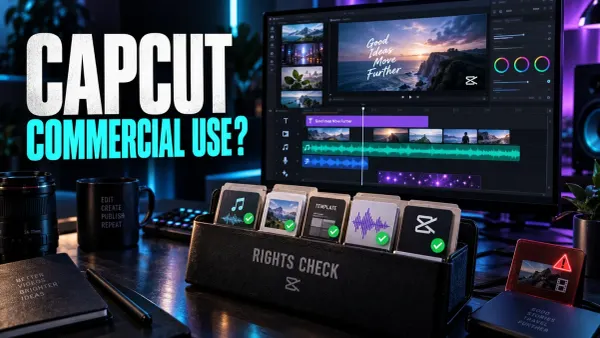
Use CapCut for commercial videos only after checking every asset. This guide covers music, templates, stock, AI outputs and client delivery rights.
 project safety
CapCut cannot open a Premiere Pro project as an editable timeline. Compare rendered masters, source-media packages and converter routes before a handoff.
 Fixes
Fixes
Find why CapCut text is missing from the preview or export, then check timing, canvas position, opacity, layer order, fonts and caption tracks safely.
 Fixes
Fixes
Find out what changed after a CapCut update, protect editable projects and choose a safe fix for moved tools, missing features, crashes or damaged drafts.
 CapCut Pro
Use your receipt to choose the correct CapCut refund route, document billing errors, cancel future renewal and restore paid access without buying twice.
 Tutorials
Use CapCut more safely by choosing official downloads, limiting permissions, protecting private media and reviewing account, cloud, AI and sharing risks.
 Mobile Editing
Choose the right CapCut app for iPad, protect editable drafts, import local media safely and verify project sync before deleting the original copy.
 Tips & Tricks
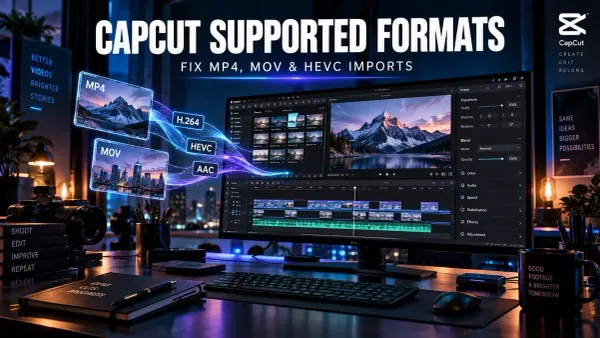
Diagnose CapCut import failures by checking the real codecs, file access and timing, then test a short H.264, AAC and CFR compatibility copy.
 Tips & Tricks
Find where a CapCut video first turns pale, check HDR and SDR color information, compare players and displays, and choose the right delivery path.
 Tips & Tricks
Fix exposure and white balance, keep skin natural, match clips recorded under different light, and check your CapCut color correction after export.
 Tutorials
Balance voice, music and sound effects in CapCut, build smooth ducking with keyframes, use fades correctly and check the finished mix after export.
 Tutorials
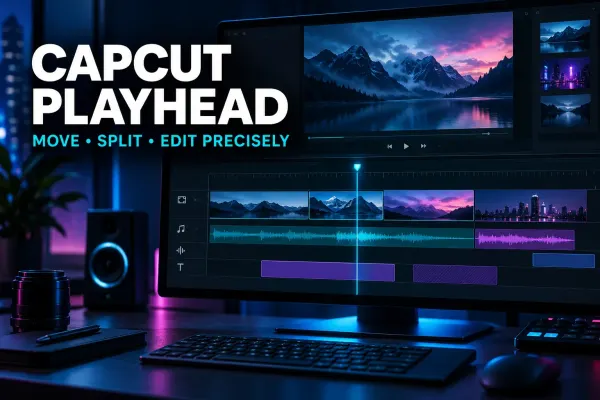
Understand the CapCut playhead, move it accurately, split on the intended frame and fix jumps or preview confusion across Mobile, Desktop and Web.
 capcut
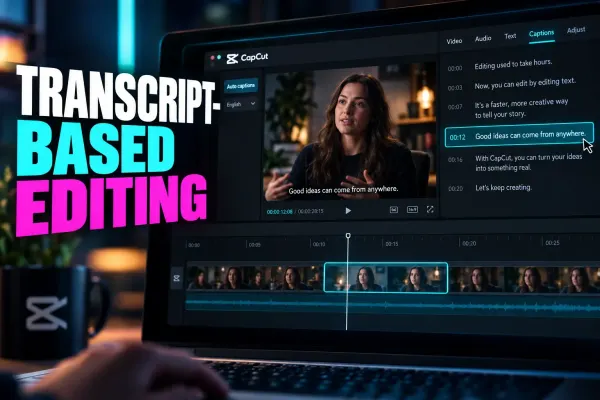
Use CapCut transcript-based editing to find spoken sections and review text-linked cuts. Check selection limits, caption wording and picture continuity.
 capcut
Plan CapCut Teams around the owner, accepted members, roles, shared assets, storage and offboarding. Official pages conflict on purchase paths, so verify the signed-in offer.
 CapCut Tutorial
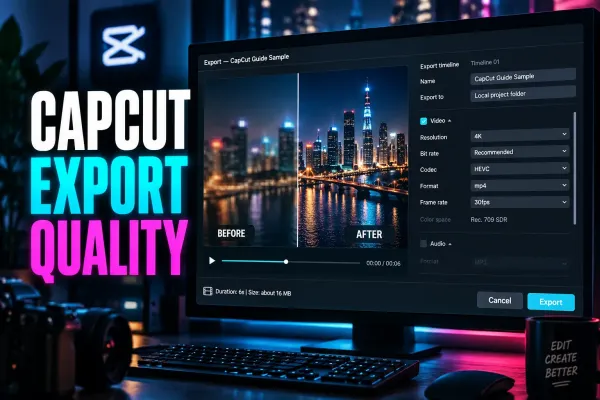
Choose the right CapCut export route, match settings to your source, and diagnose stuck, blurry, lagging or missing output.
 capcut
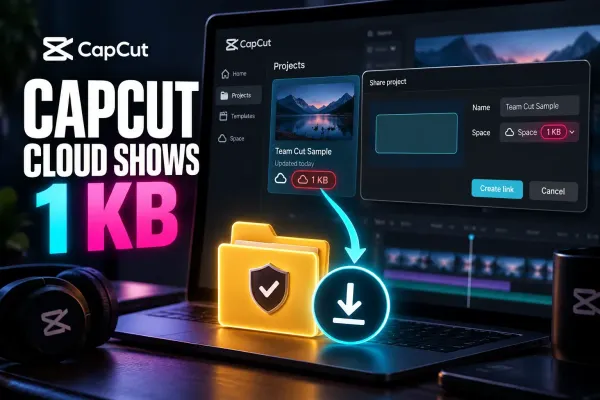
CapCut showing 1 KB usually means the Space has no free upload quota. Preserve existing files, back them up, then verify the owner, plan, region and platform.
 Text & Captions
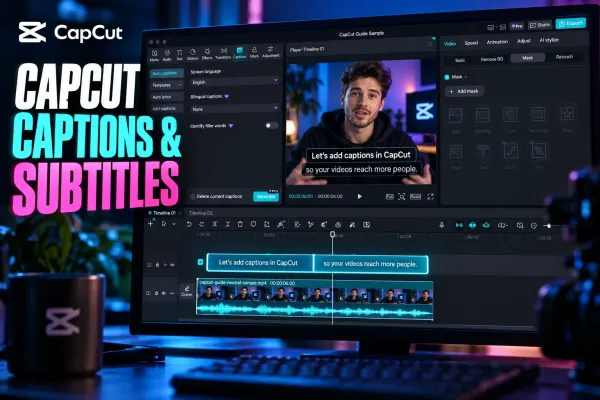
Choose the right CapCut workflow for generating, editing, styling, translating, importing, exporting or fixing captions on any platform.
 capcut
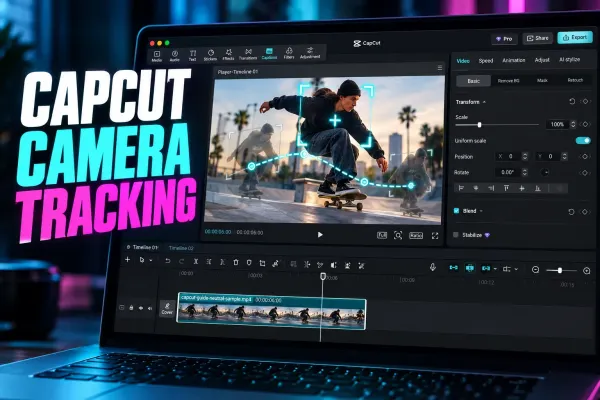
Choose CapCut Camera Tracking targets, distinguish motion effects, and review drift, hidden subjects and crop problems before export.
 Templates
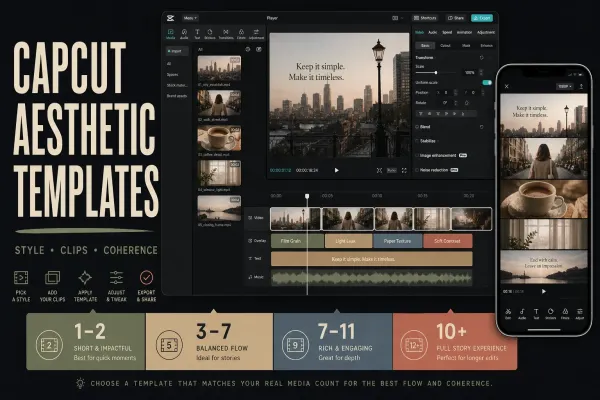
Choose a soft, retro or vlog look from 14 official examples, then check the photo slots, crops, editable controls and final video.
 Templates
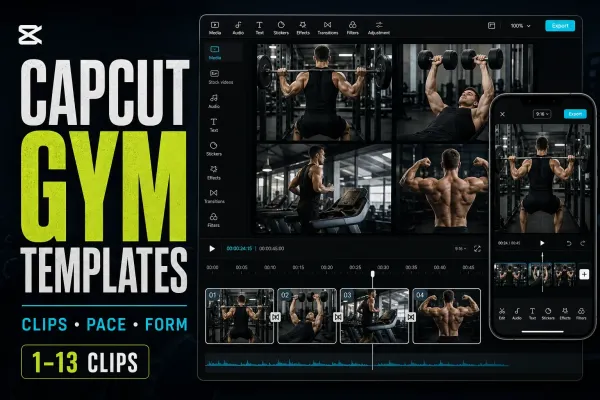
Compare 12 gym templates, then check that cuts, crops, effects and music suit your workout footage or coaching reel.
 Templates
Compare 14 wedding templates by listed media count, then check crops, spoken audio and editable details before sharing your wedding video.
 Templates
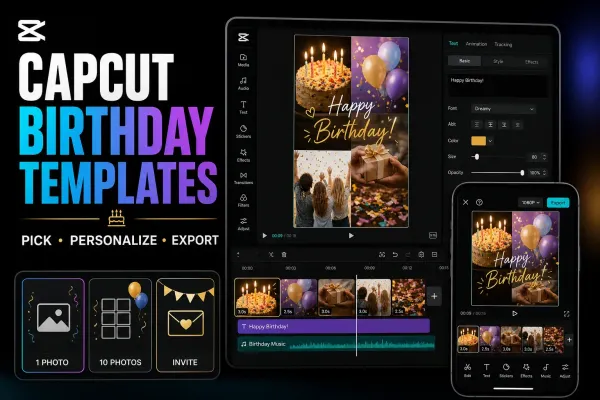
Compare 12 birthday templates by listed media count and format, then check the edits, photo access and saved video before sharing your greeting.
 Export
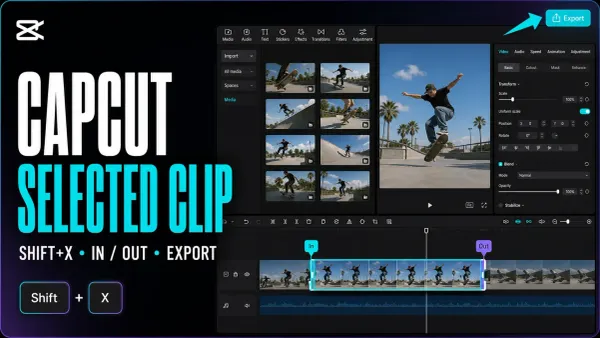
Save one clip, a custom section or several separate files. Mark the timeline range, keep the right layers and check each finished video.
 Export
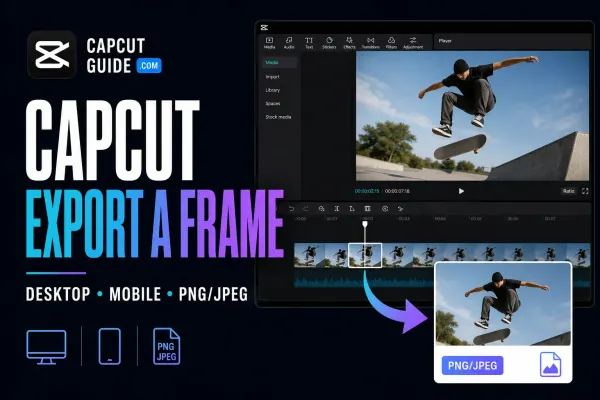
Save one video moment as a separate picture. Find the Desktop command, check the phone route and choose a format that suits the job.
 Fixes
Fixes
Find out whether the stutter is in your exported file, one player or the uploaded copy. Test a short section without risking the working project.
 Fixes
Fixes
Find where your video lost detail, test one change at a time, and check the saved export before rebuilding the edit or uploading it again.
 Tutorials
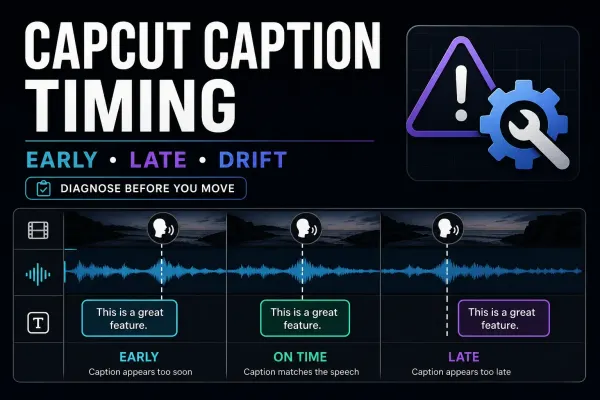
One late block, a shifted track or a delay that keeps growing: identify the timing pattern, repair it without disturbing the edit, and check the final video.
 Tutorials
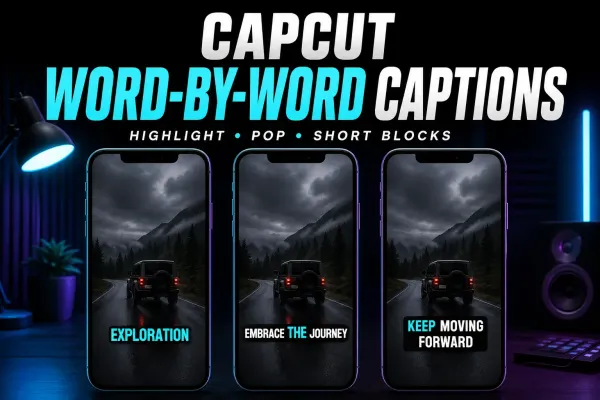
Choose a moving word highlight or one-word pop-ups, find the relevant CapCut controls, and time a short manual sequence without disturbing the rest of your captions.
 Tutorials
Show the source and translation together: Desktop controls, Web and Mobile options, a paired SRT example, and checks for readable two-language captions.
 Export
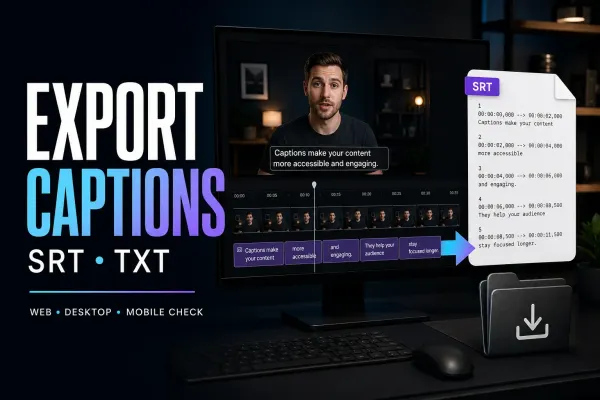
Get the subtitle file, not just words on the video. Find the native export, check missing options, and repair encoding before delivery.