
12 CapCut Alternatives: Free & Paid Editors Compared
Choose an editor by the job, your device and the final export—not the length of its feature list.
Last updated September 30, 2026.
For a free phone editor, start with VN or Edits. Choose Resolve for detailed desktop color and audio work, Clipchamp for a simple 1080p edit, or Canva when the video belongs to a brand campaign. Below, compare what each editor lets you export before choosing a full review.
Comparison checked September 12, 2026. Free limits and platform support are based on the linked vendor documentation. Recommendations are by task, not a measured speed ranking.
Choose the job you need to finish
How to use this shortlist
Start with your device and the final file you need: a captioned Reel, a 60 fps gameplay video or a long interview. Then check the paid restriction that could stop that job. A free download is not always a free finished video. The twelve cards link to focused reviews; the numbers group workflows rather than award first to last place.
Free export and platform comparison
| Editor | Useful for | Platforms | Free export |
|---|---|---|---|
| Instagram Edits | Reels creation and performance feedback | iOS, Android | Up to 4K without an added watermark |
| VN Video Editor | Keyframes, layers and speed ramps | iOS, Android, Mac, Windows | No VN watermark advertised |
| InShot | Trimming, resizing and social clips | iOS, Android | Pro removes watermark; check Free export |
| KineMaster | Green screen and layered effects | iOS, Android | Free exports have a watermark |
| Microsoft Clipchamp | Straightforward 1080p projects | Windows app; desktop web | Free 1080p with eligible media and features |
| Canva Video Editor | Videos that share a brand design | Web, desktop and mobile apps | Own/Free content; Pro assets need licensing |
| VEED | Captions, transcription and feedback | Web, iOS, Android | Free: 720p with a watermark |
| Wondershare Filmora | Effects-led Windows and Mac editing | Windows, Mac; mobile app separate | Free exports have a watermark |
| DaVinci Resolve | Editing, color and audio in one project | Windows, Mac, Linux; separate iPad app | Free up to UHD/60 fps within supported features |
| iMovie | Family, school and basic YouTube videos | iPhone, iPad, Mac | Free exports without an editor watermark |
| LumaFusion | Multitrack work on a tablet | iOS/iPadOS, supported Mac, Android, ChromeOS | Paid base app; no free tier |
| Descript | Podcasts, interviews and narration | Windows, Mac; desktop web | Free: up to 720p; check watermark |
Explore the 12 editor reviews
Instagram Edits
A phone editor for making Reels and exporting the same video elsewhere.
Meta’s Edits listing advertises free editing, automatic captions and 4K exports without a watermark. Its Instagram connection adds Reels insights and a direct publishing route. You can also export to TikTok, YouTube or another destination; those exports do not bring Instagram’s analytics with them.
You shoot on a phone and want captions, editing and Reels feedback together.
You need a desktop or browser timeline. Cross-posting alone is not a reason to rule it out.
VN Video Editor
Start here if you want to keep building edits yourself on a phone.
VN’s mobile listing includes a multitrack timeline, keyframes, masks, speed curves and LUT import, with exports up to 4K at 60 fps. That makes it a practical starting point for manual CapCut-style edits. Free export does not mean every AI feature is unlimited or free. VN offers desktop downloads too, but do not assume identical tools or smooth project transfer across all four platforms.
Layered phone edits where timing and animation matter more than finding a ready-made trend.
You need a particular CapCut template or a browser editor. Test the exact effect and device handoff before switching.
InShot
For a clip that needs a trim, a new shape and a few finishing touches.
InShot combines trimming with picture-in-picture, keyframes, speed ramps and chroma key. Its App Store description advertises up to 4K/60 fps and says Pro removes watermarks and ads. On Free, check the actual export and any removal option offered in your app; do not count on a universal ad-unlock route.
Short phone videos with text, music and overlays.
You need a desktop-led team workflow or a guaranteed free, watermark-free export.
KineMaster
A mobile option when the edit depends on what happens between layers.
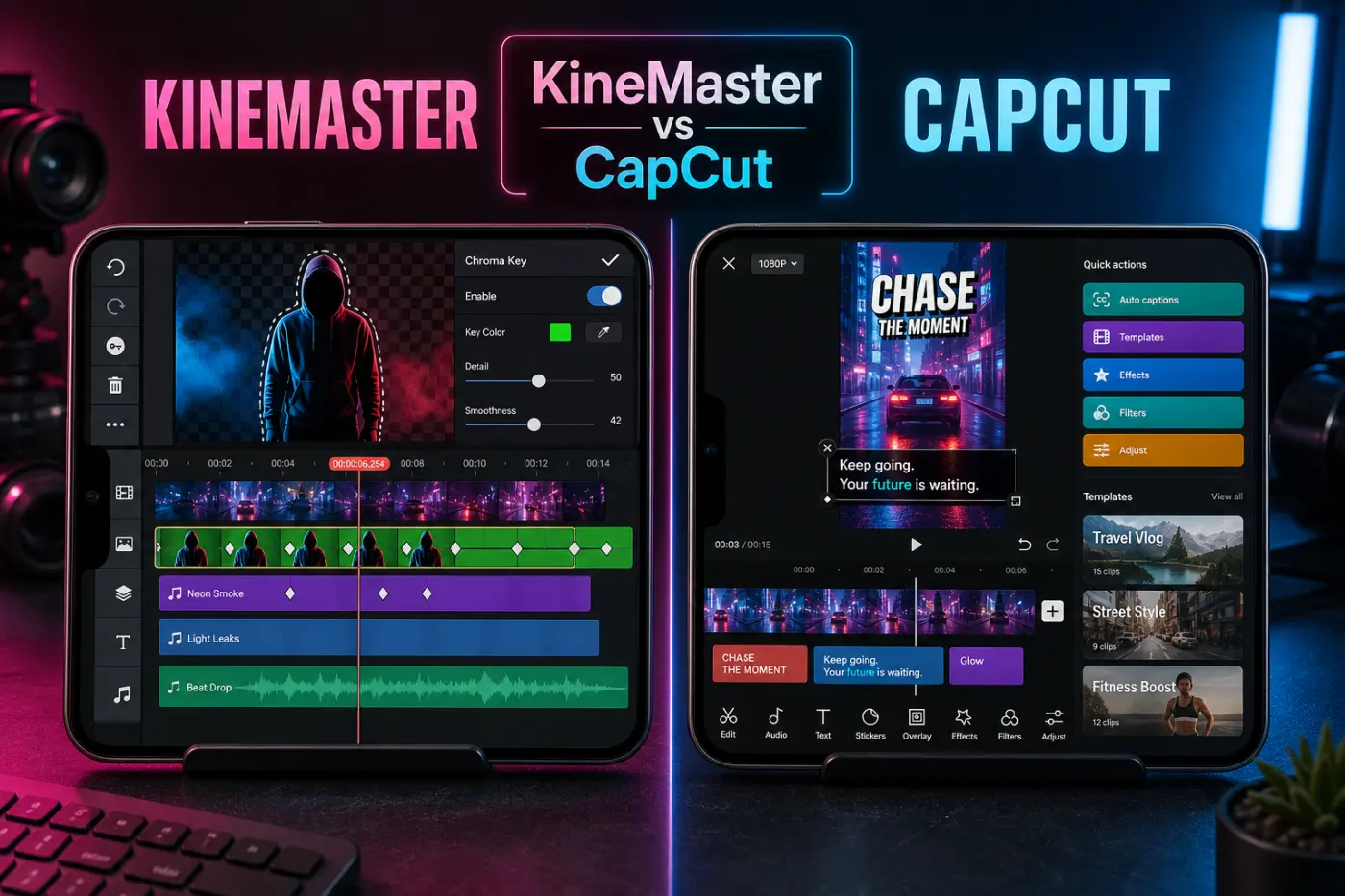
KineMaster’s tools include keyframe animation, chroma key, corner pin and blend modes. Those are useful reasons to choose it for compositing on a phone or tablet. Free exports carry a watermark; Premium removes it and the ads. Before uninstalling, export a .kine project backup outside the app’s storage and check that it reopens.
Green-screen scenes, animated overlays and layered mobile edits.
Your budget is zero and the final video must have no editor watermark.
Microsoft Clipchamp
For a screen recording or explainer that needs a straightforward timeline.
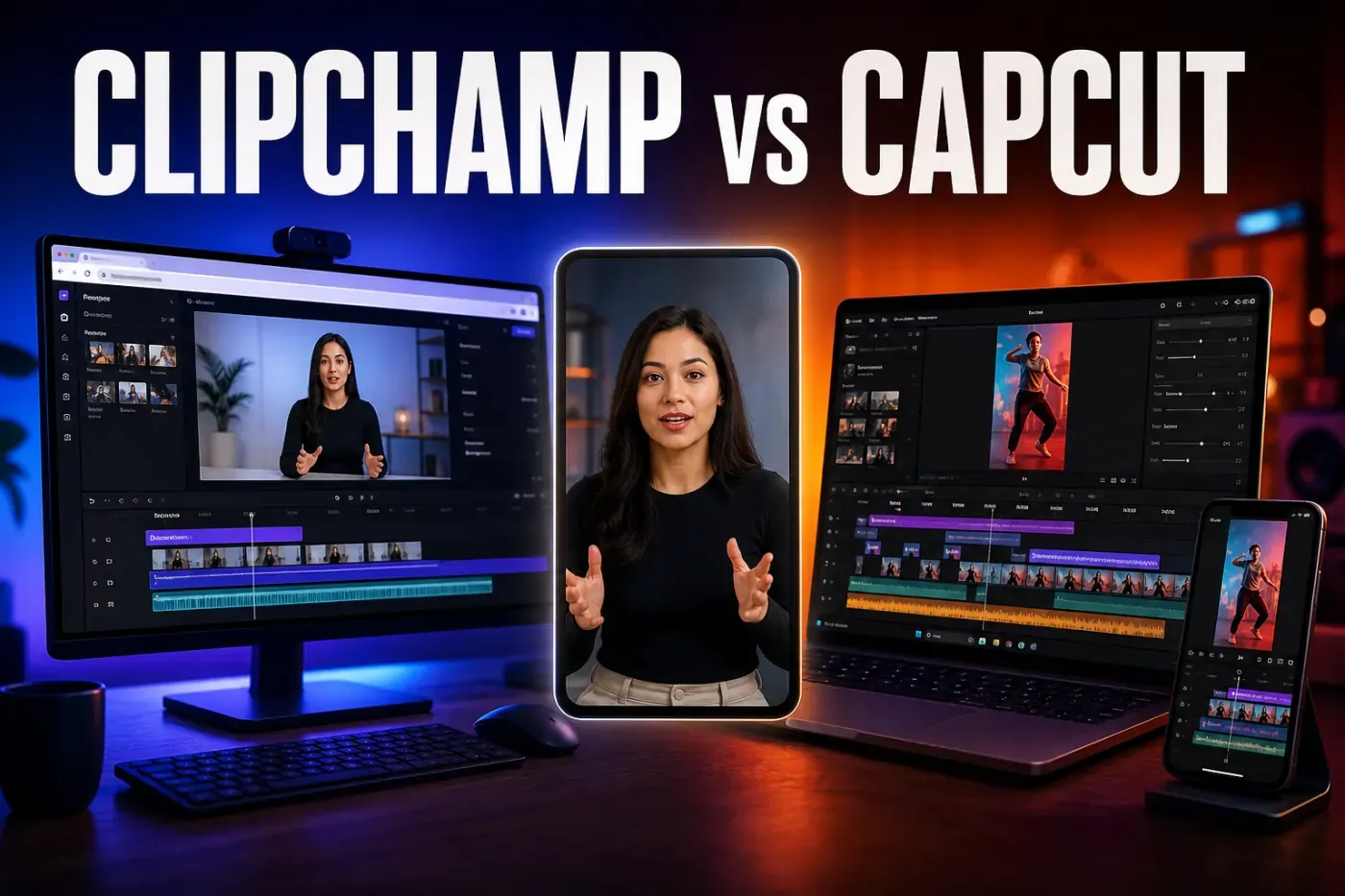
Clipchamp’s personal Free tier exports up to 1080p using your media and eligible free content. Premium assets and 4K require the appropriate paid entitlement. Its documented MP4 export is 30 fps, so it is not the pick for a required 60 fps delivery. The Windows app and desktop browser editor are the relevant routes: the iOS app retired on June 9, 2026.
Screen recordings, narration and captioned explainers on a supported computer.
You need phone editing, offline work or 60 fps output. A browser editor still needs capable hardware.
Canva Video Editor
Choose it when the video belongs to a larger campaign.
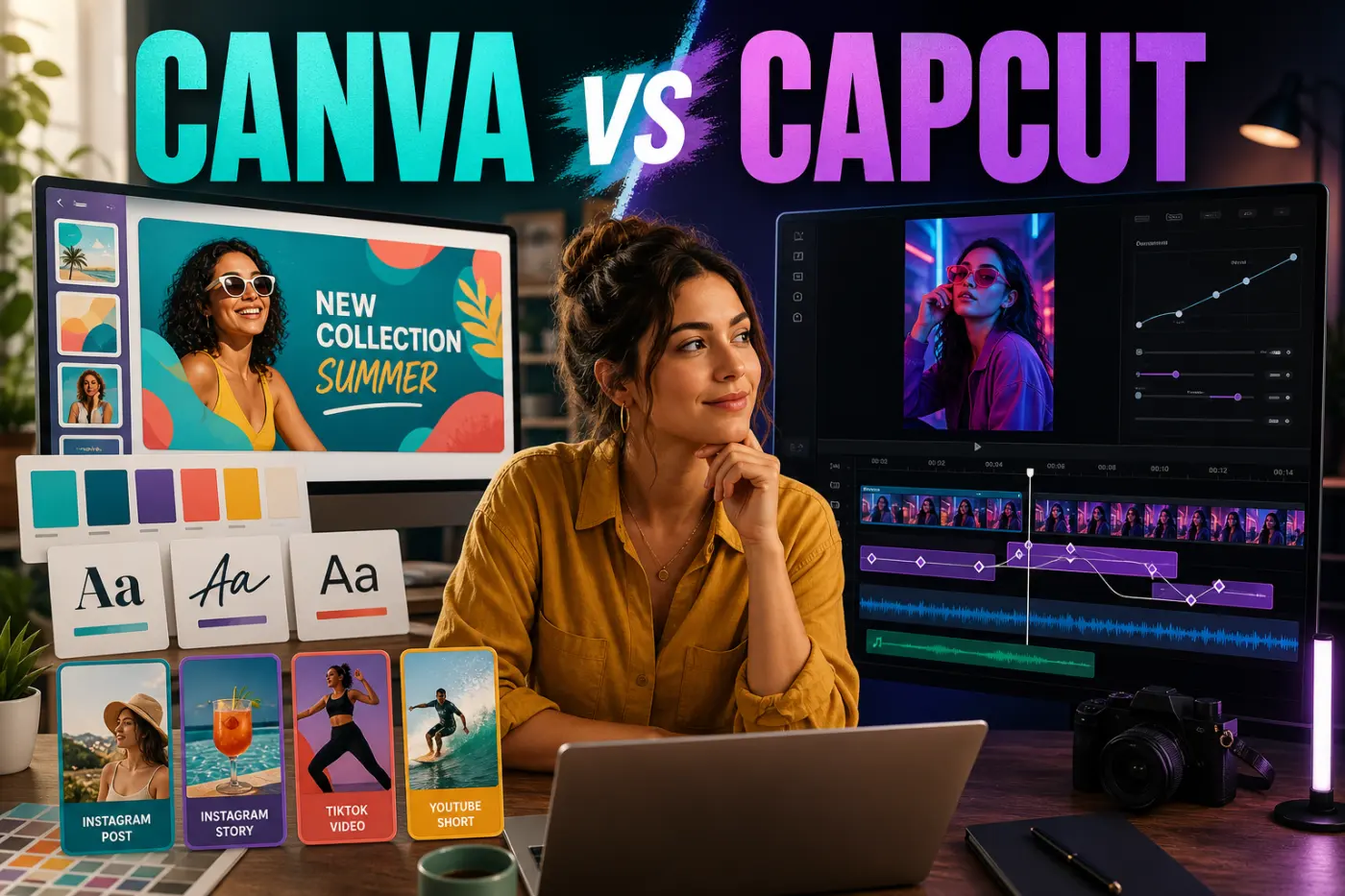
Canva’s Video 2.0 timeline can trim, sync and layer footage. Its appeal here is keeping video alongside campaign graphics, templates and brand assets. Brand-management and approval features depend on the plan. Unlicensed Pro content has watermarks; use your own or eligible Free material, or obtain the required license.
A video, thumbnail, ad and carousel that need consistent design.
Your priority is specialist color grading or a fully offline editing setup.
VEED
For talking videos that need captions and another person’s review.
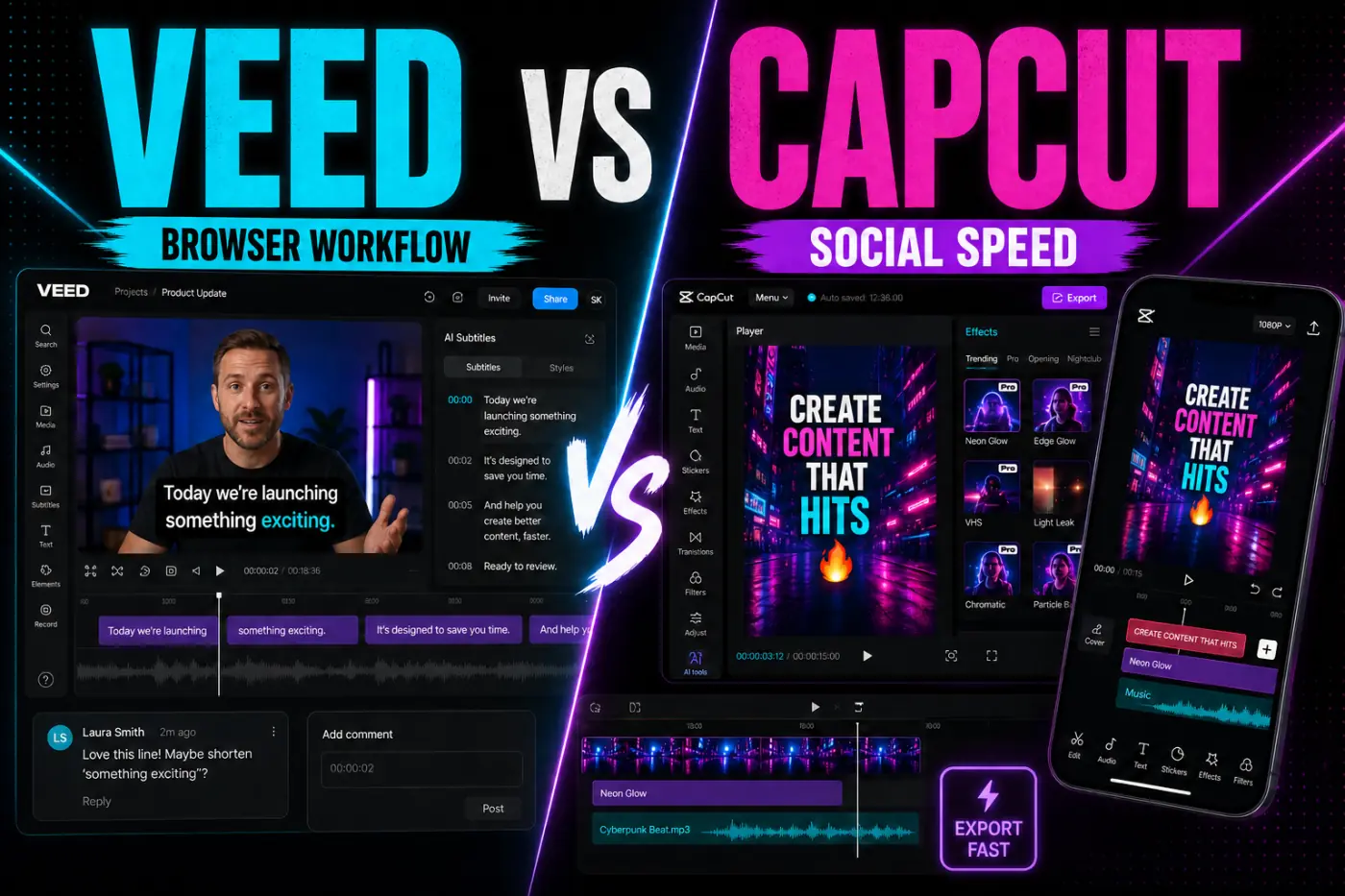
VEED combines timeline and transcript editing with subtitle tools and sharing. The main product has web, iOS and Android apps. Its Free export is 720p with a watermark. The separate iOS Lite app can send projects to a web-accessible Space, but the transfer can flatten elements and prevent further mobile editing. Check the exact app and subscription before buying; Lite is not an interchangeable name for the main mobile editor.
Captioned tutorials, interviews and marketing videos with reviewer feedback.
You need offline editing or a free, clean final export. Check sharing permissions before uploading client footage.
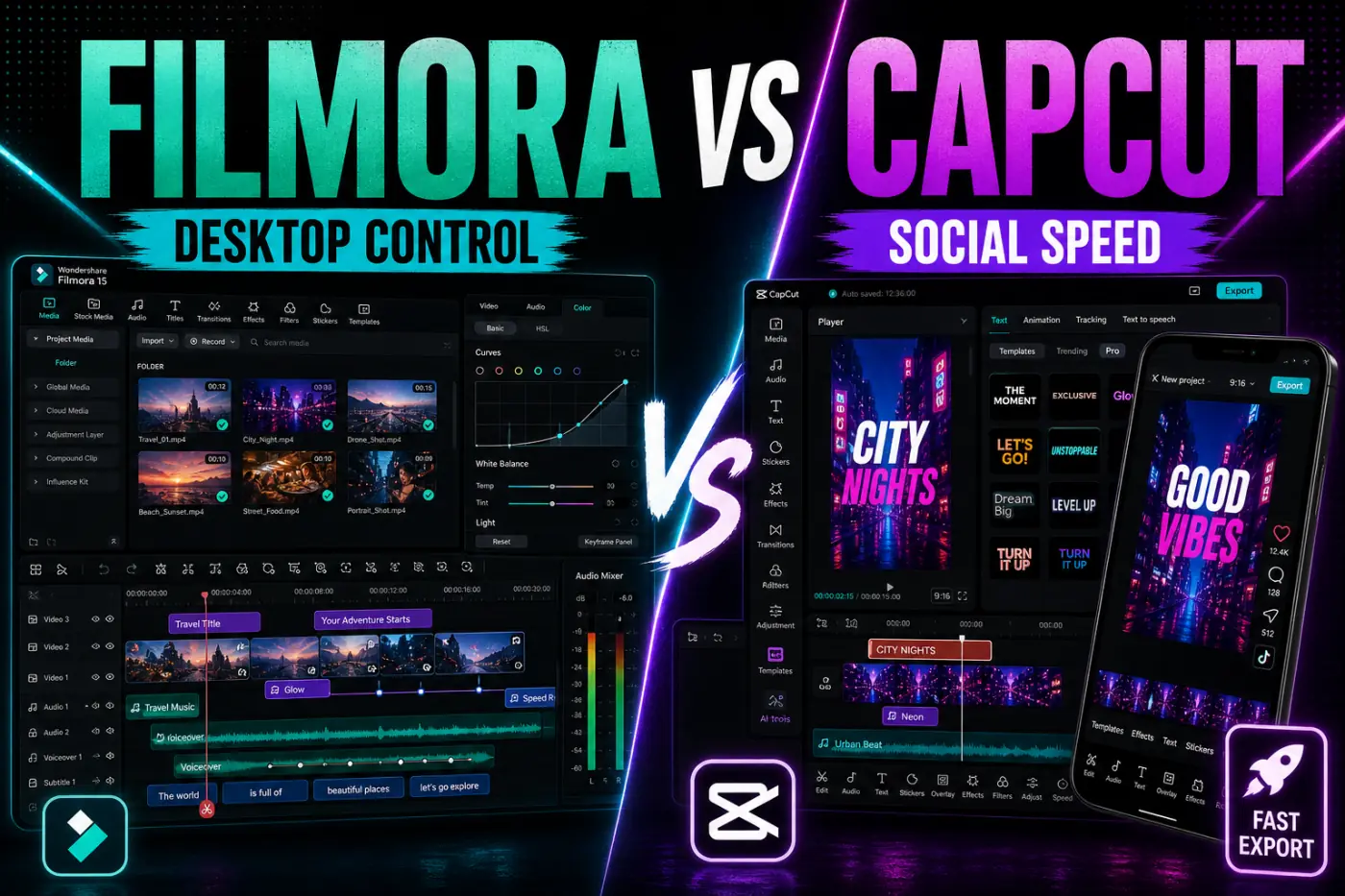
Wondershare Filmora
A paid desktop option for building longer edits around footage and effects.
Filmora gives you a multitrack timeline with keyframes, captions and color/audio tools. Its Free edition adds a watermark. Compare the software license, AI credits and Creative Assets separately: an optional asset trial can renew independently. Perpetual covers the purchased major version, not every future release. Confirm the devices and commercial-use rights included in your exact purchase.
YouTube videos and effects-led projects on Windows or Mac.
You need free clean exports, or expect a desktop purchase to cover every mobile feature.
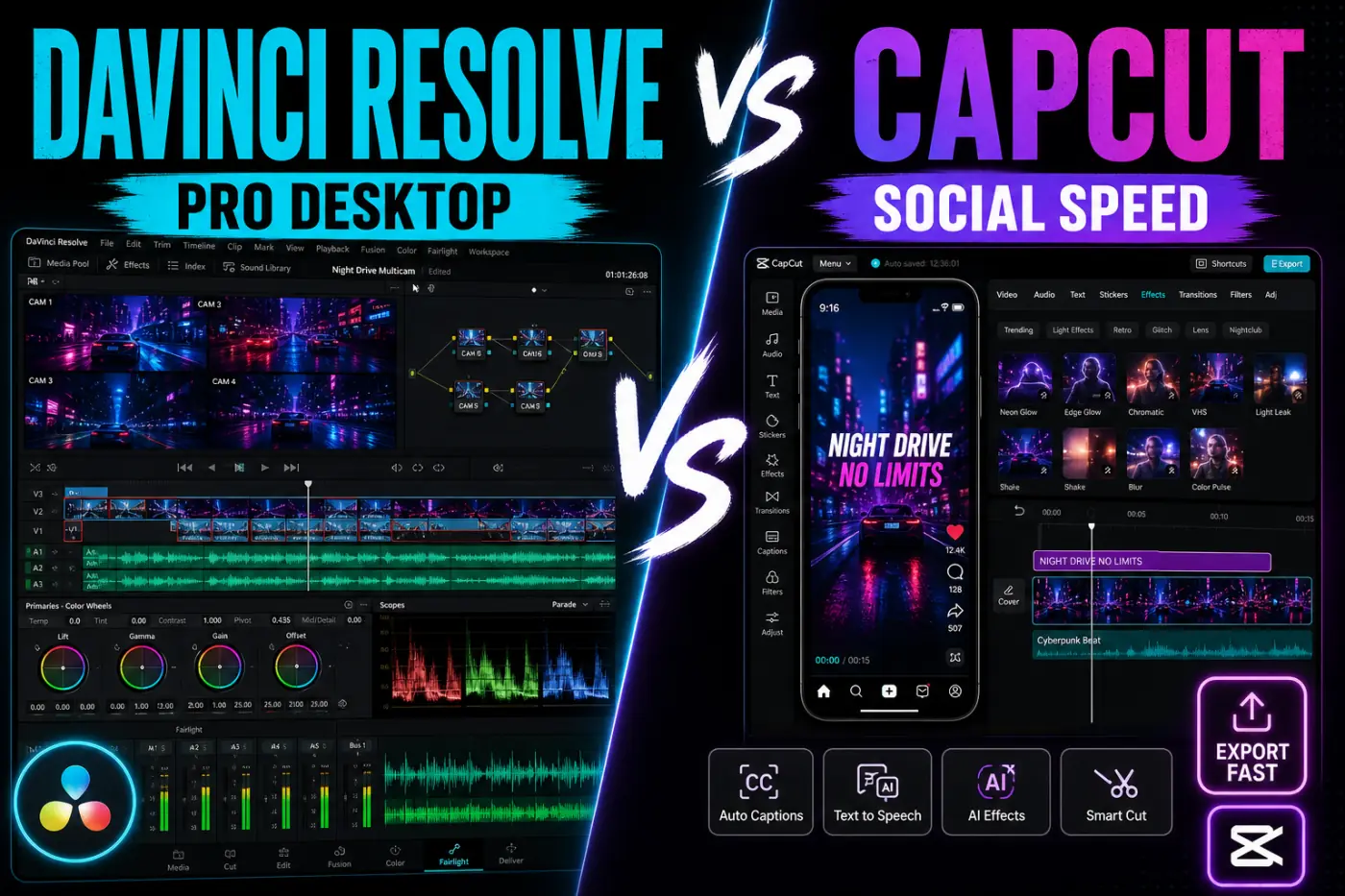
DaVinci Resolve
For an edit that needs detailed color work, audio mixing or compositing.
Resolve combines editing, Fusion effects, color grading and Fairlight audio. Blackmagic’s Free-versus-Studio overview lists Free output up to UHD 3840 × 2160 at 60 fps; Studio is advertised at US$295. Codec support depends on the operating system and edition, and Studio-only tools are not a free clean-export route. Check your footage before committing. The current desktop requirements call for Apple silicon and macOS 15 or later on Mac. The iPad app is a separate product route.
Long-form edits with substantial color, audio or effects work on suitable hardware.
You only need a quick template-based phone post, or your computer cannot meet the requirements.
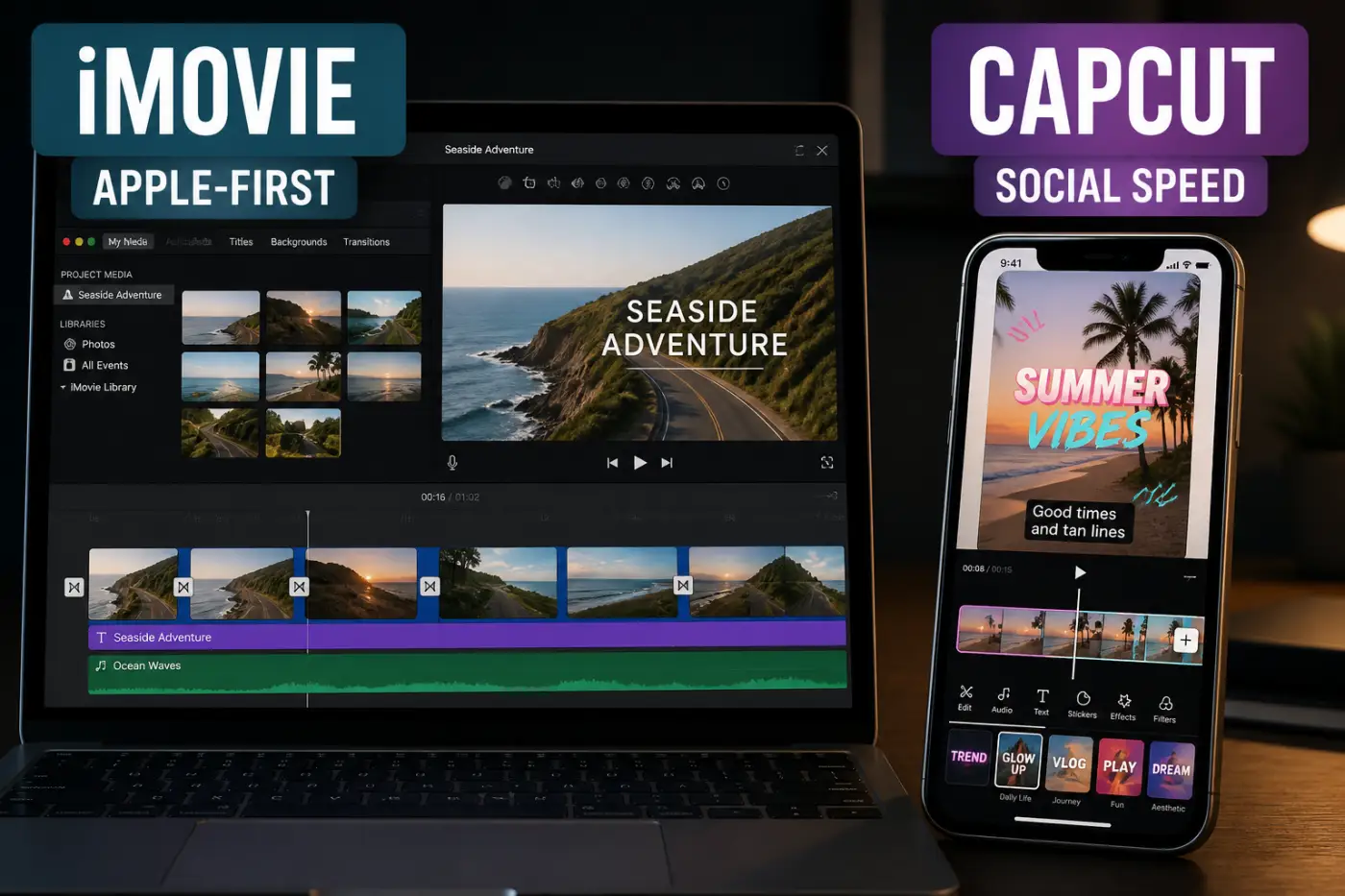
iMovie
A no-cost starting point when you already edit on Apple devices.
iMovie lets you arrange clips, add titles and music, and export a finished movie. Apple offers Magic Movie and Storyboards on iPhone and iPad; these are not Mac modes. Choose it for a straightforward film, not as a like-for-like replacement for CapCut’s animated captions and trend effects. Available export settings depend on the device, footage and app version.
A simple Apple-only edit without a subscription decision.
You need Windows or Android editing, or a particular social-caption effect.
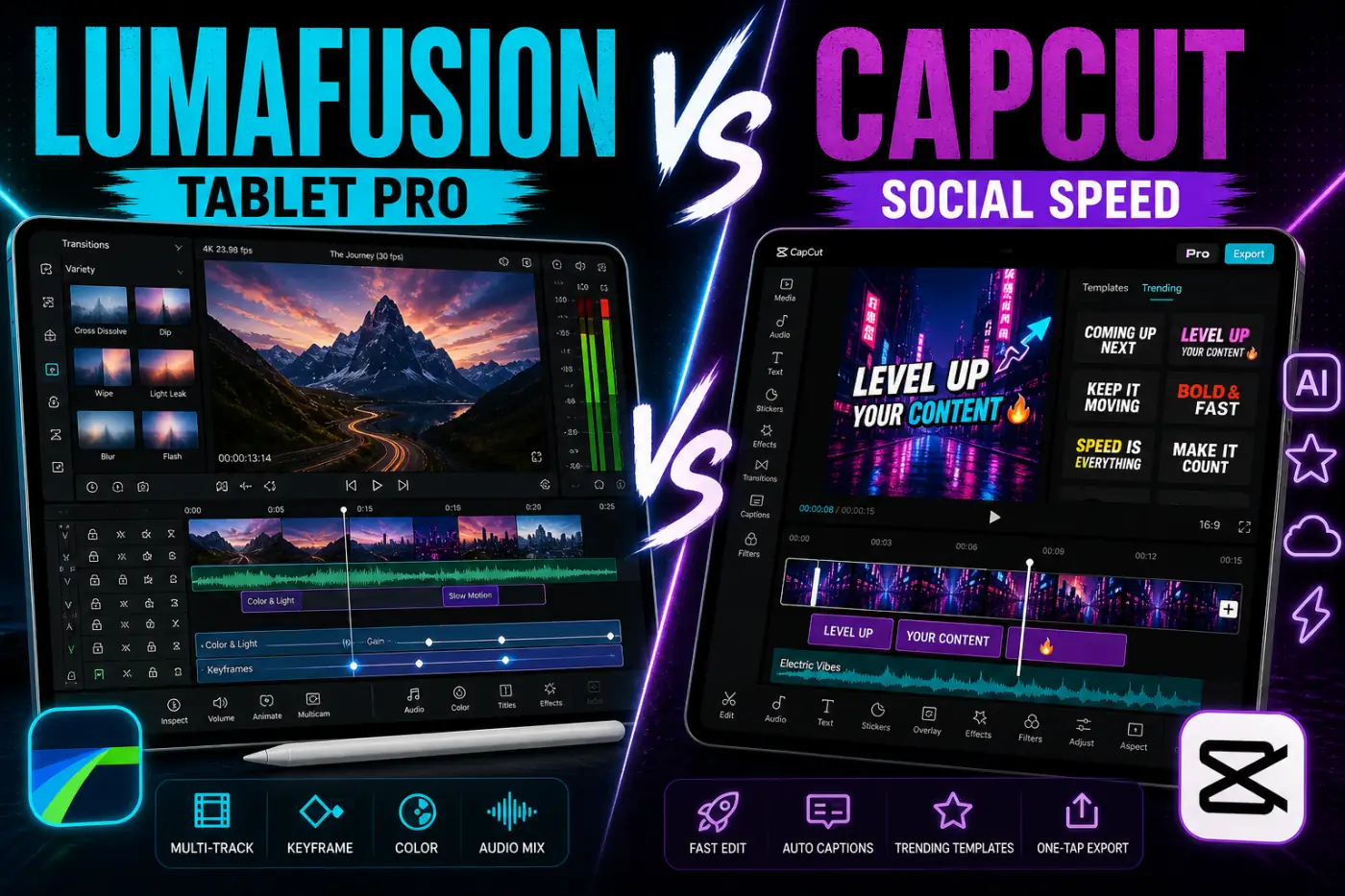
LumaFusion
For multitrack editing when your tablet is the main workstation.
LumaFusion’s base app is a one-time purchase. It supports layers, titles and audio/video effects; supported Apple-silicon Macs are another route. The optional Creator Pass adds features and stock media, with some tools limited to iOS. Do not buy the Android version expecting every Apple feature: check the exact platform and media support first.
Field or travel editing when the tablet needs to handle more than a quick trim.
You want a free app, trend-template discovery or identical features across platforms.
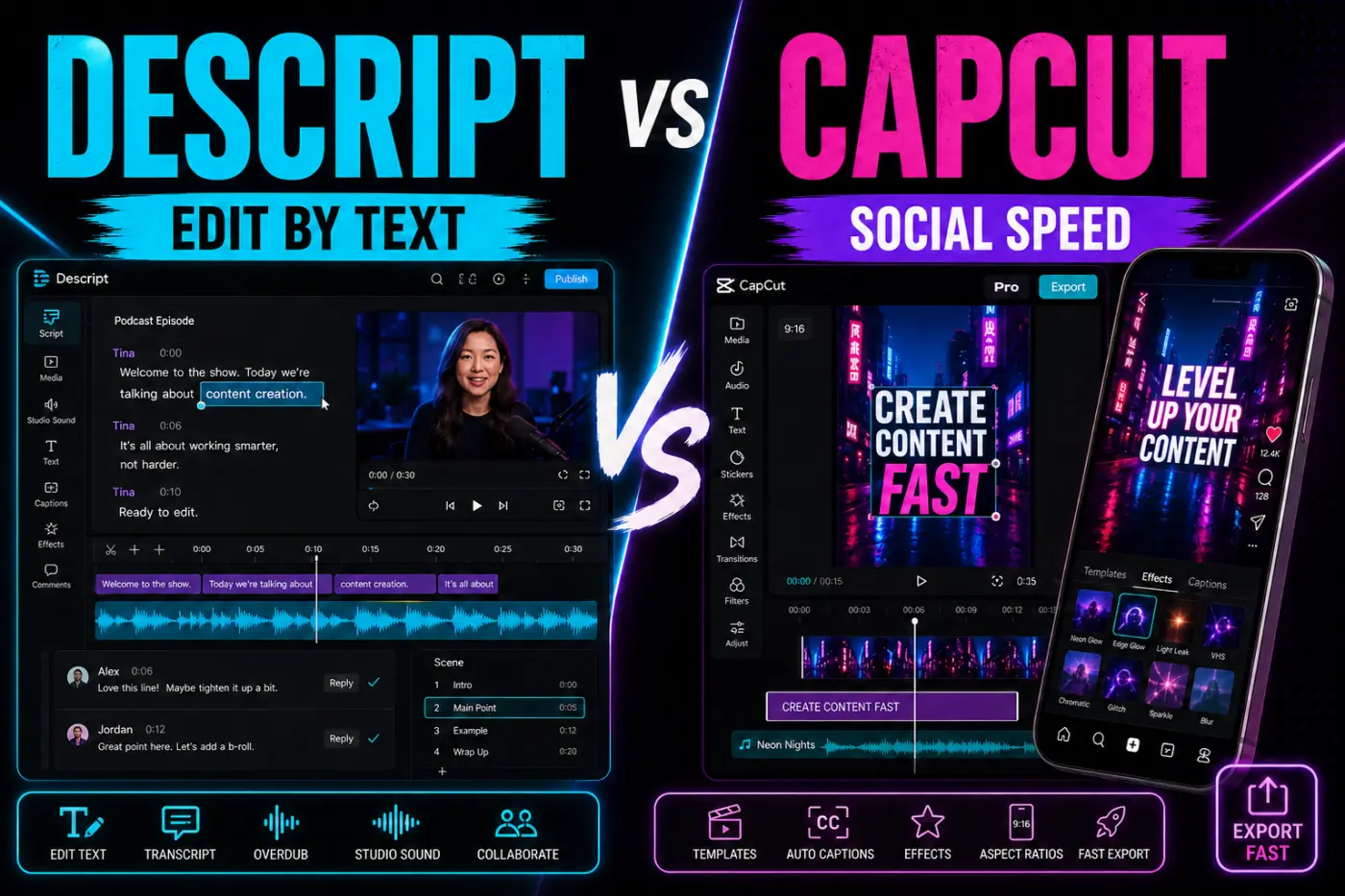
Descript
Choose it when removing words is the main editing job.
Descript links the transcript to the recording, so deleting spoken text edits the corresponding media. A timeline and visual layers handle the picture. Its plan comparison lists 720p local exports on Free and places watermark-free video export in paid tiers. Check the export options on your account before counting on a clean file; transcription and AI allowances also depend on the plan. The browser editor is intended for computers, not small phone or tablet screens.
Dialogue-heavy edits with repeated script changes and review rounds.
You mainly build phone-first template edits, or need a free clean video export.
Three checks that can change your choice
Captions and a clean export are separate requirements
For free automatic captions, try Edits on a phone or Clipchamp’s free transcription tools on a computer. Clipchamp can download an SRT transcript, but its captioning sends audio to Azure Cognitive Services. Review names, numbers and timing yourself. If cloud processing is not allowed for the footage, settle that before generating captions.
A browser does not make an old computer fast
Microsoft lists at least 8 GB of RAM for Clipchamp, recommends 16 GB or more and calls for a recent graphics card. It also needs an internet connection. For free local editing on Windows, Mac or Linux, consider Shotcut or Kdenlive; use proxies for demanding footage and test playback on your machine. Neither is part of the twelve-review collection above.
Check the license, not just the missing watermark
An editor can export a clean video while the music, font or stock clip still has usage restrictions. Check permission for the destination, client work and paid ads. For example, Canva distinguishes Free and Pro content licenses from its Popular Music license. Do not assume that moving an asset from CapCut transfers its rights.
Switch without losing your unfinished edit
Test a copy before moving a deadline project
- Keep the working CapCut project, original video/audio and any subtitle files. An MP4 export is a reference copy, not an editable-project backup.
- Use a non-confidential sample to rebuild a short section in the new editor: captions, an overlay, a speed change and your required export settings.
- Watch the exported file outside the editor. Check resolution, frame rate, text, audio sync and watermark.
- Back up the new native project and reopen it with its media available. For cloud review, check who can open the share link.
- Move the next job only after this works. If you choose Resolve, the independent Resolve download guide explains the official installer routes.
CapCut’s project-handoff guidance distinguishes media transfer from third-party project-file interchange. Do not expect another editor to recreate CapCut’s layers and effects merely by opening the exported video.
What this comparison can tell you
This is a document-based comparison of editing tasks, supported platforms and export restrictions, checked against vendor pages on September 12, 2026. It is not a twelve-app benchmark or a promise that every account has identical features. Store availability, plans and hardware can change the result. The trial steps above are for checking your own project before paying or moving work.
CapCut alternatives FAQ
Which free CapCut alternative should I try first?
Try VN for manual phone editing, Edits for phone captions and Reels, or Clipchamp for straightforward 1080p desktop projects. Resolve suits more involved desktop color and audio work. The best choice is the one that can finish your actual edit within its free limits.
Which alternatives export without a watermark?
VN and Edits advertise exports without an added editor watermark. iMovie is another free option; Resolve Free works within its supported features and export limits. Clipchamp and Canva need eligible media and features. KineMaster, VEED and Filmora have watermarked free exports. Descript Free lists 720p export, but its plan comparison reserves watermark-free video export for paid tiers; check the options on your account before relying on a clean file. Check InShot’s current removal option or Pro plan. LumaFusion is a paid app, not a free tier.
What should I use for free automatic captions?
Start with Edits on a phone or Clipchamp on a computer. Check the transcript, language support and final export before committing. VEED and Descript can help with transcript-led work. VEED Free adds a watermark; Descript Free lists 720p export, and its plan comparison does not include watermark-free video export in that tier. Check the final file and current account terms. A free download or caption button does not guarantee unlimited transcription.
What works on a low-end Windows PC?
No editor is a guaranteed winner until you try it with your own hardware and footage. Clipchamp requires at least 8 GB of RAM, with 16 GB or more preferred and a recent graphics card. Try a short 1080p project before a long edit. For local desktop work, also consider Shotcut or Kdenlive and their proxy-editing options.
Can Edits videos be posted to TikTok or YouTube?
Yes. Edits advertises exports for sharing to any platform. Its Reels insights are an Instagram benefit, not a restriction on where you can post the exported video. Check music and asset rights for the destination separately.
Which option supports free 4K at 60 fps?
VN advertises mobile exports up to 4K at 60 fps, and Resolve Free supports output up to UHD 3840 × 2160 at 60 fps. Those ceilings do not guarantee every codec, device or effect combination. Clipchamp’s personal Free tier is limited to 1080p and its documented MP4 output is 30 fps.
Can I move a CapCut project into another editor?
Do not assume the editable timeline will transfer. An exported MP4 preserves the finished picture and sound, not the original layers, captions and effects as editable objects. Keep a working CapCut copy, the original media and any usable subtitle files. Rebuild a short section in the new editor before moving a deadline project.
Are these the only alternatives?
No. This page compares twelve editors with dedicated reviews on CapCut Guide. Mac editors who need organized libraries, multicam work and controlled delivery can use our CapCut vs Final Cut Pro comparison. Shotcut and Kdenlive are also worth considering for free, open-source desktop editing. The list is a shortlist, not a claim that other editors are unsuitable.