

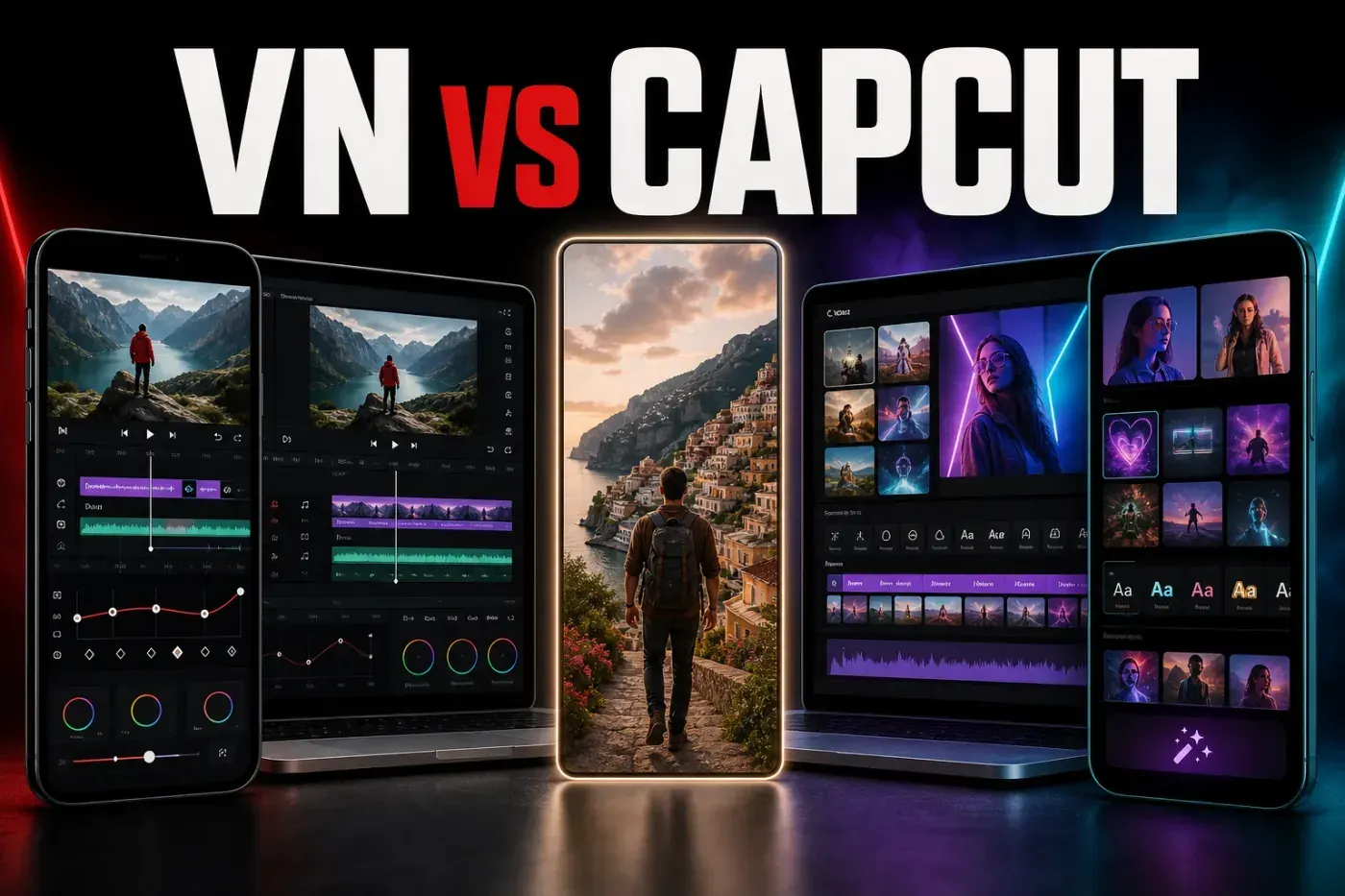
VN Video Editor is the better CapCut alternative for creators who want a cleaner, more manual timeline and an officially advertised no-watermark export without making one social network the center of the workflow. CapCut remains the stronger choice for a mature phone-to-browser-to-desktop setup, a larger trend-driven asset library, and more ambitious AI-assisted production.
This VN Video Editor review was rechecked on August 27, 2026 against VN's official site, the live US Apple and Google store listings, the current Windows download status, visible store feedback and CapCut's product documentation. It is a source-verified editorial assessment, not a claim that every build was benchmarked on every supported device.
| Review fact | Current answer |
|---|---|
| Price | Free download with ads and in-app purchases. VN Pro and separate credit packs are listed in the US Apple stores; prices and entitlements vary by device and region. |
| Platforms | iPhone, iPad, Android and macOS. VN's official site also provides a native Windows installer. There's no comparable browser editor listed by VN. |
| Maximum advertised export | Up to 4K at 60 fps on the current iPhone/iPad and Android listings. |
| Watermark | VN officially advertises clean exports without its own watermark, including on the free app. |
| Best fit | Creators who prefer direct timeline control, keyframes, speed curves, imported LUTs and clean social-video exports. |
| Main caution | Heavy projects can expose lag, freezing, lost-work or export complaints. Cross-device transfer still needs testing before you plan around it. |
VN Video Editor Review: The Short Verdict
VN sits in a useful middle ground. It is easier to learn than a full professional editor, but its multi-track timeline doesn't hide manual control behind templates. Trimming, overlays, masks, keyframes, speed ramps, beat markers, LUT import, captions and custom export settings are all part of the current product.
That makes VN a convincing choice for Reels, TikTok videos, Shorts, mini-vlogs and straightforward YouTube projects. The official VN download page lists iOS, Android, Mac and Windows, correcting the platform list repeated in older reviews. The Windows button resolved to VN's official CDN installer when we checked on August 27. That makes Windows a verifiable native route alongside iPhone, iPad, Android and Mac, although feature parity still needs its own test.
VN is not simply “CapCut without the paywall.” The live stores list VN Pro, ads and credit packs, while recent releases add AI generation, AutoCut and other assisted tools. CapCut still has the broader cross-platform environment, browser access, trend-oriented effects and templates, and a larger AI catalogue divided across current Standard and Pro access. Choose between them by workflow, not by an outdated free-versus-paid slogan.
VN Pros and Cons in 2026
What VN gets right:
- officially advertised no-watermark export, with up to 4K at 60 fps on mobile;
- a real multi-layer timeline with keyframes, masks, curves and beat markers;
- imported LUT support for creators who want more control over color;
- iPhone, iPad, Android and Mac availability, with Windows listed on the official site;
- automatic captions, text-to-speech, cutout, denoise and smooth slow motion alongside manual tools;
- a shallower learning curve than desktop-first professional editors.
Where VN falls short:
- no full browser editor comparable to CapCut Web;
- smaller effect, animated-asset and trend-template depth than CapCut;
- project transfer is not the same as automatic, invisible cloud continuity;
- heavy overlays and longer timelines can stress mobile hardware;
- recent verified reviews still report freezing, missing work, export trouble and subscription-recognition problems;
- the free app now sits beside Pro purchases and AI credits, so feature access can change.
What VN Includes Now
The current US iPhone and iPad listing describes a frame-accurate timeline with up to 30x zoom, picture-in-picture layers, masks, keyframe animation, curve-based speed ramps, beat editing, direct voice-over recording, filters, imported LUTs, transitions and non-destructive drafts with undo and redo.
The mobile product is still changing quickly. Apple's August 13 version 2.18.1 added stabilization, nine mask shapes, custom keyframe curves, photo editing and track-hiding controls. Google Play, updated August 26, lists the same headline editing additions plus an audio-waveform sync fix. A feature shown in one release line should not be assumed to exist in the Windows or Mac build.
VN has also expanded beyond manual editing. Its current mobile descriptions include automatic captions, text-to-speech, background cutout, AI-interpolated slow motion, AutoCut, BeatsClips, a teleprompter, reusable templates and photo tools. The current Google Play listing adds AI image and video generation. These tools narrow the gap with CapCut, but availability can depend on platform, build, account and credits.
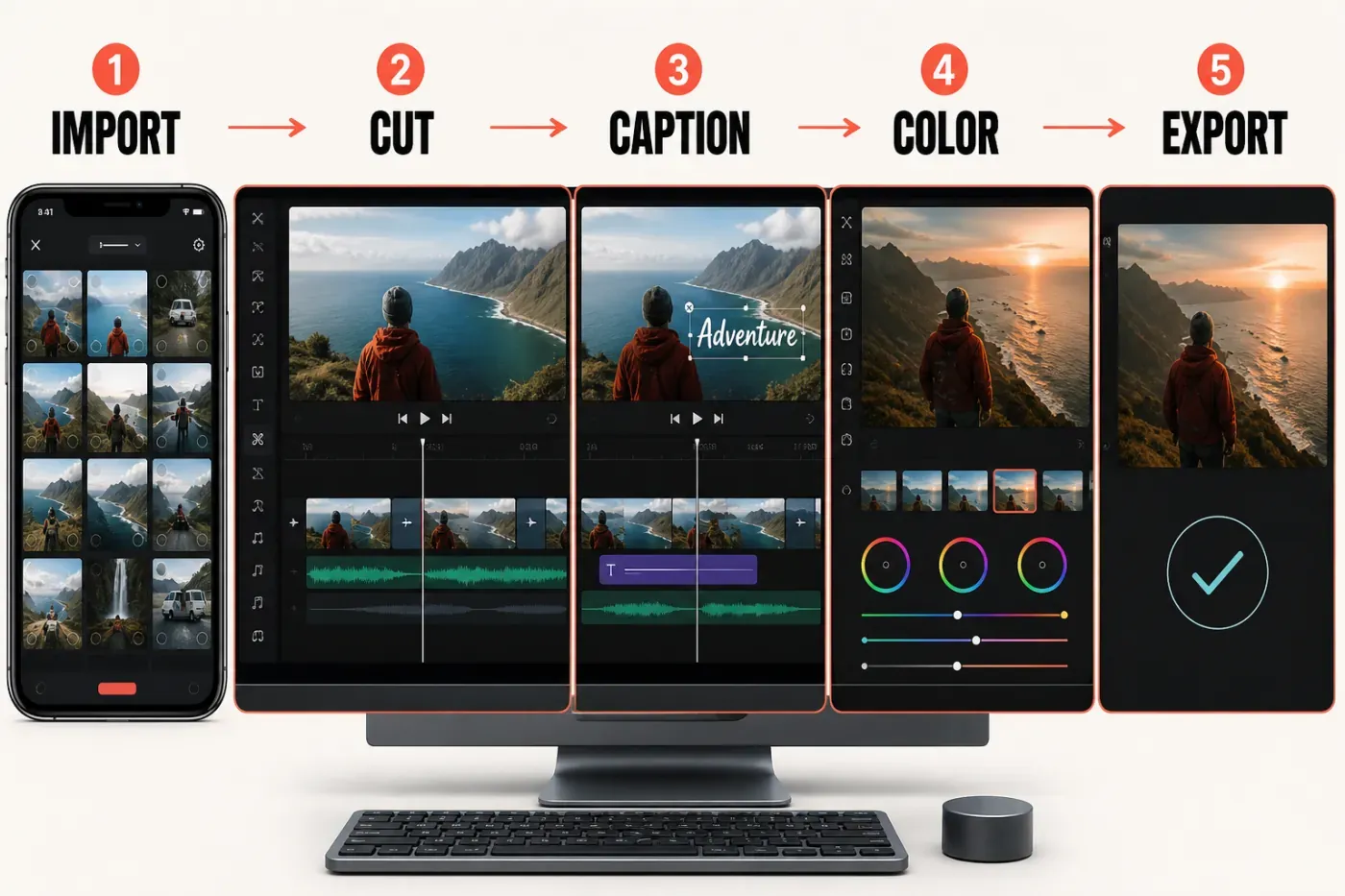
VN still feels like a timeline editor first. You cut the clips, stack video and text, animate position or scale with keyframes, shape the pace with curves and choose the export settings yourself. That takes a little more work than dropping media into a trend template, but the habits transfer to other timeline editors.
Timeline, Keyframes and Learning Curve
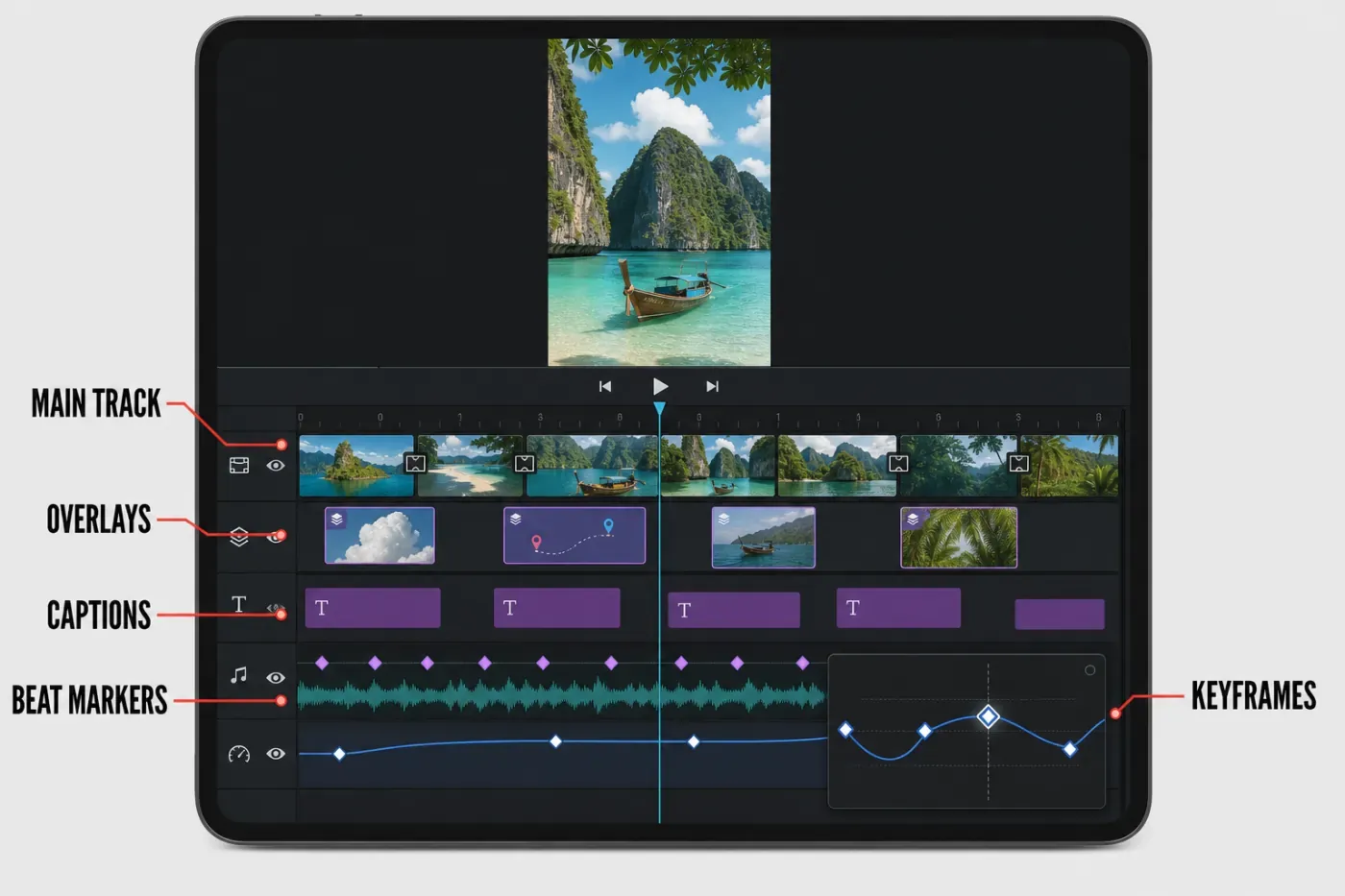
VN's interface is approachable, but it expects the editor to understand tracks. The main track holds the story; extra video, photos, stickers, titles and audio sit on sub-tracks. That structure takes longer to learn than a template-first workflow, then becomes easier to reason about when a project needs precise timing.
The current Mac version adds two main-track behaviors: Quick Mode shifts later clips as you edit, while Pro Mode keeps the timeline fixed. That small choice solves a real editing problem. Ripple-style movement is convenient during a rough cut; a fixed timeline is safer after music, captions and overlays have been synchronized.
Keyframes and adjustable curves are another reason to choose VN. They let you animate scale, position and other properties rather than relying only on preset effects. CapCut also has capable keyframes, and our tutorial on how to use keyframes in CapCut explains the same core discipline: place deliberate start and end states, keep movement readable, and preview the complete transition instead of adding points at random.
Where VN feels thinner is ready-made spectacle. If the job is a viral effect, animated sticker or familiar trend template, CapCut usually gets there faster. If the job is a controlled zoom, mask reveal or beat-synced montage built by hand, VN's quieter workspace is easier to keep organized.
Captions, Audio, Color and AI Tools
Automatic captions and text-to-speech are now first-class VN features, not missing items on a comparison checklist. Subtitle templates and animated text styles can speed up talking-head videos, while direct voice-over recording and denoise help with simple narration workflows.
Don't treat automatic captions as finished copy. Names, slang, punctuation and line breaks still need review. Caption generation may also use credits or online processing depending on the feature and platform. Keep the spoken audio clear, choose the correct language, correct the transcript, then watch the exported file with sound both on and off.
VN offers useful manual audio tools: voice-over, music, sound effects and beat markers. CapCut has the stronger trend-audio and effect-oriented workflow. For color, VN's LUT import is a practical advantage for creators who already have a repeatable look. A LUT is a starting transform, not an automatic grade: check skin tones, highlights and shadows clip by clip.
VN's AI additions now include cutout, image enhancement, image generation, video generation and frame interpolation in product materials. CapCut still goes wider with script generation, avatars, templates, camera tracking and other plan- or credit-dependent features. If AI automation drives most of the workflow, CapCut is the more developed option. If AI is occasional and the timeline remains central, VN is less distracting.
Desktop and Cross-Device Reality
Several ranking VN reviews still say Windows users need an Android emulator. VN's official site lists Windows beside iOS, Android and Mac, and its Windows button resolved to an official CDN installer when we checked on August 27. Treat that as a verified download route, not proof that every mobile or Mac feature is present in the Windows build. The same page links a working Mac App Store edition.
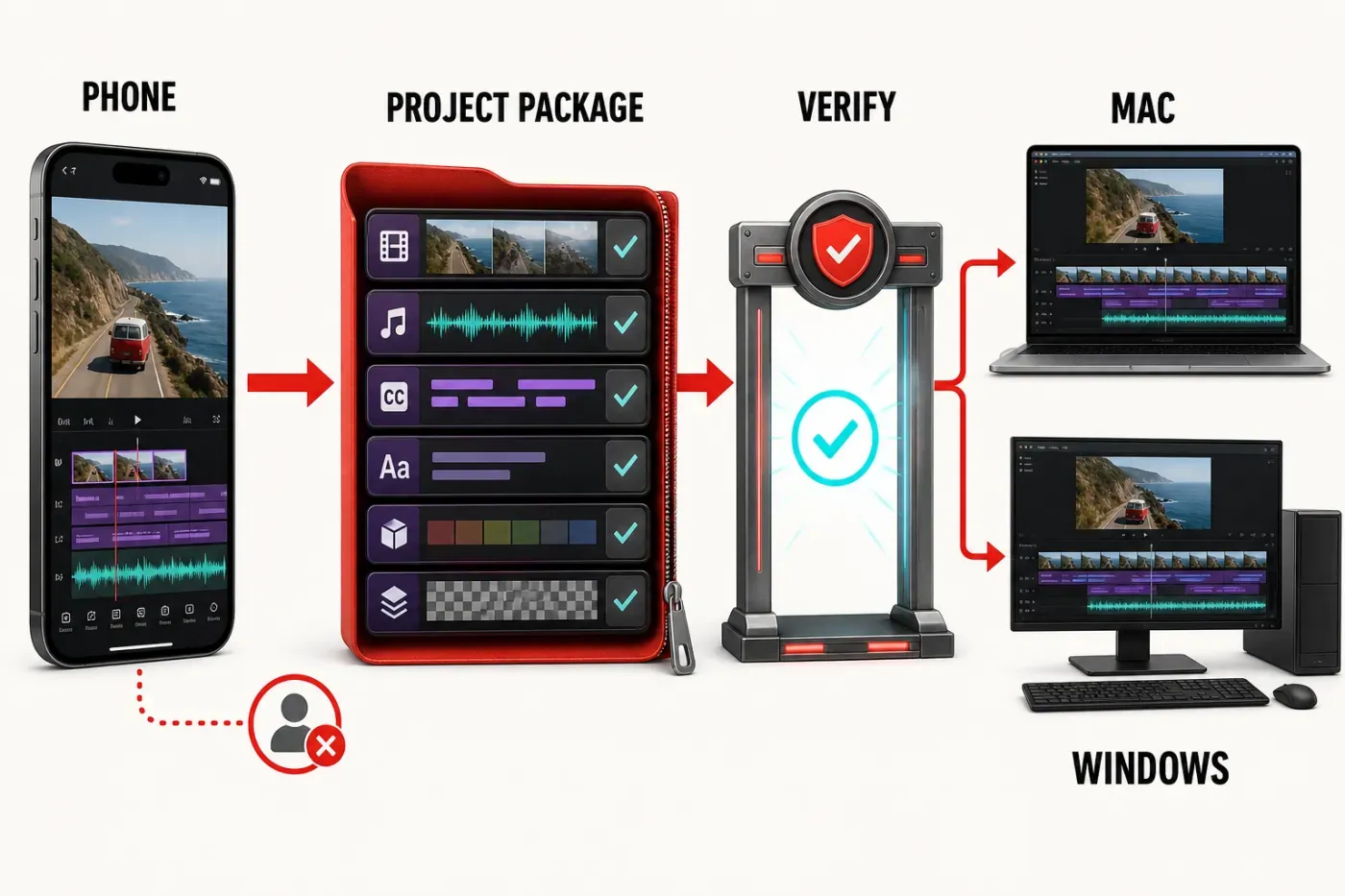
A download button doesn't guarantee feature parity. The Mac, iPhone/iPad, Android and Windows products follow different release lines, and VN doesn't publish a simple cross-platform parity matrix. Buttons, effects, media import and project-transfer behavior can differ, so verify the exact tool you need before moving a deadline project.
VN supports ways to move project material between devices, but account login doesn't mean every local draft automatically appears everywhere. The Apple listing mentions AirDrop and iCloud transfer, while VN's own support response directs users to a Project Sharing workflow. Export or share a test project with fonts, music, overlays and LUTs before assuming a phone-to-computer handoff will preserve everything.
CapCut's advantage is maturity across phone, Windows, Mac and web. If device switching is non-negotiable, review our CapCut platform and download guide before choosing. VN has verified Mac and Windows routes, but CapCut remains the safer default for a workflow that changes devices every day because its browser and cloud handoff are more established.
Export, Watermark, Pricing and Licensing
VN's clearest advantage is its export promise. The official site and Apple listings describe the editor as free with no watermark, and the current mobile stores advertise custom export up to 4K at 60 fps. The final options available still depend on source footage, device capability, project settings and installed build.
“Free with no watermark” doesn't mean “there is nothing to buy.” Google Play labels VN as containing ads and in-app purchases. On August 27, the US iPhone/iPad store listed VN Pro at $7.99 and $69.99 plus credit packs; the Mac store listed VN Pro at $6.99 and $49.99. Apple's public purchase list doesn't state the billing period or spell out every entitlement, and regional prices differ. Read the checkout screen before paying instead of inferring a monthly or annual plan from the number alone.
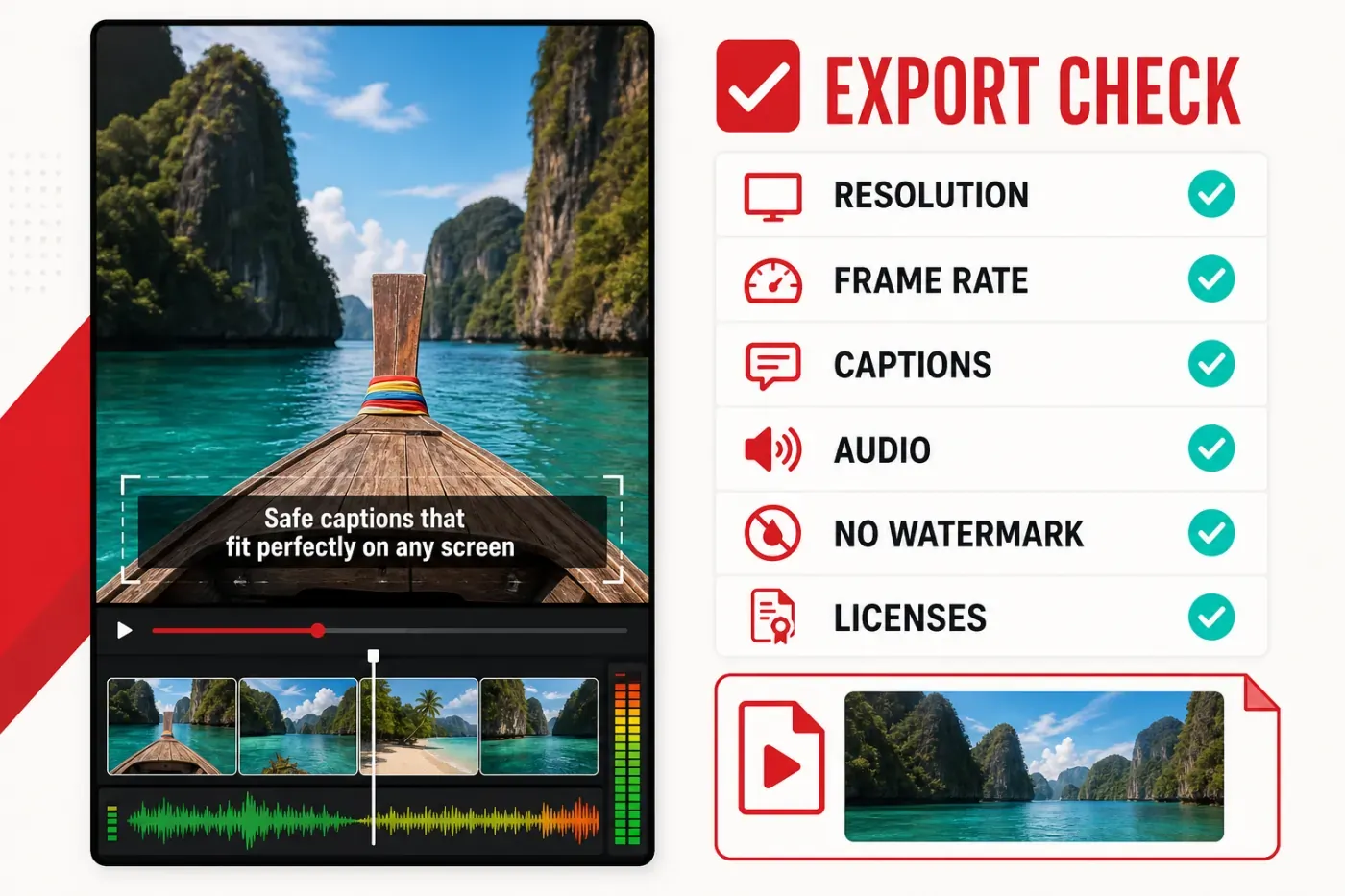
Before trusting a long render, use this short export check:
- match resolution and frame rate to the source and destination;
- avoid choosing 4K merely because the menu allows it;
- preview captions, transitions and audio at the final frame rate;
- export a short section before rendering a long project;
- watch the saved file from start to finish before deleting media.
Our walkthrough of CapCut export settings covers resolution, frame rate and bitrate decisions that apply to any editor. A 4K label can't restore detail that was never captured, and an excessive bitrate only creates a larger file after the destination platform recompresses it.
Watermark-free also doesn't mean rights-free. Music, fonts, templates, stickers and AI-generated assets can carry separate terms. For client work, ads or monetized channels, confirm that every asset is cleared for the intended use and keep a record of the applicable license.
Reliability and Current User Complaints
VN's store averages are strong. The August 27 snapshot showed 4.8 from about 313,000 US App Store ratings and 4.7 from 5.36 million Google Play reviews, with 100M+ Android downloads. Those averages still hide the failures that matter on a deadline. A visible February 2026 Google Play review reports crashes, freezes, lost work, unrecognized Pro access and missing transcript credits. Older high-engagement reviews describe overlay lag and projects breaking after source files disappear. These reports identify failure modes; they don't establish how often each one occurs.
A May 2026 Mac review adds phantom audio after clip splits, desktop/mobile differences and slow support responses. A developer reply asks for a screen recording or draft, but doesn't confirm a universal defect or a fix. Store reviews are not controlled tests; use them as warning signals for a representative project, not as proof that every installation fails.
VN's release history documents fixes for crashes, short-audio loss, transition timing, export duration and waveform sync. That shows active maintenance, not proof that every complaint is closed. Before a large edit, keep the original media in place, duplicate the draft, export checkpoints and avoid making the app's project database your only copy.
If an export fails, reduce the diagnosis to one variable at a time: free storage, restart, export a short range, disable the newest effect, check the missing source file, then lower resolution only after the project itself is stable. Rebuilding everything immediately makes the cause harder to find.
VN vs CapCut: Feature Comparison
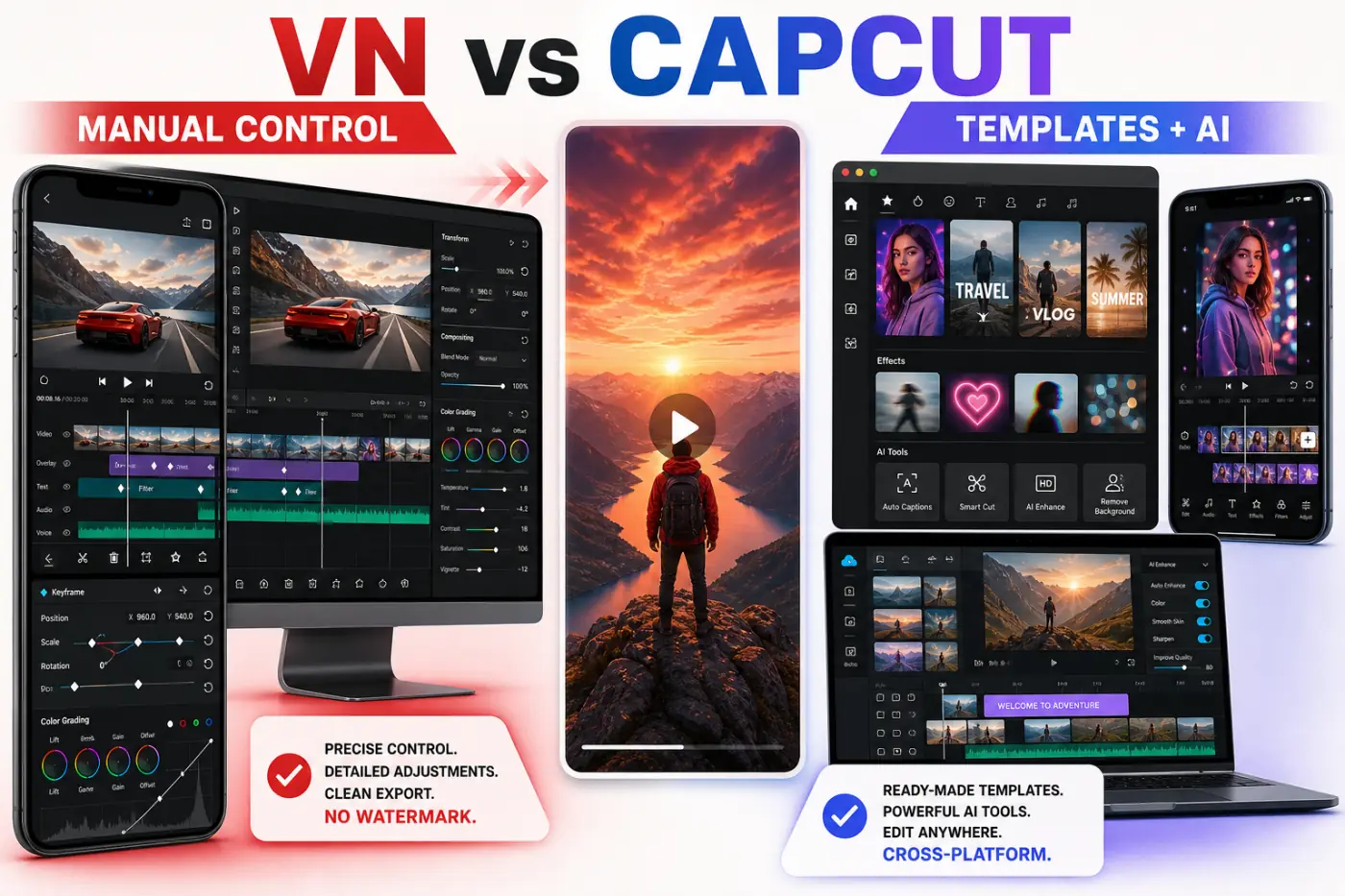
| Decision factor | VN Video Editor | CapCut |
|---|---|---|
| Best fit | Manual mobile editing with clean exports and transferable timeline skills | Trend-driven social editing, templates, AI tools and device switching |
| Platforms | iPhone, iPad, Android, Mac and a native Windows installer; no browser editor | iPhone, iPad, Android, Windows, Mac and browser |
| Free export | Officially advertised without VN watermark; up to 4K/60 fps on mobile | Free export is available, but paid assets, templates and plan rules can affect a project |
| Timeline | Clear multi-track workflow, Pro/Quick modes, keyframes, masks and curves | Deeper mature desktop tools plus strong mobile controls |
| Templates and effects | Useful but smaller catalogue; encourages manual construction | Larger trend, effect and template selection |
| Captions and AI | Captions, TTS, cutout, generation and interpolation; some access may use credits | Broader AI catalogue with Standard, Pro and credit-dependent features |
| Color | Built-in filters, adjustment controls and LUT import | Filters, adjustments and stronger desktop grading options |
| Cross-device work | Project-sharing and transfer methods need deliberate setup and testing | More established mobile, desktop, web and cloud workflow |
Don't choose by counting features. Pick VN when you want the app to stay out of the way while you cut and animate by hand. Pick CapCut when templates, trend assets, AI automation and moving between web, phone and desktop are what save the time. Both can make a strong vertical video; the faster one depends on how you edit.
Who Should Switch to VN, and Who Should Stay With CapCut?
Choose VN if:
- you want a clean, no-VN-watermark mobile export;
- you prefer keyframes, speed curves, masks and LUTs over one-tap effects;
- you edit mainly on a phone or tablet and want a verified Mac edition available;
- you create Reels, TikTok videos, Shorts or vlogs without depending on one platform's publishing tools;
- you're willing to test cross-device handoff and keep your own backups.
Stay with CapCut if:
- you rely on a browser editor or move between devices constantly;
- viral templates, animated effects and a large asset library save most of your time;
- AI generation, avatars, tracking or automation are central to production;
- your existing CapCut projects and paid assets already support a stable workflow;
- you need browser access, mature cloud handoff or deeper desktop tools.
Don't migrate an archive first. Rebuild one representative video in VN with captions, two overlays, a speed change, a keyframed move, music and your normal export settings. Time the corrections, inspect the saved file and test the project handoff. That one exercise says more than a feature checklist about whether VN will save you time.
Privacy and Account Trade-offs
VN is developed by Ubiquiti Labs, LLC. Apple's mobile privacy panel says identifiers may be used for tracking and that identifiers, usage data and diagnostics may be collected without being linked to identity. Google Play's Data safety panel says no data is shared with third parties, while personal information, photos and videos and three other data types may be collected; it also says data is encrypted in transit and deletion can be requested. These are developer-supplied disclosures, not independent audits, and can vary by feature, age and region.
Uploads for AI generation, captions, cloud transfer or support can have different exposure from a purely local trim. Don't put confidential client, school, employer or regulated footage into an online feature until the applicable policy and contract allow it. Keep local originals and upload only what the task requires.
VN Video Editor FAQ
Is VN Video Editor completely free?
VN is free to download and still advertises a strong free editor, but it is no longer accurate to say there is nothing to buy. Current stores list ads, VN Pro in-app purchases and separate credit packs. Check the live checkout screen for your platform and region before assuming a feature is included.
Does VN Video Editor add a watermark?
VN's official site and current Apple listings advertise exports without a VN watermark, including in the free app. That promise doesn't grant commercial rights to music, templates, fonts, stickers or generated assets used inside the project.
Can VN export 4K at 60 fps?
The current iPhone/iPad and Android listings advertise custom export up to 4K at 60 fps. The available combination depends on the device, source footage and build, and choosing 4K doesn't improve low-resolution originals.
Is VN Video Editor available for Windows?
VN's official site lists Windows, but the official button resolved to VN's CDN installer in our August 27 check. Use that official route rather than an emulator or third-party download, and test the Windows build with a representative project before moving live work.
Is VN better than CapCut?
VN is better for creators who value a clean manual timeline, LUT import, keyframes, speed curves and an officially advertised no-watermark export. CapCut is better for browser access, mature cross-device work, trend templates, effects and a broader AI tool set.
Can VN projects sync between phone and desktop?
VN supports project-sharing and transfer methods, but login alone should not be treated as automatic cloud sync for every local draft. Test a complete handoff with fonts, audio, overlays and LUTs before depending on it.
Bottom Line
VN is one of the closest CapCut alternatives for someone who wants serious mobile editing without jumping to a professional desktop suite. Its no-watermark export promise, multi-track timeline, keyframes, curves and LUTs give it more range than many older reviews acknowledge. Windows now has a working official download route, but its feature parity and project handoff still need a representative test.
CapCut still wins on browser access, platform maturity, templates, effects and AI breadth. VN wins when manual control and a clean export matter more than trend speed. See the full CapCut alternatives comparison for the wider decision, then test one real project before switching your workflow.