
 Tips & Tricks
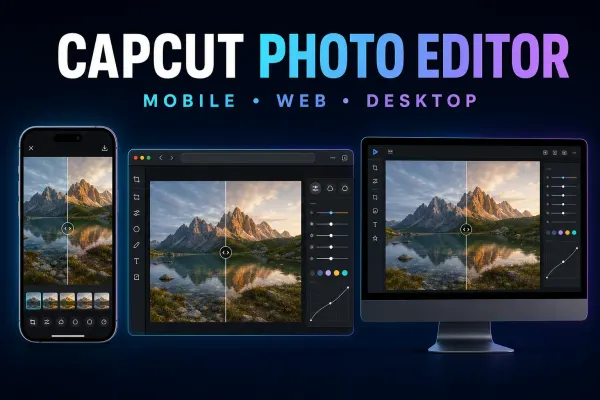
CapCut Photo Editor: Mobile, Web & Desktop Guide
Choose the right CapCut photo editor route on Mobile, Web or Desktop, save a real still image, and fix missing tools, imports or soft output.
CATEGORY
CapCut for iPhone and Android — phone-only workflows, mobile-specific tips and the editor mobile UI explained.
Tips & Tricks
Choose the right CapCut photo editor route on Mobile, Web or Desktop, save a real still image, and fix missing tools, imports or soft output.
 Templates
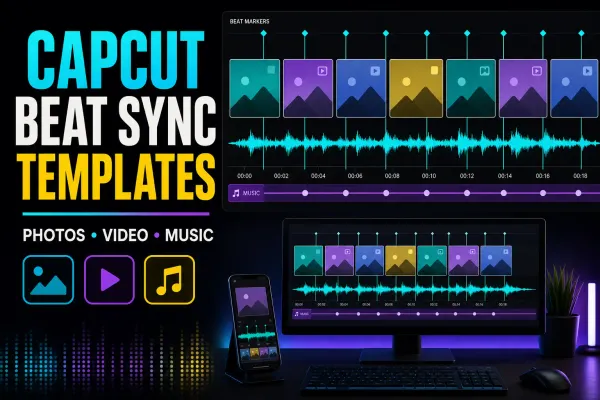
Compare live beat-sync templates by media count, then choose a fixed template, AutoCut or manual markers and repair timing, crop or audio problems.
 Templates
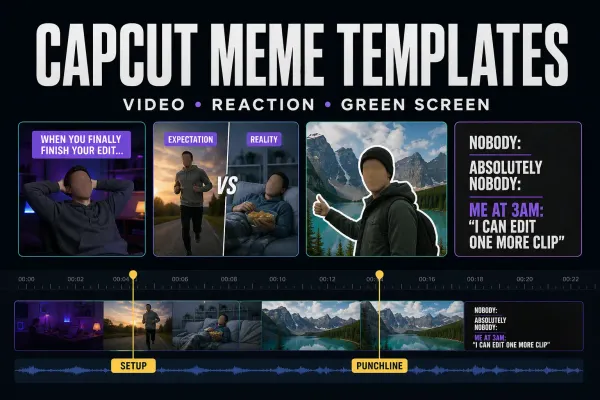
Choose a live meme template, build the timing manually, make a static image or clean up a green-screen reaction without losing the punchline.
 Templates
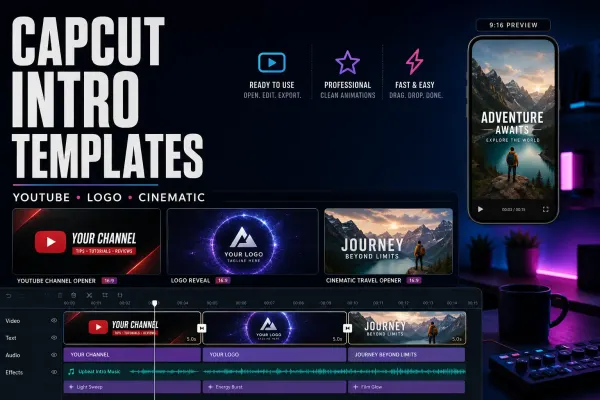
Compare four CapCut intro templates by clip count, duration and format, check text and music, or build an editable opener to reuse.
 Templates
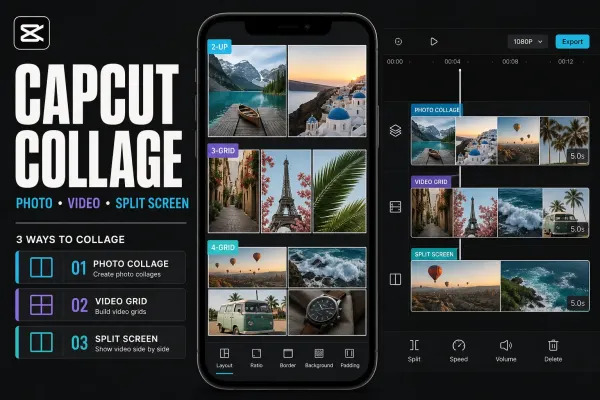
Choose a live CapCut collage template, make a static photo grid, or build a manual split screen without mixing up collage, slideshow and merge workflows.
 Templates
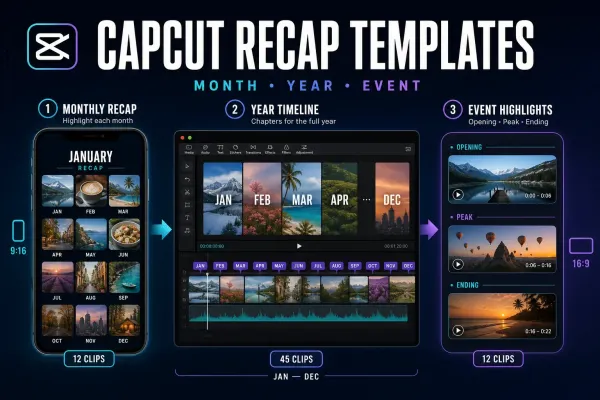
Choose a live monthly, yearly or event recap template by story shape and clip count—or build manually when fixed timing makes the memories hard to follow.
 Templates
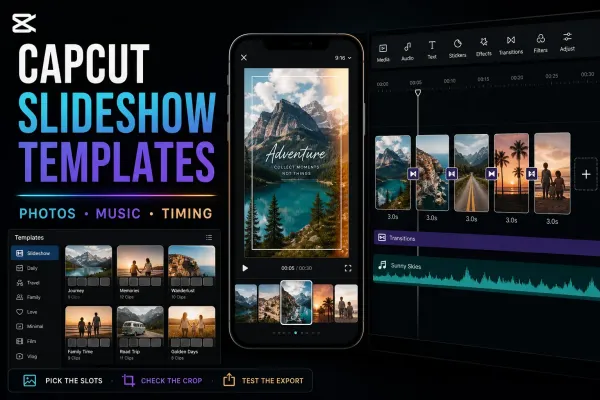
Choose a live CapCut slideshow template by media count, pace and format—or build the sequence manually when the fixed edit doesn't fit.
 Templates
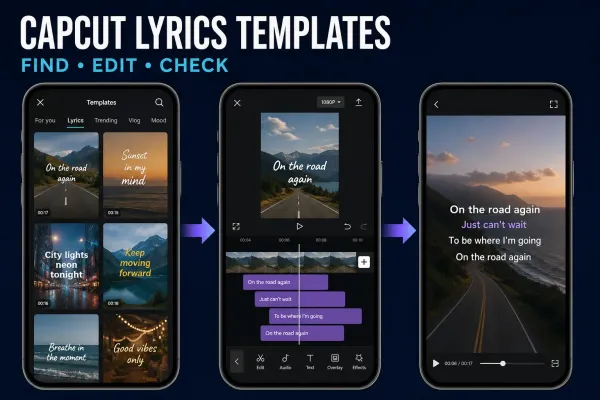
Choose a ready-made lyric video template or Auto Lyrics, then correct the words, timing and soundtrack before you export.
 AI Tools
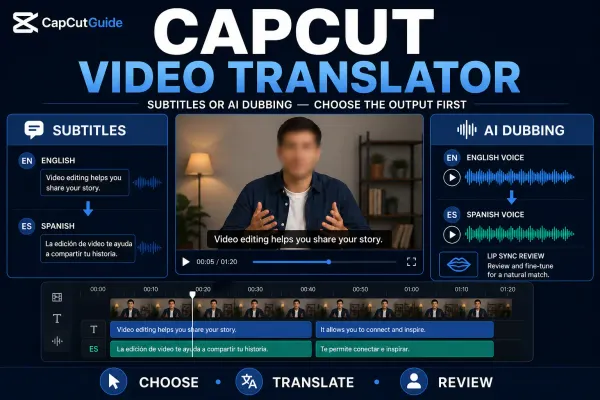
Choose translated subtitles or AI dubbing, follow the current platform route, then check meaning, names, timing, voice and lip-sync before export.
 AI Tools
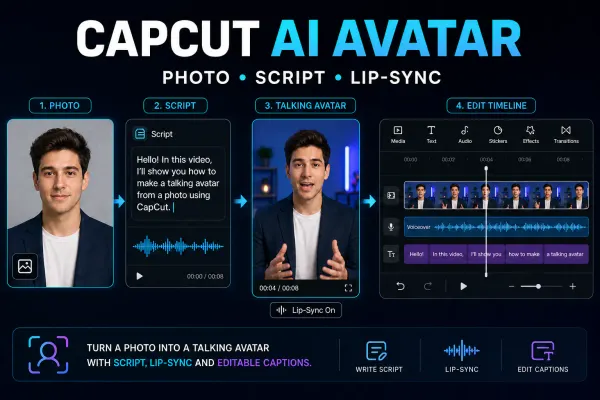
Choose the right CapCut avatar route, make one short talking-avatar test and check the face, voice, lip-sync, credits and final export.
 AI Tools
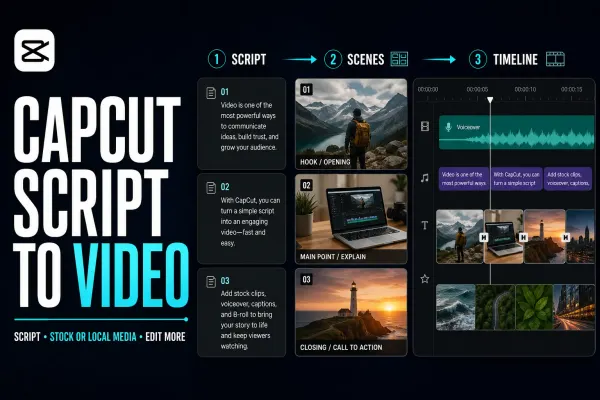
A practical Script to Video workflow for CapCut Mobile, Desktop and Web: prepare the script, choose media, generate a first cut and check every scene.
 CapCut Pro
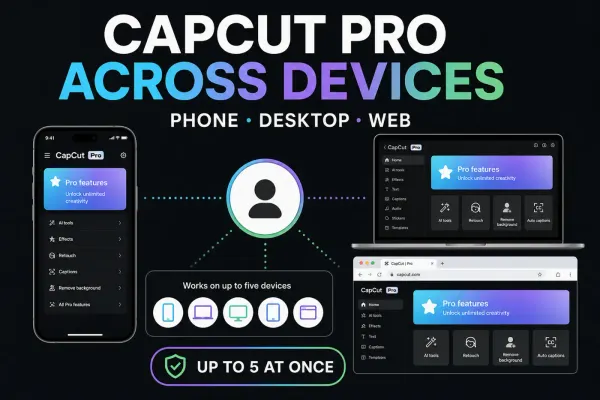
Use the same Pro account on another device without buying twice. Check device limits, linked sign-in methods and which projects actually transferred.
 Fixes
Fixes
Find the account you used before: check its ID and sign-in method, handle QR or password problems, and keep local drafts safe while recovering access.
 Tips & Tricks
Missing card, offline clips or deleted app data? Follow the recovery route that fits, preserve what remains and check the recovered edit before relying on it.
 Tips & Tricks
Move the editable timeline, not just an MP4. Preserve source files, choose a transfer route and check the destination before retiring the original.
 Tips & Tricks
Find the editable draft—not just the exported video. Check the folder, account and source media before moving or deleting anything.
 Comparisons
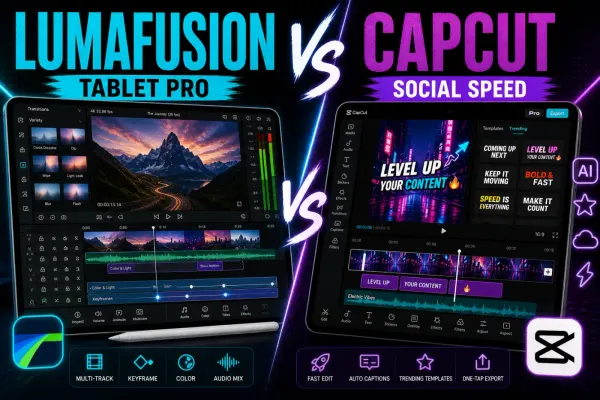
A current LumaFusion review for CapCut users, covering the paid app, Creator Pass, iPad and Android differences, multi-track editing, export limits, backups and the honest social-editing trade-off.
 Comparisons
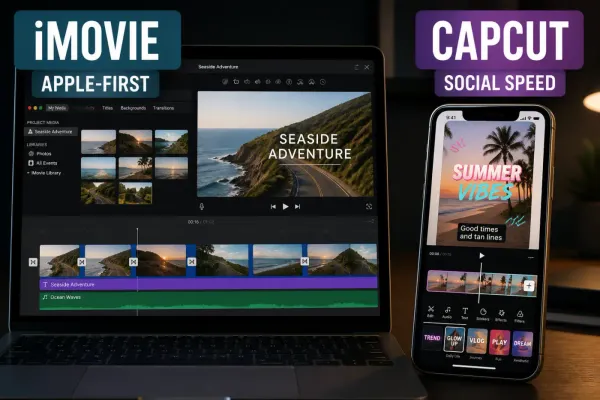
A current iMovie review for Apple users, covering free and Apple-only limits, Magic Movie, Storyboards, 4K/60 fps export, AirDrop/iCloud handoff, captions, music rights and the honest CapCut trade-off.
 Comparisons
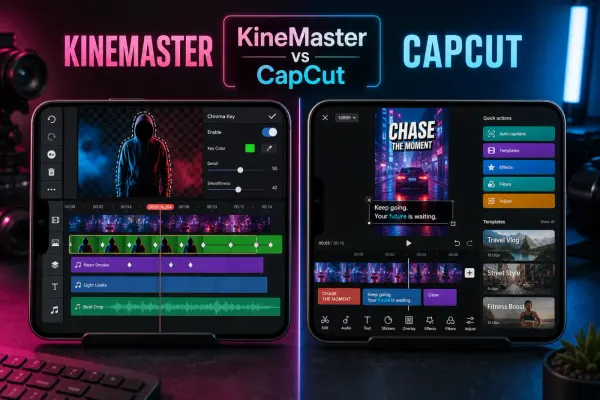
A current KineMaster review for CapCut users, covering Free versus Premium, watermark and ads, 4K/60fps, AI tools, layers, project backups, device support and pricing.
 Comparisons
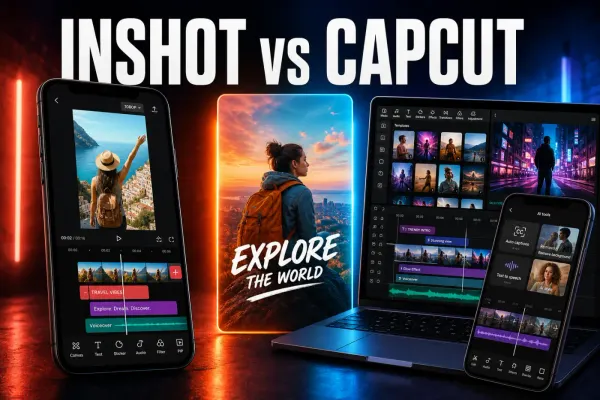
A current InShot review covering pricing, watermark, 4K/60 fps, captions, keyframes, local drafts, privacy and practical differences from CapCut.
 Comparisons
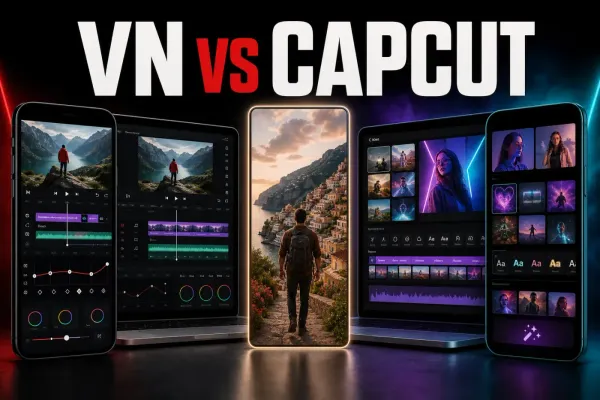
VN is the calmer CapCut alternative for manual timeline work. Here is what remains free, what Pro adds, which platforms work, and where reliability still needs testing.
 Comparisons
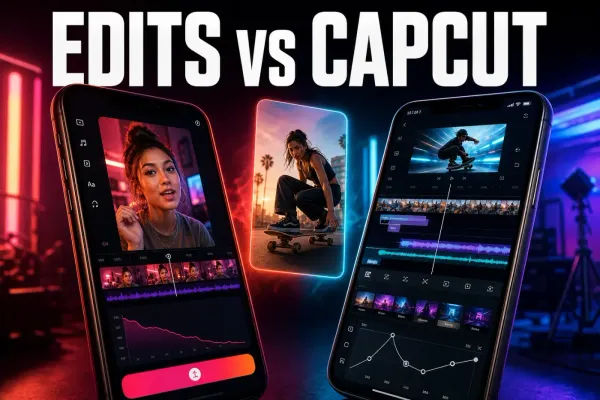
Edits is the better free phone editor for Instagram-first Reels. CapCut still wins when you need desktop, web or a broader multi-platform toolkit.
 Tutorials
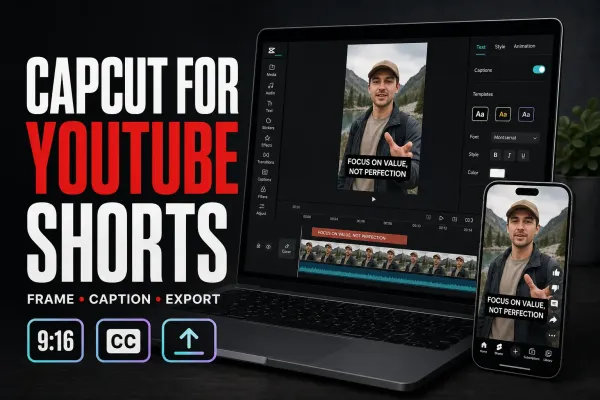
A practical CapCut YouTube Shorts workflow with 9:16 setup, UI-safe captions, defensible export routes, three-minute rules and music-rights checks.
 Tutorials
A practical CapCut-to-Instagram Reels workflow with 9:16 setup, caption placement, cover crops, music choices and export/upload QA.
 Tutorials
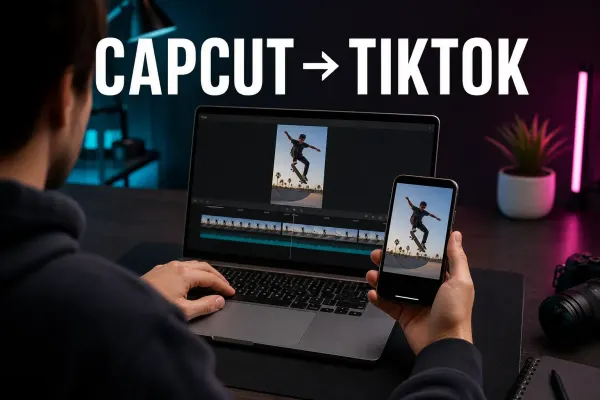
A practical CapCut-to-TikTok workflow for vertical projects, corrected captions, safe placement, clean exports and a final live-interface check.
 Download
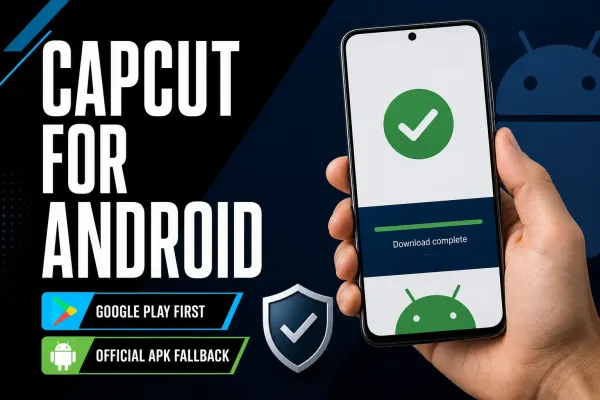
Start with the official Google Play listing. Check device compatibility, distinguish CapCut Pad, and protect editable projects before changing an existing installation.
 Effects
A practical way to blur one static or moving area in CapCut on PC and Mobile, with mask tracking, keyframes, drift fixes and a proper exported-file check.
 Effects
A practical face-blur workflow for CapCut Desktop and Mobile, including moving faces, multiple people, tracking drift and the privacy checks that happen after export.
 Effects
Three practical CapCut background-blur workflows: keep the subject sharp, fill empty canvas space, or mask one area without losing track of the timeline.
 Effects
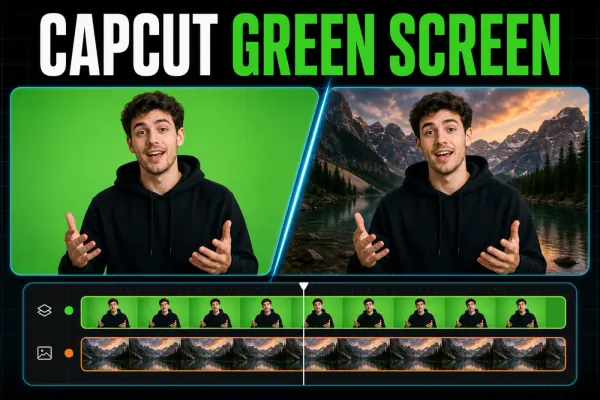
Put green-screen clips in the right order, find Chroma Key on each CapCut platform, clean the edge, and fix a missing or greyed-out tool.
 Templates
Compare three live Healing Thailand templates, open the correct Mobile link, fix missing, Pro and watermark problems, or rebuild the timing manually.
 Download
Use the official Apple listings, choose between CapCut and CapCut Pad, fix a blocked download, and protect projects before reinstalling.
 Templates
Find current CapCut templates across Mobile, Desktop, Web and TikTok, then verify the link, format, editability and export before using one.
 Tutorials
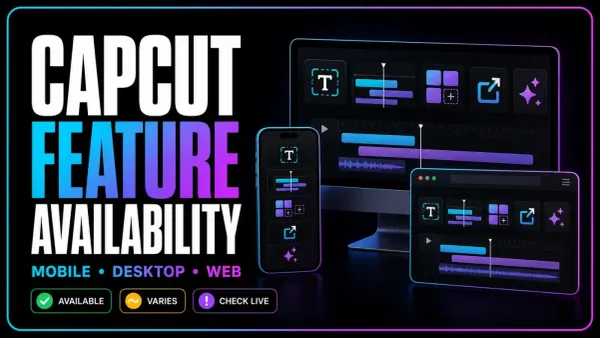
A maintained CapCut feature matrix for Mobile, Desktop and Web, with the plan, credit, region, version and project conditions that a simple yes/no table misses.