
 Tutorials
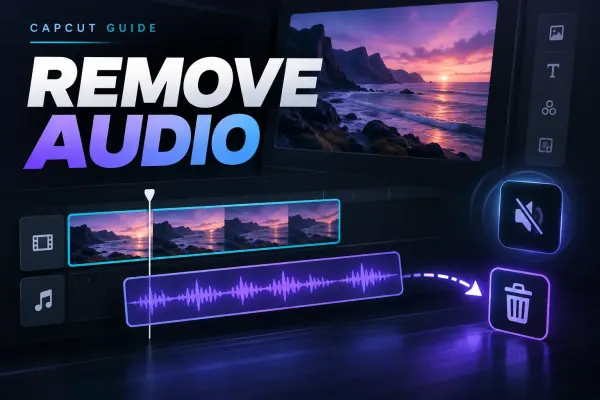
How to Remove Audio From a Video in CapCut
Choose between Volume 0, Separate audio and selective stem separation when you need to remove sound from a CapCut video.
CATEGORY
Step-by-step CapCut tutorials for every workflow — opening clips, cutting, transitions, captions and exporting. Beginner to advanced.
Tutorials
Choose between Volume 0, Separate audio and selective stem separation when you need to remove sound from a CapCut video.
 Tutorials
Duplicate a trimmed clip for a fixed number of repeats, then check the joins and the finished file.
 Tutorials
Set a steady speed above 1x on Mobile, Desktop or Web, then check the shortened clip, audio and export.
 Tutorials
Stack an original clip, a title and a subject cutout in the right order, then check timing and moving edges.
 Tutorials
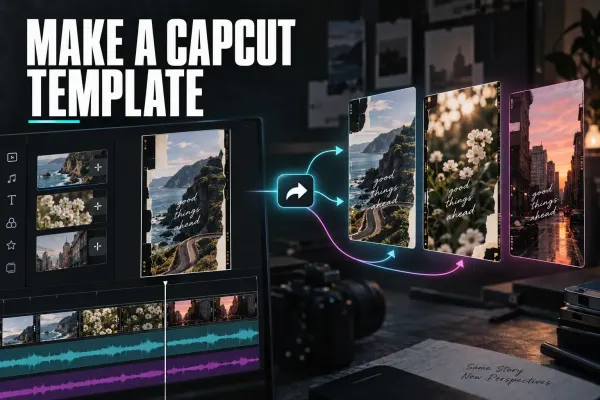
Check whether your account can publish templates, design replaceable media slots and follow CapCut's documented creator route.
 Tutorials
Find the Delete or Move to Trash command on each CapCut platform, and avoid losing the only editable version of your project.
 Tutorials
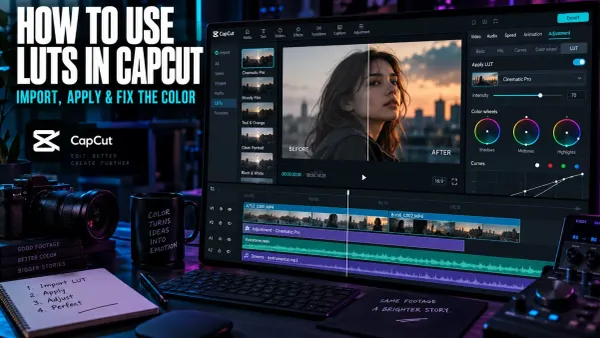
Import a custom LUT in CapCut Desktop, choose the correct technical or creative transform, control its intensity, and prevent common color problems.
 Tutorials
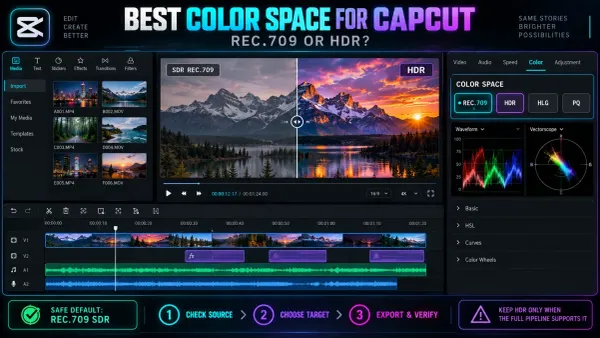
Choose a dependable color space for CapCut, prevent SDR and HDR mismatches, and fix washed-out iPhone footage before the final export.
 Tutorials
Save a compatible video from CapCut, upload it as a Pinterest video Pin, then check its cover, details and playback.
 Tutorials
Export a CapCut video file and upload it to the right Facebook profile or Page, or use mobile sharing if available. Check audience and playback.
 Tutorials
Choose direct mobile sharing or export a file, then check the saved video and LinkedIn post preview before publishing.
 Tutorials
Export a GIF directly when CapCut exposes the option, or use a reliable MP4-to-GIF fallback with practical size, quality and format guidance.
 Tutorials
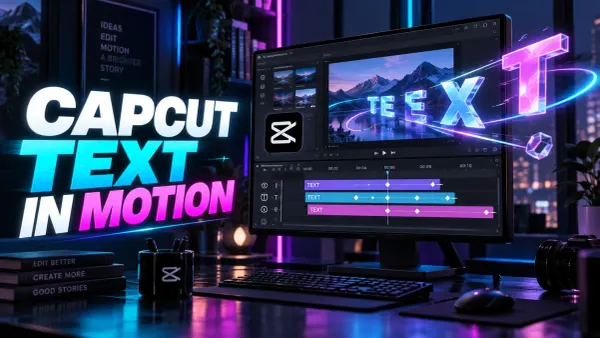
Animate CapCut text with In, Out and Loop presets or precise Position, Scale and Opacity keyframes, then check timing, safe areas and export readability.
 Tutorials
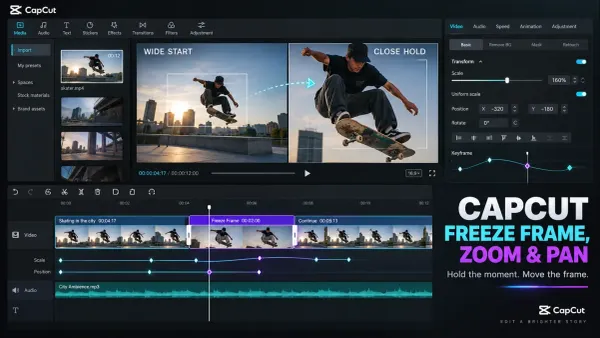
Create a clean freeze frame in CapCut, set the hold duration, then animate zoom and pan with Scale and Position keyframes without blur, black edges or jumps.
 PC & Desktop
Separate background removal from alpha export, choose a compatible codec and verify the file over vivid, black and white layers.
 Tutorials
Compare CapCut creator routes, build the right portfolio, evaluate earnings terms and review content rights before applying.
 Tutorials
Use CapCut for commercial videos only after checking every asset. This guide covers music, templates, stock, AI outputs and client delivery rights.
 Tutorials
Use CapCut more safely by choosing official downloads, limiting permissions, protecting private media and reviewing account, cloud, AI and sharing risks.
 Tutorials
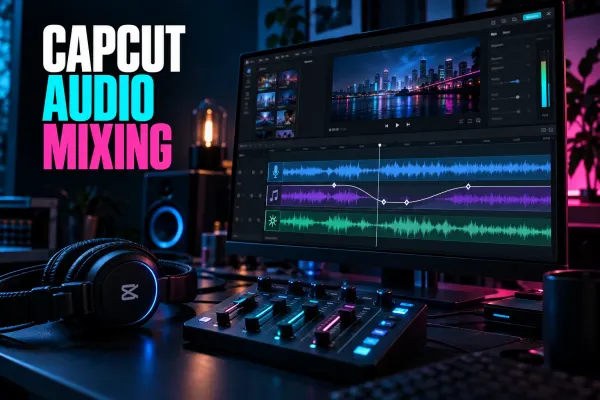
Balance voice, music and sound effects in CapCut, build smooth ducking with keyframes, use fades correctly and check the finished mix after export.
 Tutorials
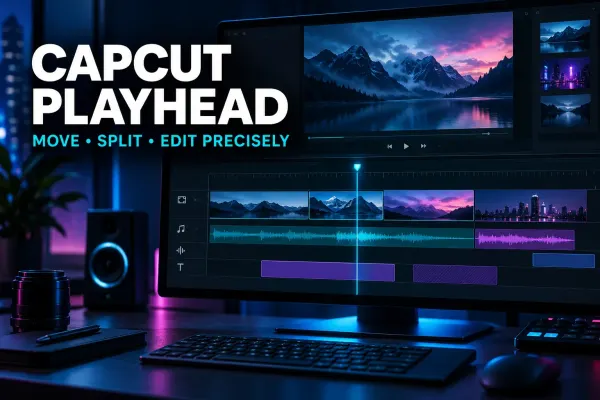
Understand the CapCut playhead, move it accurately, split on the intended frame and fix jumps or preview confusion across Mobile, Desktop and Web.
 Text & Captions
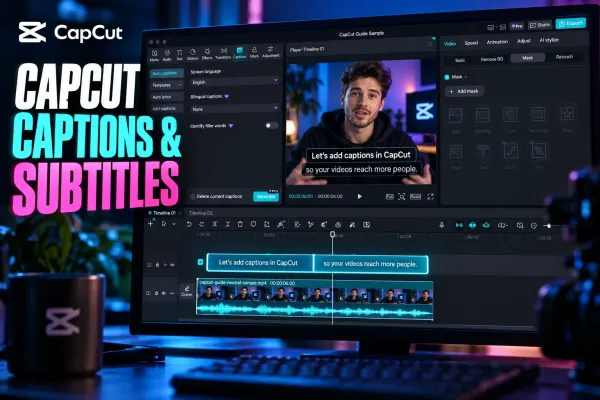
Choose the right CapCut workflow for generating, editing, styling, translating, importing, exporting or fixing captions on any platform.
 Templates
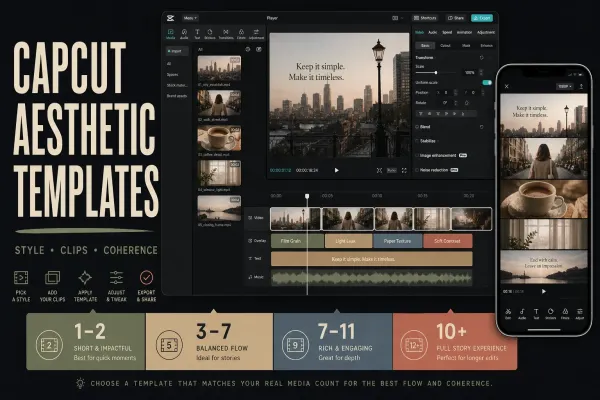
Choose a soft, retro or vlog look from 14 official examples, then check the photo slots, crops, editable controls and final video.
 Templates
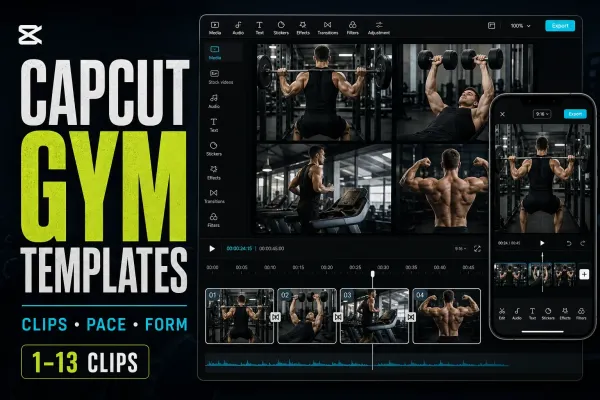
Compare 12 gym templates, then check that cuts, crops, effects and music suit your workout footage or coaching reel.
 Templates
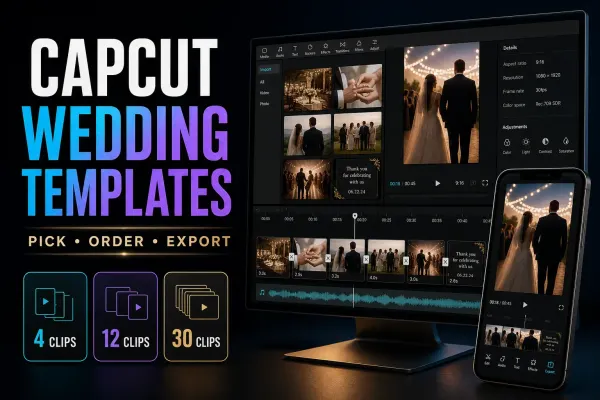
Compare 14 wedding templates by listed media count, then check crops, spoken audio and editable details before sharing your wedding video.
 Templates
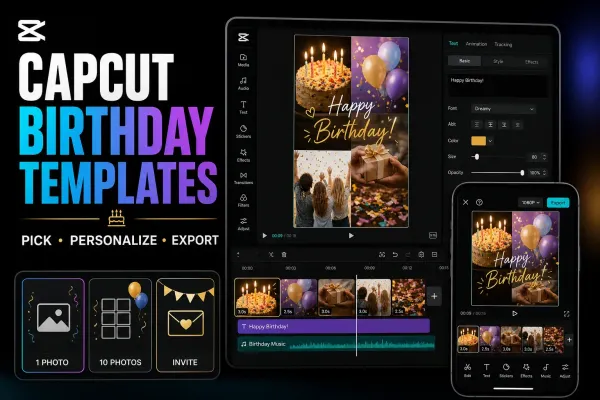
Compare 12 birthday templates by listed media count and format, then check the edits, photo access and saved video before sharing your greeting.
 Export
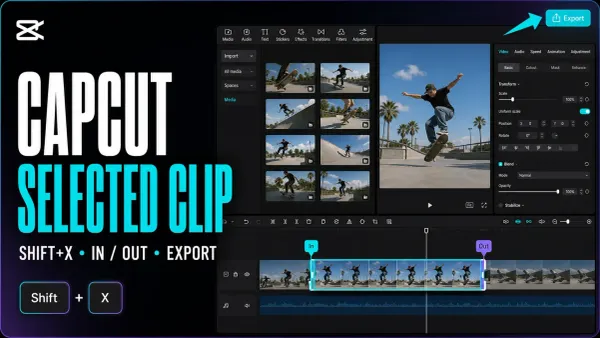
Save one clip, a custom section or several separate files. Mark the timeline range, keep the right layers and check each finished video.
 Export
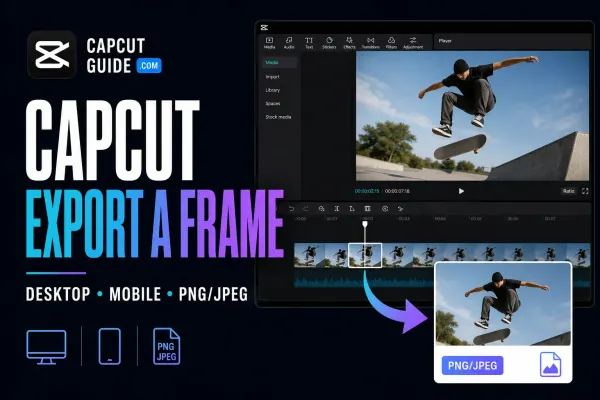
Save one video moment as a separate picture. Find the Desktop command, check the phone route and choose a format that suits the job.
 Fixes
Fixes
Find out whether the stutter is in your exported file, one player or the uploaded copy. Test a short section without risking the working project.
 Fixes
Fixes
Find where your video lost detail, test one change at a time, and check the saved export before rebuilding the edit or uploading it again.
 Tutorials
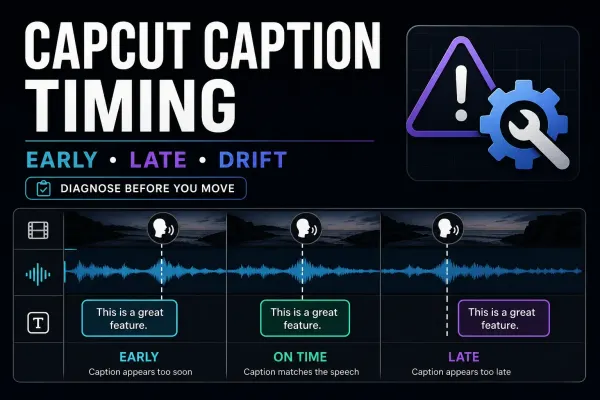
One late block, a shifted track or a delay that keeps growing: identify the timing pattern, repair it without disturbing the edit, and check the final video.
 Tutorials
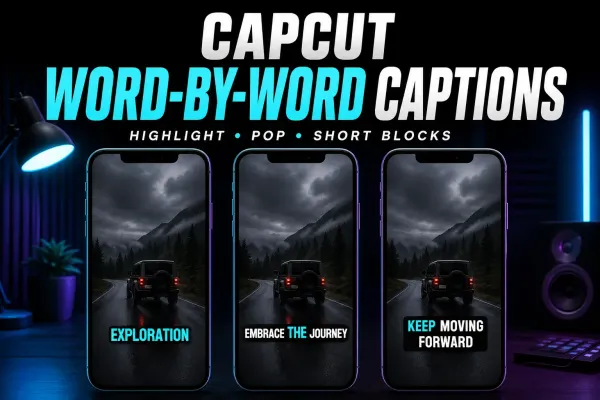
Choose a moving word highlight or one-word pop-ups, find the relevant CapCut controls, and time a short manual sequence without disturbing the rest of your captions.
 Tutorials
Show the source and translation together: Desktop controls, Web and Mobile options, a paired SRT example, and checks for readable two-language captions.
 Export
Get the subtitle file, not just words on the video. Find the native export, check missing options, and repair encoding before delivery.
 Tutorials
Bring your existing subtitle file into the edit. Find the import control, fix unreadable text and keep approved captions intact when styling or switching devices.
 Tutorials
Find whether the problem is recognition, access or hidden text. Start with a safe speech test, then follow the branch that matches your error.
 Tutorials
Reduce fan, hum, hiss and room noise in CapCut without making speech robotic, then fix missing controls or export blocks safely.
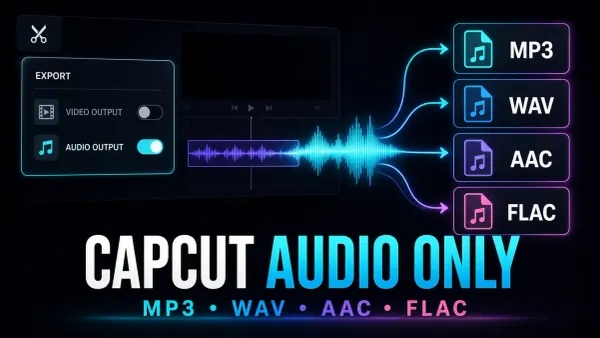 Export
Save the soundtrack, not another video. Use Desktop audio export, prepare one clip, or convert a finished video when the phone or browser option is missing.
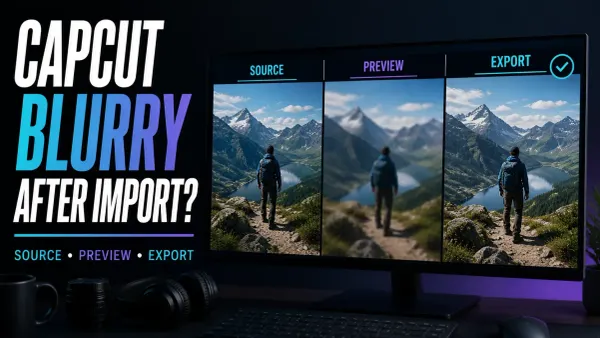 Fixes
Fixes
Compare your original with a short export to find out whether CapCut’s preview is soft or the saved file really lost detail.
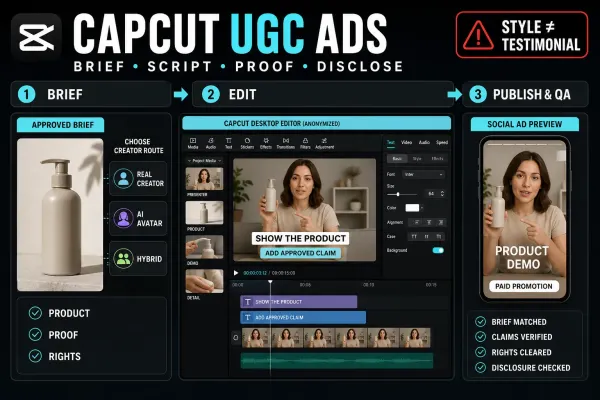 Tutorials
Build a CapCut UGC-style ad with real creator footage, an AI avatar or a hybrid edit—without turning scripted portrayal into a fake customer story.
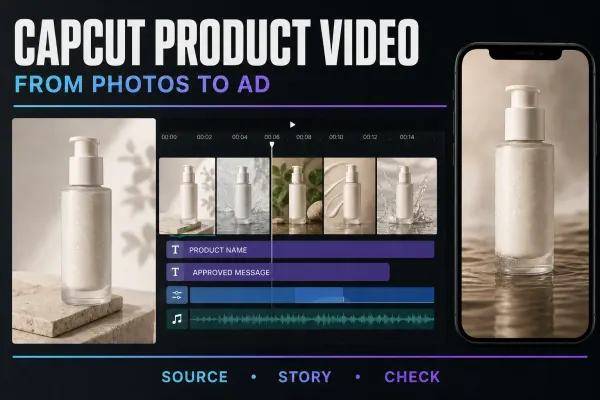 Tutorials
Build a product video from your own photos: arrange the shots, add subtle motion and accurate text, then check the item, rights and exported file.
 Tutorials
Find CapCut Brand Kit, add approved logos, colors and fonts, and check team access. Apply the assets in a short project before using them in client work.
 Tutorials
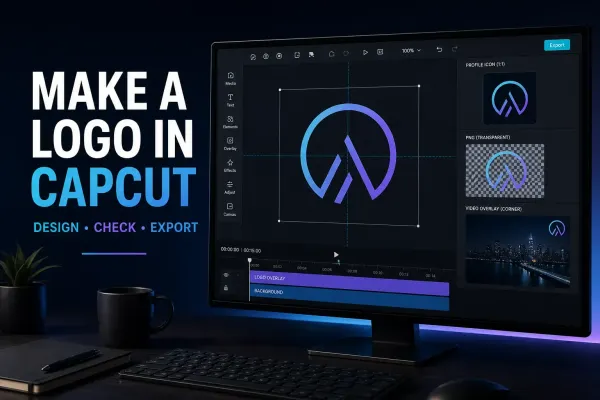
Create a logo in CapCut with AI Design or a manual canvas, test it at real size, check rights and export the correct digital file.
 Tutorials
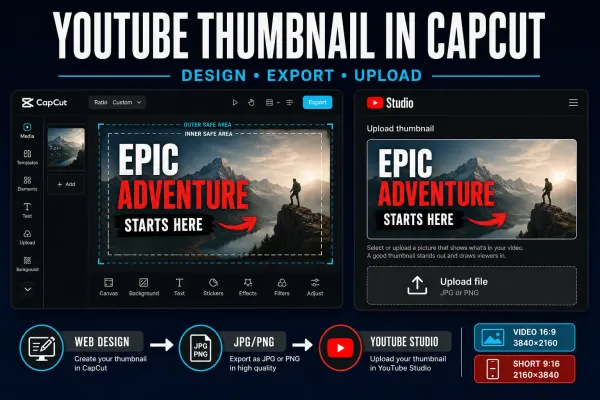
Create a separate YouTube thumbnail in CapCut, use the current video or Shorts dimensions, check the saved file and upload it in Studio.
 Tutorials
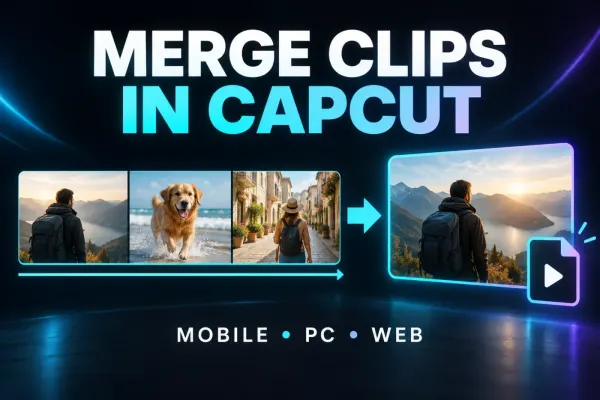
Join clips in order on CapCut Mobile, Desktop or Web, fix gaps and audio boundaries, understand Compound Clips, and verify the full export.
 Tutorials
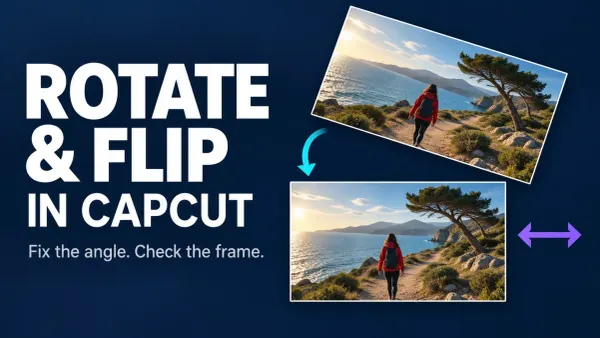
Correct clip orientation, mirror left and right, handle a vertical flip and check framing and the complete exported file.
 Tutorials
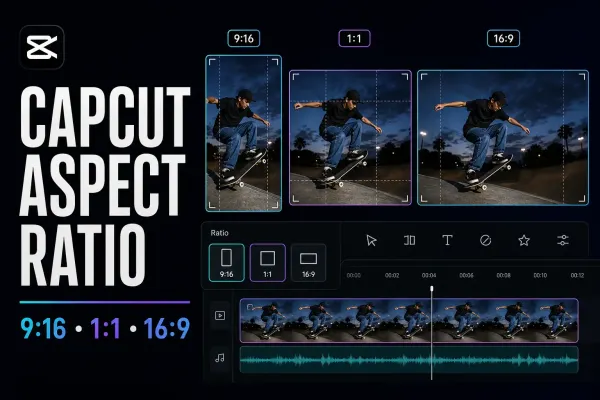
Change the CapCut project frame on Mobile, Desktop or Web, then choose Fit, Fill or Background without confusing Ratio with Crop or Auto Reframe.
 Tutorials
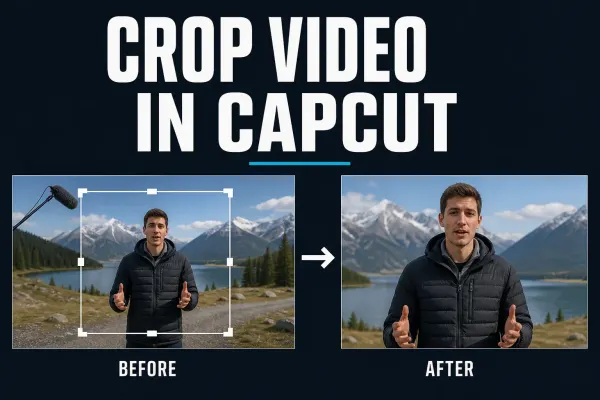
Current Mobile, Desktop and Web steps for cropping a CapCut clip, keeping the right subject in frame and fixing black bars or soft output.
 Tutorials
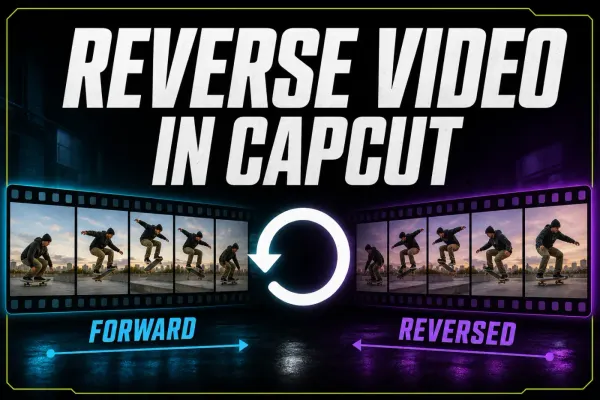
Current Mobile, Desktop and Web steps for reversing a CapCut clip, isolating one section, checking audio and fixing a missing or stalled Reverse tool.
 AI Tools
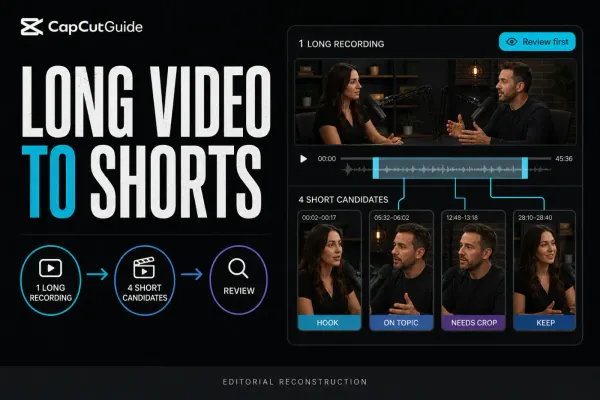
A checked workflow for turning one long recording into several CapCut short candidates, then reviewing context, crop, captions, audio and export.
 AI Tools
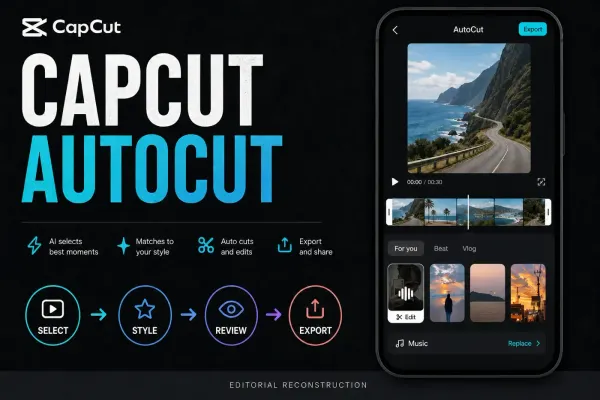
A checked guide to CapCut AutoCut on Mobile, cautious Desktop availability, draft review, repair decisions, music rights and missing-tool fixes.