

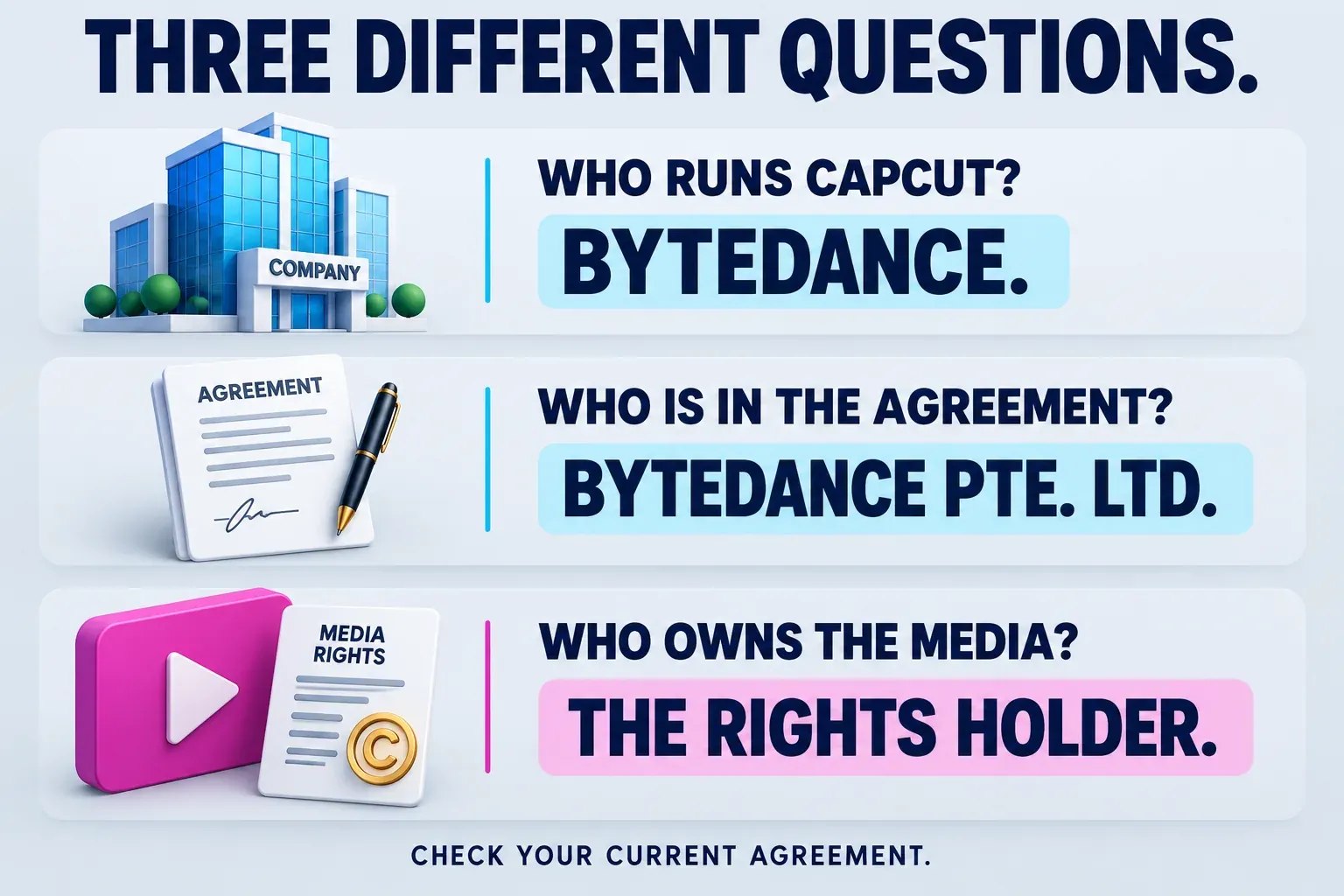
CapCut belongs to ByteDance. ByteDance's own company history includes CapCut in its product list and says the company was founded in 2012 by a team led by Yiming Zhang and Rubo Liang.
That answers who runs the product. It does not mean the company owns every video made with it. The English CapCut Terms of Service name Bytedance Pte. Ltd. as the company you contract with and explicitly preserve an owner's intellectual-property rights in User Content. Submitting content can still grant the service substantial permissions to use it.
I would keep those two questions separate: who owns the editor, and what permissions are you giving it for this project? The second one matters more when the footage belongs to a client, includes licensed music or is supposed to remain confidential.
ByteDance, CapCut and TikTok are different names to read carefully
ByteDance is the business behind the product. CapCut is the editing platform. The legal entity named in the service agreement is the counterparty to that agreement. A founder's name, an app brand and a contracting company are not interchangeable answers.
ByteDance's company page lists TikTok and CapCut among its products. That relationship helps explain why the names often appear together, but a TikTok connection does not make TikTok's upload controls the route for every CapCut project. You can create a video for another destination; our social-video hub covers those separate workflows.
If you are checking an installation or subscription, compare the official product link, store publisher and the agreement shown to your account. A familiar parent-company name is not proof that an unrelated download page or subscription seller represents CapCut.
Does CapCut own your videos?
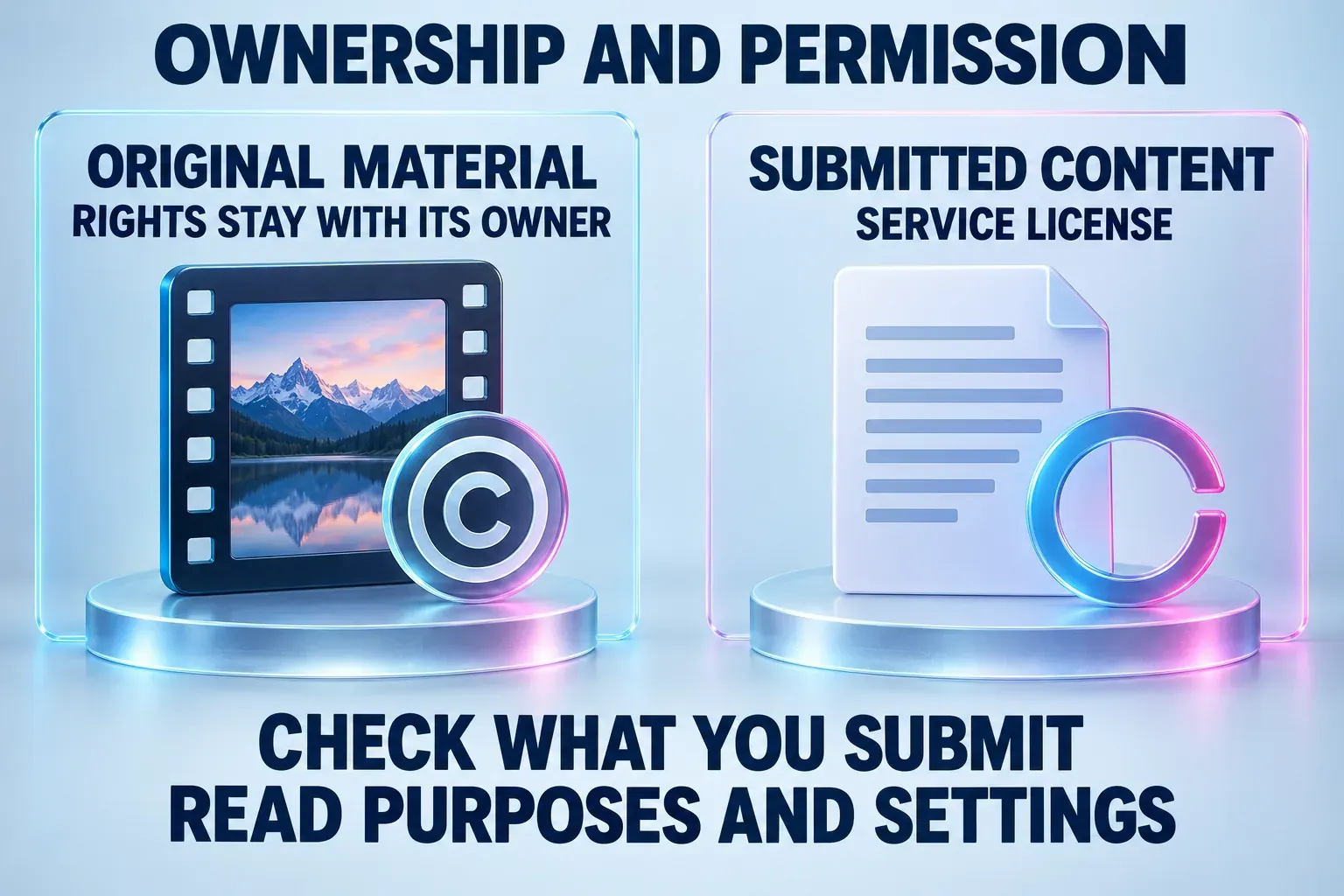
The current general terms say the company does not own User Content and does not change your intellectual-property ownership if you are the owner. Keeping ownership and granting a license can happen at the same time. That is the distinction a headline about CapCut “owning your work” can hide.
There is another condition in that answer: the work must be yours to begin with. Editing client footage does not automatically make you the owner of that footage. Buying access to a stock clip or song does not necessarily give you permission to grant a platform every right it requests. Check your permission for each ingredient, rather than treating the final MP4 as one newly owned asset.
Our CapCut commercial-use rights guide handles the detailed checks for footage, music, templates, fonts and client delivery. This page concerns the relationship between your content rights and CapCut's service permissions.
What the service license allows
The English general terms displayed when checked on October 11, 2026 carry an April 15, 2026 update date. Their User Content license provisions cover content submitted through the services and describe these properties:
| License term | What to notice |
|---|---|
| Non-exclusive | The permission is not exclusive to CapCut; granting it does not by itself prevent you from licensing the same rights elsewhere. |
| Royalty-free | The permitted service use does not require royalties to you or other rights holders. |
| Transferable and sublicensable | The permission is not confined to one named company using the content itself. |
| Perpetual and worldwide | The text does not describe a short campaign term or one-country permission. |
| Service purposes and platform settings | The stated use is tied to operating, developing and providing the services, subject to your settings. |
The described uses include adapting, reproducing, displaying, distributing and storing submitted content. The terms also address identifying you through your username, image and likeness, including in sponsored content, and waivers concerning approval and personal rights where applicable law permits.
Those are material permissions. I would neither turn them into a prediction that CapCut will sell your next video nor dismiss them because copyright ownership stays with you. Read the terms your account presents, including applicable regional and feature-specific terms, and compare them with the permissions you can grant for the footage.
Check what you send to the service
The current User Content conditions describe submitted content as non-confidential and require the necessary ownership or permissions. They also say not to submit content you consider confidential or proprietary to another person. Client approval must address that condition; a general permission to edit a video does not resolve it.
Do not use “I never pressed Publish” as your only privacy check. Cloud storage, online editing, AI processing and sharing can involve different uses of media. Equally, the agreement's reference to submitted content is not proof that every file on your device has been uploaded. Establish which features you are using and what content you provide to them.
The CapCut safety guide explains the account, permission, cloud and private-media checks. A legal company name or retained copyright does not tell you where a particular feature processes a file, who can access a shared link or whether the client approved that workflow.
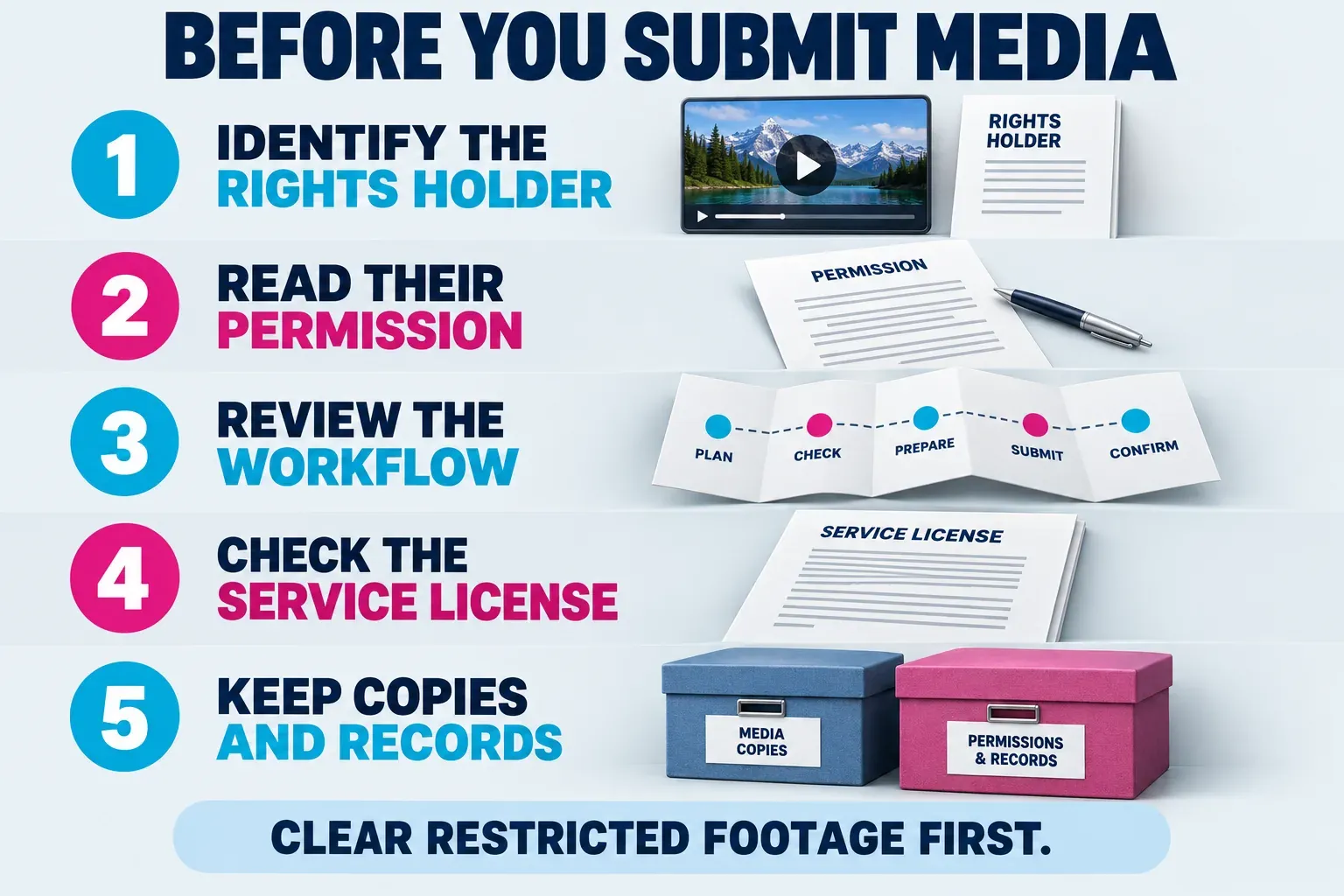
Before using someone else's media, I would ask:
- Who controls this material? Separate your footage from client files, licensed stock, music and other people's faces or voices.
- What permission did they give you? Editing and delivering one video may be a narrower permission than uploading source media to another service or publishing a reusable template.
- What will this workflow send or share? Review the feature, destination and available settings. If you cannot establish that for restricted material, choose a workflow the rights holder has approved.
- Can you grant the service permission it requests? Resolve a mismatch before submitting the media; do not rely on a finished-video license to answer every source-file question.
- What should you retain? Keep the source permission, relevant terms and separate copies of the source media and finished deliverable.
This is a project decision. For footage intended to be public, permission may be straightforward. For an exclusive brand campaign, work under an NDA or an unreleased client film, I would obtain approval for the specific service workflow before sending the files.
Why old articles about the terms can give a different impression
CapCut published a June 2025 explanation of its terms saying that the June 12 update had not changed user-content rights. It described the operational need to store and display content and support the reuse of shared templates.
Treat that as the company's explanation of that update. It does not replace the agreement currently shown to your account. A screenshot or analysis of an older clause can be useful context, but compare its date, content category and conditions before applying it to a new project. User Content, built-in materials, feedback and creator-program submissions can have different provisions.
For built-in assets, the CapCut Materials License Agreement addresses another question: what permission you have to use the material CapCut provides. Owning your footage does not settle the license for a song or template added to it.
I would also keep copies before deleting an account or moving an important project. Deletion is not a substitute for understanding the license you granted, and an account is not a permanent backup. The project backup and transfer guide explains which files preserve the editable work.
My recommendation is to use ByteDance as the answer to the company question, then make the content decision from the current agreement and the rights behind your actual footage. For client work, clear the service permissions before submission, rather than discovering a conflict after the edit is finished.