 Tutorials
How to Make a Logo in CapCut: AI & Manual Routes
Create a logo in CapCut with AI Design or a manual canvas, test it at real size, check rights and export the correct digital file.

CATEGORY
Step-by-step CapCut tutorials for the whole edit, from bringing in and cutting clips to transitions, captions and export. Start with the basics and pick up the advanced moves when you need them.
Tutorials
Create a logo in CapCut with AI Design or a manual canvas, test it at real size, check rights and export the correct digital file.
 Tutorials
Create a separate YouTube thumbnail in CapCut, use the current video or Shorts dimensions, check the saved file and upload it in Studio.
 Tutorials
Join clips in order on CapCut Mobile, Desktop or Web, fix gaps and audio boundaries, understand Compound Clips, and verify the full export.
 Tutorials
Correct clip orientation, mirror left and right, handle a vertical flip and check framing and the complete exported file.
 Tutorials
Change the CapCut project frame on Mobile, Desktop or Web, then choose Fit, Fill or Background without confusing Ratio with Crop or Auto Reframe.
 Tutorials
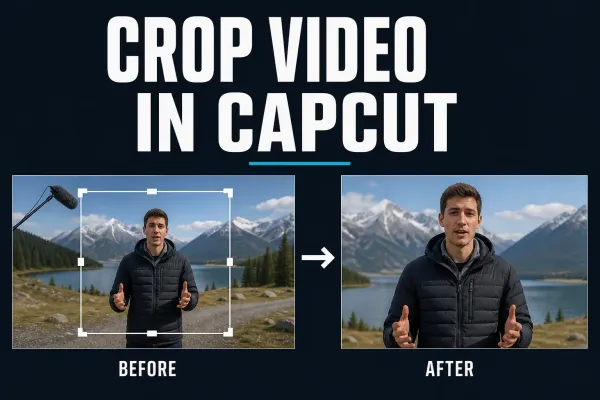
Current Mobile, Desktop and Web steps for cropping a CapCut clip, keeping the right subject in frame and fixing black bars or soft output.
 Tutorials
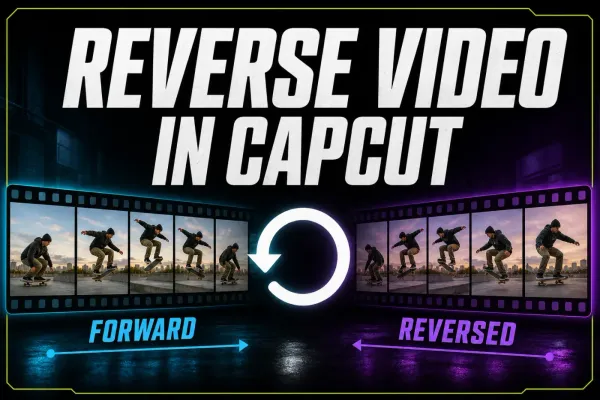
Current Mobile, Desktop and Web steps for reversing a CapCut clip, isolating one section, checking audio and fixing a missing or stalled Reverse tool.
 AI Tools
A practical workflow for turning one long recording into several CapCut short candidates, then reviewing context, crop, captions, audio and export.
 AI Tools
A practical guide to CapCut AutoCut on Mobile, cautious Desktop availability, draft review, repair decisions, music rights and missing-tool fixes.
 Fixes
Find the first failure: missing tab, broken link, stalled loading, media replacement or export. Start with a small comparison, not a reinstall.
 Fixes
A safe CapCut connection checklist for Mobile, PC, Mac and Web, including outages, permissions, sign-in, cloud features and local-project protection.
 Tutorials
Mask video in CapCut Mobile, Desktop or Web, control shape, feather and Invert, then animate the mask without moving the wrong layer.
 Tutorials
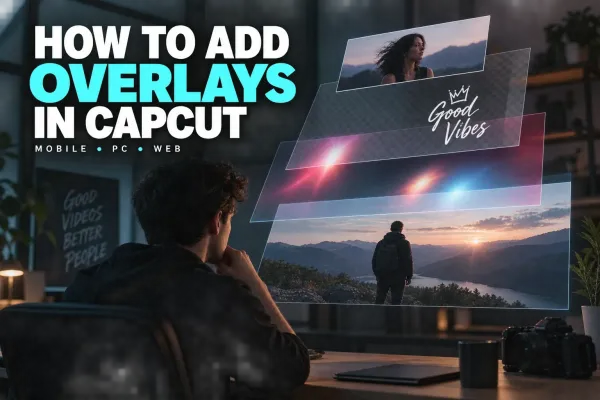
Add photo or video overlays in CapCut Mobile, Desktop and Web, then control crop, timing, layer order, opacity, audio and export checks.
 Tutorials
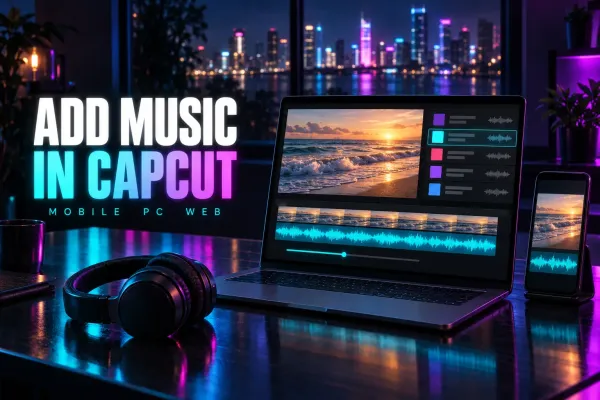
Add and time music in CapCut Mobile, Desktop or Web, mix it under speech, check track-specific rights, and fix missing or silent audio safely.
 Tutorials
Add and time manual text on CapCut Mobile, Desktop and Web, then keep titles readable, reuse a style and fix text that is missing.
 Tutorials
Trim clip edges or split twice to remove a middle section. Follow Mobile, Desktop and Web steps, then check gaps, audio and the layers that must stay together.
 Fixes
Separate a black CapCut preview from an export or player failure. Protect your draft, check layers and source media, then test reversible fixes.
 Fixes
Find out whether CapCut closes at launch, import, playback or export. Protect local drafts, test one change at a time and avoid destructive resets.
 Tutorials
A practical CapCut YouTube Shorts workflow with 9:16 setup, UI-safe captions, defensible export routes, three-minute rules and music-rights checks.
 Tutorials
A practical CapCut-to-Instagram Reels workflow with 9:16 setup, caption placement, cover crops, music choices and export/upload QA.
 Tutorials
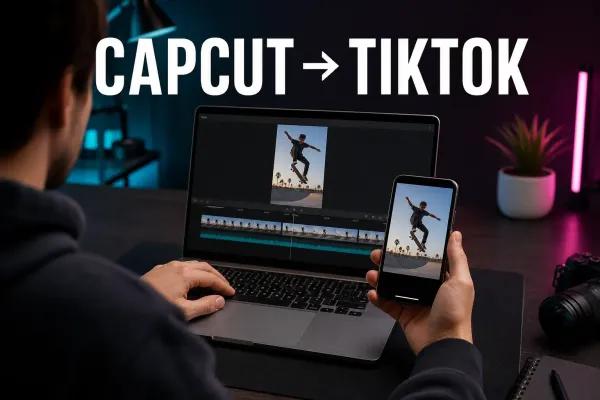
A practical CapCut-to-TikTok workflow for vertical projects, corrected captions, safe placement, clean exports and a final live-interface check.
 Tutorials
Find where audio disappears, check the right controls and test a short project copy. Includes Windows output, missing voiceovers and muted social posts.
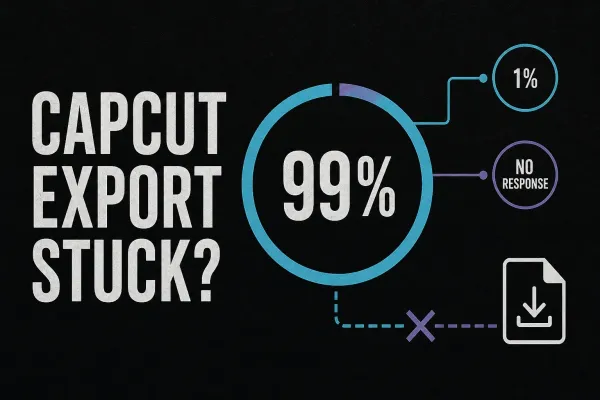 Fixes
Find out whether CapCut is failing on the timeline, saving the file or refusing to start. Use short tests and the exact error code before changing the project.
 Download
Open CapCut in a browser without installing the desktop app, then check the browser, storage and export limits that decide whether Web fits the job.
 Download
Start with the official Google Play listing. Check device compatibility, distinguish CapCut Pad, and protect editable projects before changing an existing installation.
 Effects
Remove a video background without a green screen, repair difficult edges, add a new scene and avoid flattened transparency on Mobile, Desktop and Web.
 Effects
A practical CapCut velocity edit guide for manual speed ramps, Auto Velocity, beat timing and cleaner slow motion on Mobile, Desktop and Web.
 Tutorials
A practical cross-platform guide to CapCut keyframes, from the first diamond marker to smooth zooms, moving text, easing and missing-control fixes.
 Tutorials
A practical CapCut stabilization workflow for PC, Mobile and Web, including level choice, crop, warping, rolling shutter and a stuck Stabilizing export.
 Tutorials
For a 30 fps vertical project, start with 1080 × 1920, MP4, H.264 where available and Recommended bitrate. Keep the timeline’s frame rate, check the local file, then test the processed upload.
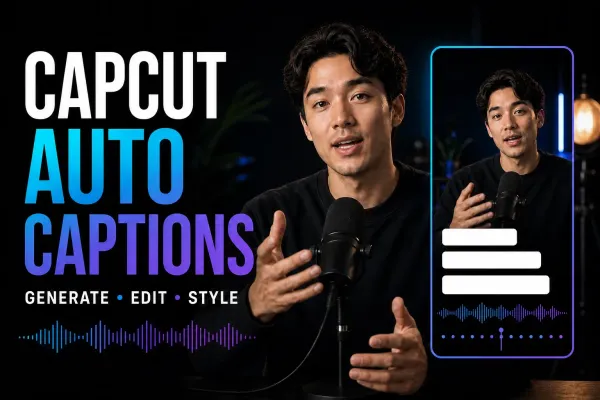 Text & Captions
To add Auto Captions, open your project, choose Captions → Auto captions, select the spoken language and generate. Some layouts use Text. Then correct the words, check their timing and apply a readable style.
 Effects
Add CapCut video, body, and AI effects on Mobile, Desktop, or Web, compare effects with filters, and fix missing, paid, or failed results.
 Effects
Put green-screen clips in the right order, find Chroma Key on each CapCut platform, clean the edge, and fix a missing or greyed-out tool.
 Fixes
Find the right checks for CapCut crashes, failed exports and account problems. Start with the symptom and protect local drafts before changing app data.
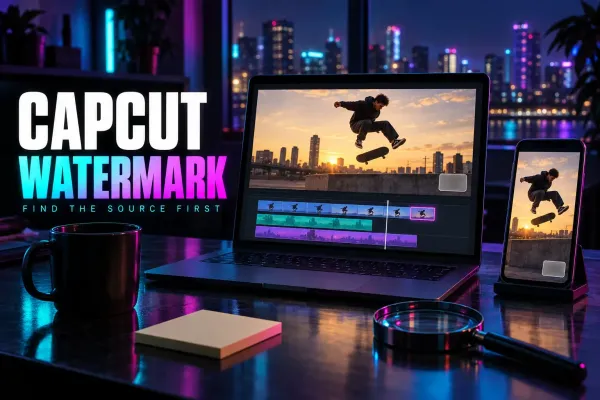 Fixes
Delete a separate ending clip, diagnose an export mark and check paid assets without confusing a clean file with permission to reuse the footage.
 Download
 CapCut for Mac safely, compare official install routes, check current requirements, understand project sync and fix common setup problems.
 Download
 CapCut for PC from a verified source, check current Windows requirements, make a first edit, update safely and fix installation problems.
 Download
Use the official Apple listings, choose between CapCut and CapCut Pad, fix a blocked download, and protect projects before reinstalling.
 Templates
Find an official CapCut template by category, media slots, duration and ratio, then use the current Mobile, Web or Desktop route and check the edit before export.
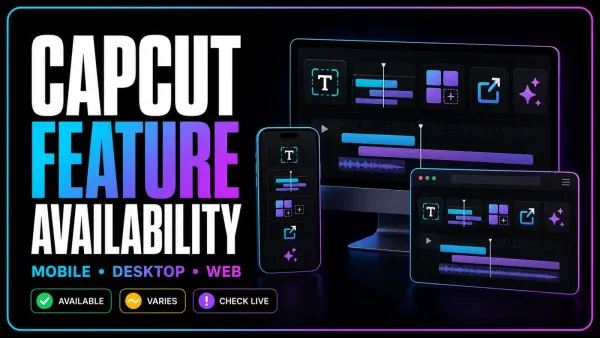 Tutorials
A maintained CapCut feature matrix for Mobile, Desktop and Web, with the plan, credit, region, version and project conditions that a simple yes/no table misses.