
 Comparisons
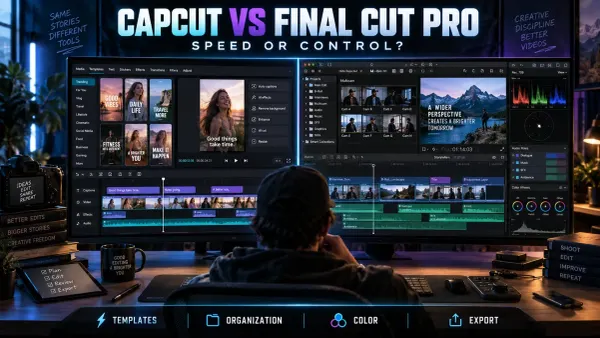
CapCut vs Final Cut Pro: Which Editor Should You Use?
Choose between CapCut and Final Cut Pro by comparing publishing speed, platforms, captions, multicam, media organization, pricing and migration costs.
CATEGORY
CapCut for Mac and Windows — desktop workflow, exporting in 4K, multicam editing and what the desktop app does that mobile cannot.
Comparisons
Choose between CapCut and Final Cut Pro by comparing publishing speed, platforms, captions, multicam, media organization, pricing and migration costs.
 AI Tools
Learn when CapCut Video Upscaler helps, which defects it cannot recover, how to compare HD, UHD and 4K, and what to inspect before export.
 PC & Desktop
Separate background removal from alpha export, choose a compatible codec and verify the file over vivid, black and white layers.
 PC & Desktop
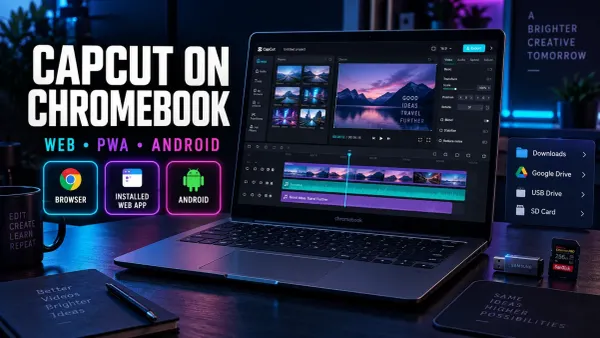
Choose the right CapCut route for a Chromebook, install it safely, manage files and storage, and verify exports before committing to a long edit.
 project safety
CapCut cannot open a Premiere Pro project as an editable timeline. Compare rendered masters, source-media packages and converter routes before a handoff.
 Tips & Tricks
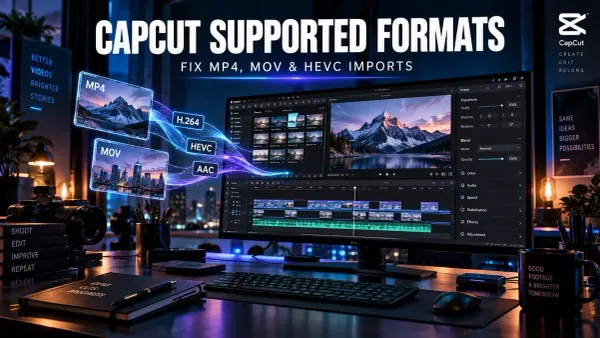
Diagnose CapCut import failures by checking the real codecs, file access and timing, then test a short H.264, AAC and CFR compatibility copy.
 Tips & Tricks
Find where a CapCut video first turns pale, check HDR and SDR color information, compare players and displays, and choose the right delivery path.
 Tips & Tricks
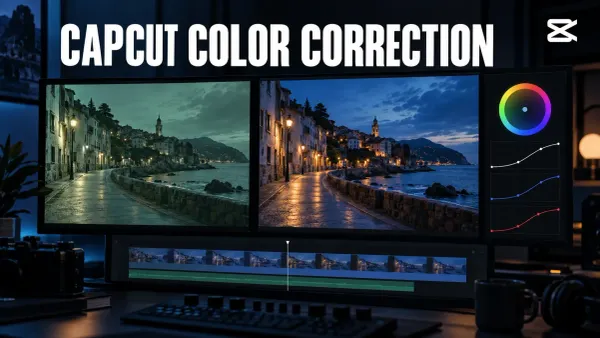
Fix exposure and white balance, keep skin natural, match clips recorded under different light, and check your CapCut color correction after export.
 AI Tools
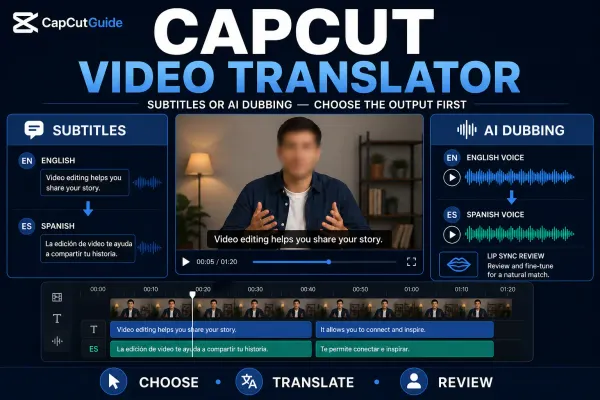
Choose translated subtitles or AI dubbing, follow the current platform route, then check meaning, names, timing, voice and lip-sync before export.
 AI Tools
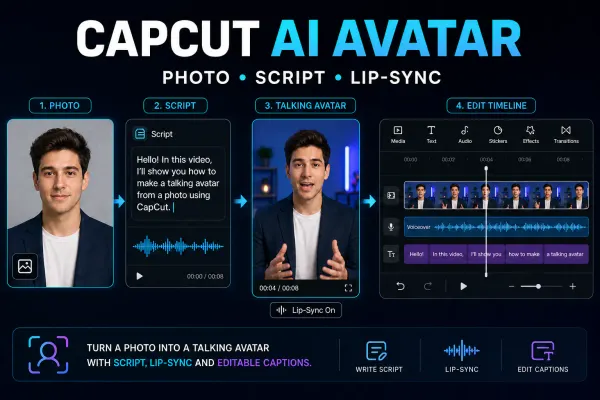
Choose the right CapCut avatar route, make one short talking-avatar test and check the face, voice, lip-sync, credits and final export.
 AI Tools
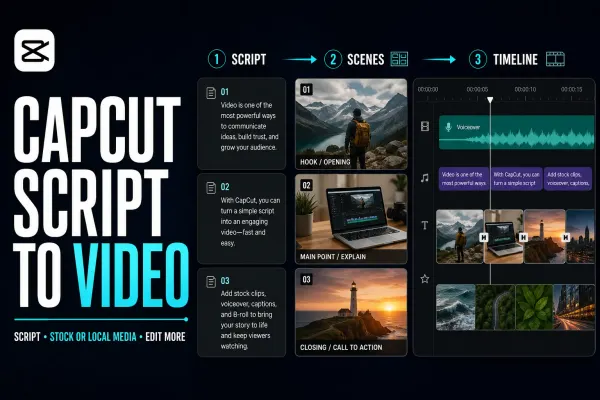
A practical Script to Video workflow for CapCut Mobile, Desktop and Web: prepare the script, choose media, generate a first cut and check every scene.
 AI Tools
A dated guide to CapCut AI Image models, prompt construction, credit gates, image review and the rights checks to run before using a result.
 AI Tools
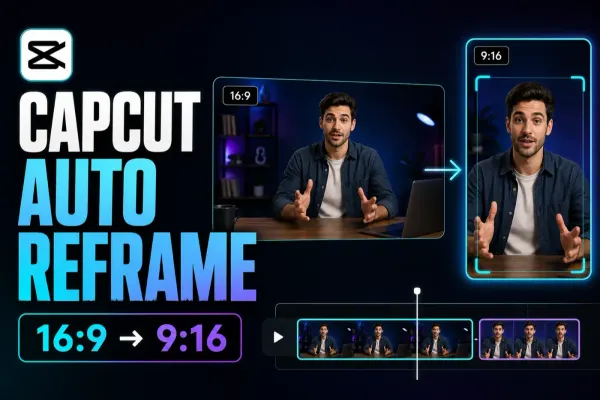
A practical guide to CapCut Auto Reframe: current Pro access, Desktop/Online/Mobile paths, 9:16 setup, track review and manual keyframe repairs.
 AI Tools
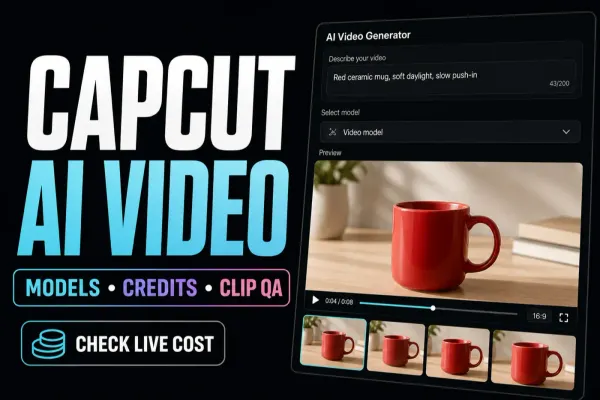
A dated, practical check of CapCut AI video models, live clip limits, credit quotes, prompt setup and the quality checks to run before publishing.
 AI Tools
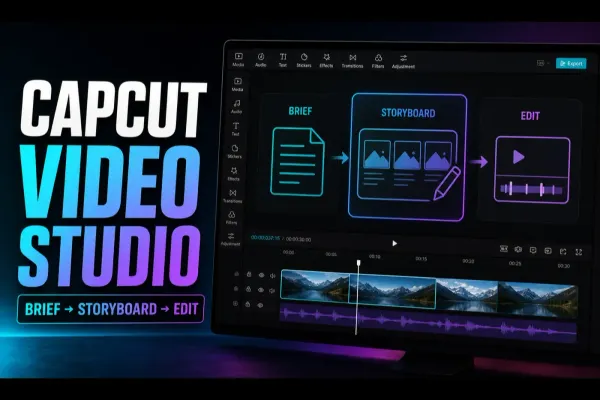
A practical CapCut Video Studio workflow: write the brief, review the storyboard, check credits, inspect the generated draft and finish in the editor.
 CapCut Pro
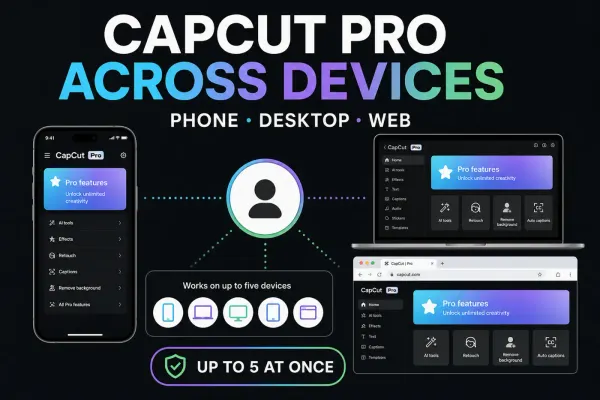
Use the same Pro account on another device without buying twice. Check device limits, linked sign-in methods and which projects actually transferred.
 Fixes
Fixes
Find the account you used before: check its ID and sign-in method, handle QR or password problems, and keep local drafts safe while recovering access.
 Tips & Tricks
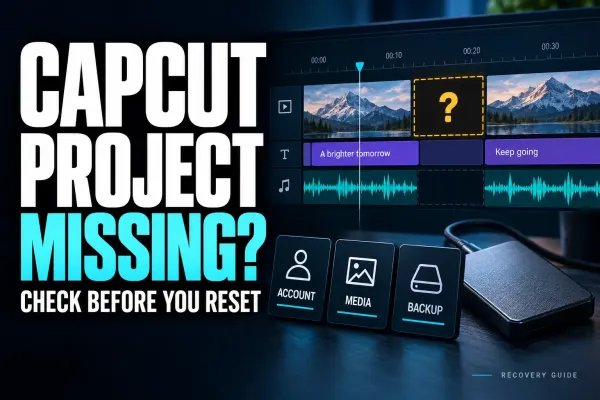
Missing card, offline clips or deleted app data? Follow the recovery route that fits, preserve what remains and check the recovered edit before relying on it.
 Tips & Tricks
Move the editable timeline, not just an MP4. Preserve source files, choose a transfer route and check the destination before retiring the original.
 Tips & Tricks
Find the editable draft—not just the exported video. Check the folder, account and source media before moving or deleting anything.
 Comparisons
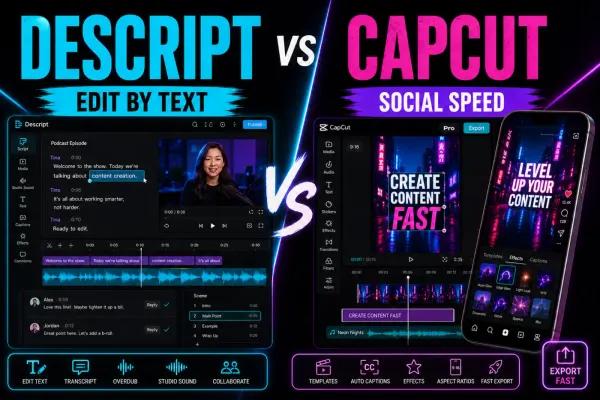
A current Descript review for CapCut users, covering transcript editing, dynamic captions, AI audio, current pricing, usage limits, collaboration and export trade-offs.
 Comparisons
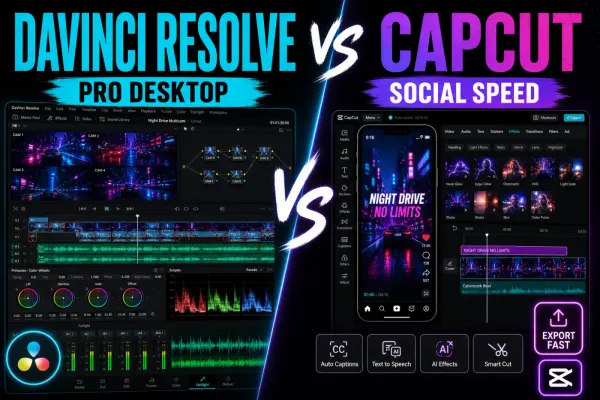
A current DaVinci Resolve 21 review for CapCut users, with Free-versus-Studio limits, supported hardware, captions, AI, project safety and a practical hybrid workflow.
 Comparisons
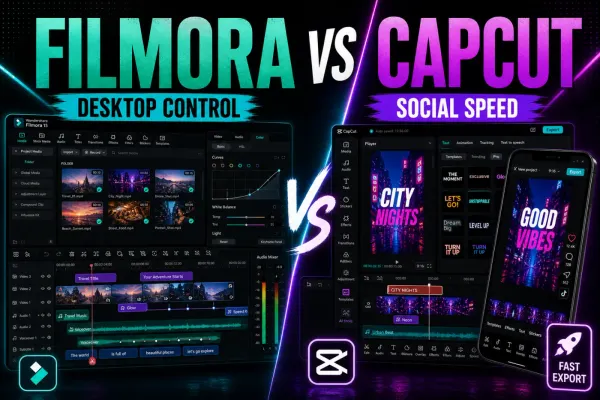
Filmora review for CapCut users: desktop timeline, Free watermark and a dated Filmora 15 plan snapshot. Filmora 16 is now the current release; verify its checkout before buying.
 Comparisons
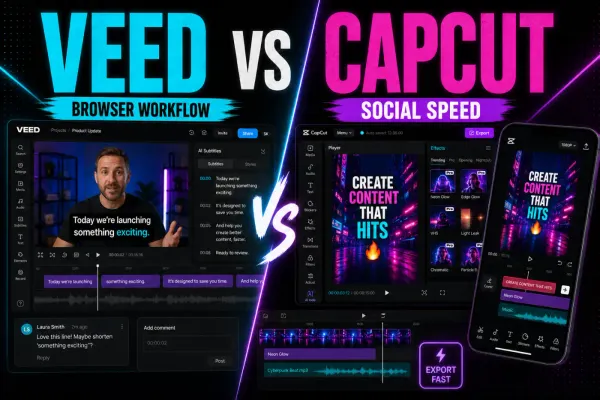
A current VEED review for CapCut users, covering Free versus paid exports, AI credits, transcript editing, captions, browser performance, collaboration, privacy and the mobile-app boundary.
 Comparisons
A fact-checked Canva Video Editor review covering pricing, 4K, watermark and license rules, AI, reliability, and practical differences from CapCut.
 Comparisons
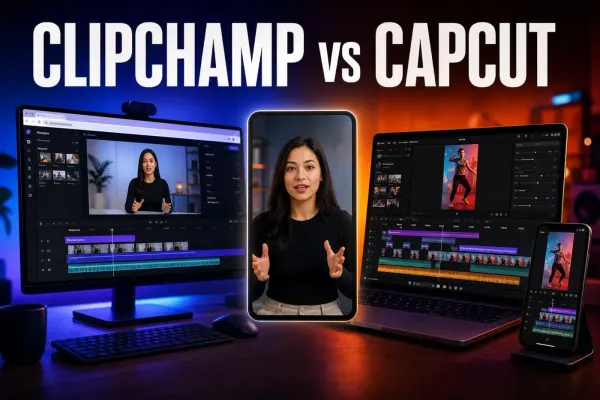
A current Clipchamp review covering free 1080p export, 30 fps, pricing, OneDrive, AI tools, reliability and practical differences from CapCut on PC.
 Download
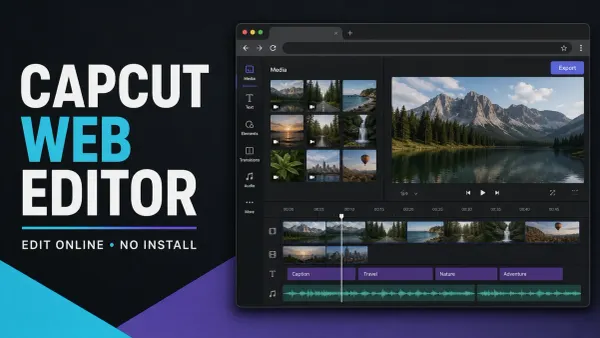
Open CapCut in a browser without installing the desktop app, then check the browser, storage and export limits that decide whether Web fits the job.
 Effects
A practical way to blur one static or moving area in CapCut on PC and Mobile, with mask tracking, keyframes, drift fixes and a proper exported-file check.
 Effects
A practical face-blur workflow for CapCut Desktop and Mobile, including moving faces, multiple people, tracking drift and the privacy checks that happen after export.
 Effects
Three practical CapCut background-blur workflows: keep the subject sharp, fill empty canvas space, or mask one area without losing track of the timeline.
 Tutorials
For a 30 fps vertical project, start with 1080 × 1920, MP4, H.264 where available and Recommended bitrate. Keep the timeline’s frame rate, check the local file, then test the processed upload.
 Download
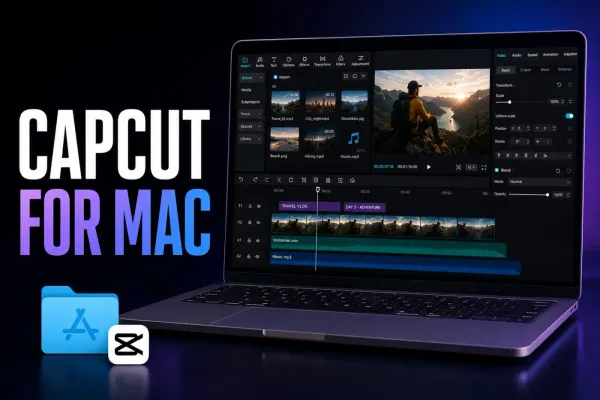
Download CapCut for Mac safely, compare official install routes, check current requirements, understand project sync and fix common setup problems.
 Download
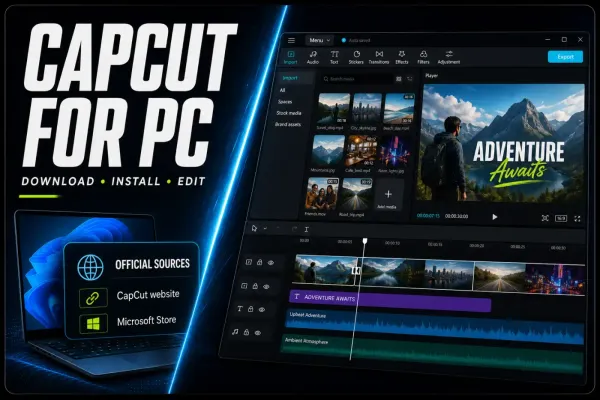
Download CapCut for PC from a verified source, check current Windows requirements, make a first edit, update safely and fix installation problems.
 Tutorials
A maintained CapCut feature matrix for Mobile, Desktop and Web, with the plan, credit, region, version and project conditions that a simple yes/no table misses.