 AI Tools
Create AI Stickers in CapCut Desktop
Give a small graphic one clear job. Find the Desktop sticker tool, write a focused prompt and check the result against the footage before using it.

CATEGORY
AI Tools
Give a small graphic one clear job. Find the Desktop sticker tool, write a focused prompt and check the result against the footage before using it.
 Tutorials
Find the Mobile Eye Contact switch, keep intentional glances and review the corrected performance through blinks, movement and the exported file.
 Tutorials
Find the visual-noise control, keep picture cleanup separate from audio and judge grain reduction against texture, movement and the saved video.
 Tutorials
Check whether Retouch is offered before troubleshooting, then keep texture, facial shape and moving expressions separate while editing.
 Tutorials
Choose where the light should fall, keep the subject convincing and check Relight through movement before finishing the export.
 Tutorials
Find Remove flickers, compare the offered modes and keep a steadier picture without sacrificing movement or important detail.
 Tutorials
Use the still-image upscaler, choose useful dimensions and inspect texture, edges and lettering before keeping a larger photo.
 Tutorials
Choose a photo-colorization route, guide the proposed colors and check the source details before saving a colored copy.
 Tutorials
Add useful picture area, choose the right photo or video route and check the subject, borders and motion before keeping an expanded result.
 Tutorials
A practical object-removal guide: mark the right area, distinguish cutout from inpainting, check current access, and judge the replacement background in motion.
 AI Tools
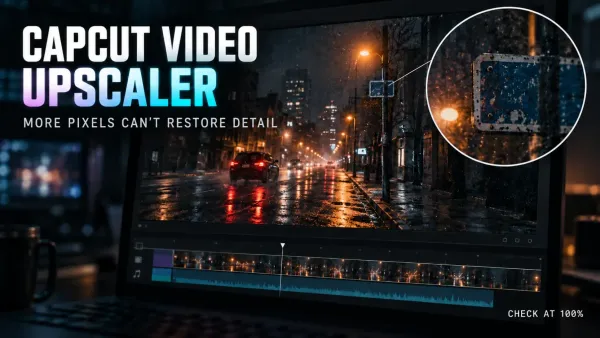
Learn when CapCut Video Upscaler helps, which defects it cannot recover, how to compare HD, UHD and 4K, and what to inspect before export.
 AI Tools
Choose Pippit, CapCut or one tool alone. A practical comparison of editing controls, platforms, costs and the limits of transferring a rendered video.
 AI Tools
Pippit plan prices and credits, the full Pro ladder, what yearly billing actually saves, how credits expire, and how cancellation and refunds work.
 AI Tools
What Pippit’s agents can draft, what each plan costs in credits, which credits expire, how to cancel or get a refund, and what its data terms mean for your uploads.
 Tutorials
Build a CapCut UGC-style ad with real creator footage, an AI avatar or a hybrid edit—without turning scripted portrayal into a fake customer story.
 Tutorials
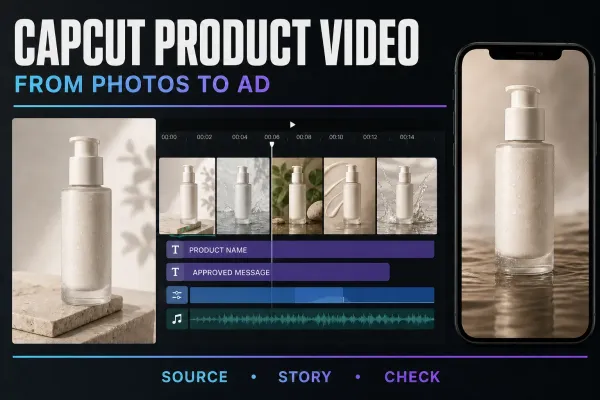
Build a product video from your own photos: arrange the shots, add subtle motion and accurate text, then check the item, rights and exported file.
 AI Tools
Choose translated subtitles or AI dubbing, follow the current platform route, then check meaning, names, timing, voice and lip-sync before export.
 AI Tools
Choose the right CapCut avatar route, make one short talking-avatar test and check the face, voice, lip-sync, credits and final export.
 AI Tools
A practical Script to Video workflow for CapCut Mobile, Desktop and Web: prepare the script, choose media, generate a first cut and check every scene.
 AI Tools
A practical workflow for turning one long recording into several CapCut short candidates, then reviewing context, crop, captions, audio and export.
 AI Tools
A practical guide to CapCut AutoCut on Mobile, cautious Desktop availability, draft review, repair decisions, music rights and missing-tool fixes.
 AI Tools
Where CapCut AI Image lives, which Seedream and Nano Banana models CapCut documents, how credits and export size work, and how to review a result before use.
 AI Tools
A practical guide to CapCut Auto Reframe: current Pro access, Desktop/Online/Mobile paths, 9:16 setup, track review and manual keyframe repairs.
 AI Tools
Two CapCut AI video routes, the models and limits CapCut documents, how per-second credit billing works, and the checks to run on a clip before you publish it.
 AI Tools
A practical CapCut Video Studio workflow: write the brief, review the storyboard, check credits, inspect the generated draft and finish in the editor.
 AI Tools
Change an audio clip, record your own voice profile and reuse it for new narration. Includes safe troubleshooting for missing voices.