
 Fixes
Fixes
CapCut Video Lagging After Export? Fix Stutter
Find out whether the stutter is in your exported file, one player or the uploaded copy. Test a short section without risking the working project.
CATEGORY
Troubleshooting guides for CapCut crashes, exports, account access and other editing problems.
Fixes
Find out whether the stutter is in your exported file, one player or the uploaded copy. Test a short section without risking the working project.
 Fixes
Fixes
Find where your video lost detail, test one change at a time, and check the saved export before rebuilding the edit or uploading it again.
 Fixes
Fixes
Compare your original with a short export to find out whether CapCut’s preview is soft or the saved file really lost detail.
 Fixes
Fixes
Find the account you used before: check its ID and sign-in method, handle QR or password problems, and keep local drafts safe while recovering access.
 Fixes
Fixes
Find the first failure: missing tab, broken link, stalled loading, media replacement or export. Start with a small comparison, not a reinstall.
 Fixes
Fixes
A safe CapCut connection checklist for Mobile, PC, Mac and Web, including outages, permissions, sign-in, cloud features and local-project protection.
 Fixes
Fixes
Separate a black CapCut preview from an export or player failure. Protect your draft, check layers and source media, then test reversible fixes.
 Fixes
Fixes
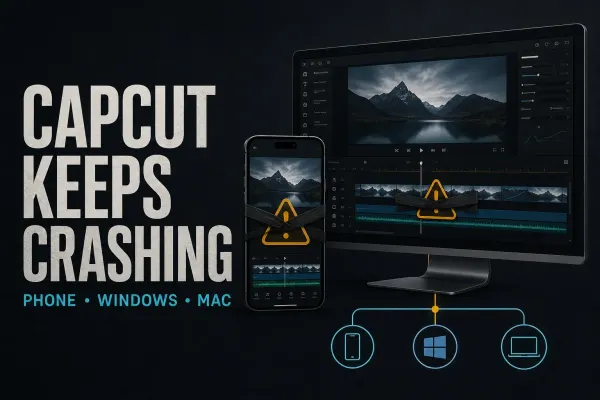
Find out whether CapCut closes at launch, import, playback or export. Protect local drafts, test one change at a time and avoid destructive resets.
 Fixes
Fixes
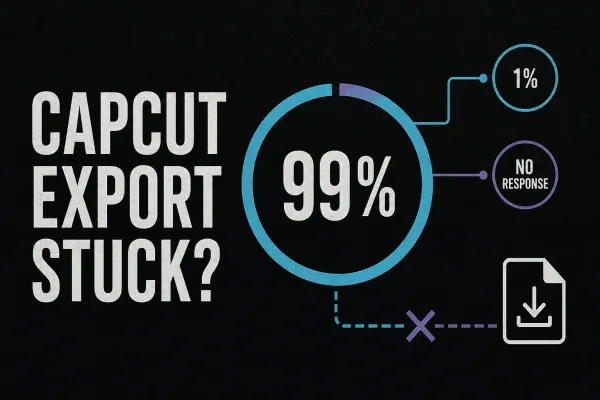
Find out whether CapCut is failing on the timeline, saving the file or refusing to start. Use short tests and the exact error code before changing the project.
 Fixes
Fixes
Find the right checks for CapCut crashes, failed exports and account problems. Start with the symptom and protect local drafts before changing app data.
 Fixes
Fixes
Delete a separate ending clip, diagnose an export mark and check paid assets without confusing a clean file with permission to reuse the footage.