
CapCut Guide: Tutorials, Templates, Downloads, Pro Pricing and Fixes
Independent CapCut guides for PC, Mac, iPhone, Android and web — learn editing, templates, AI captions, effects, export settings, Pro features and troubleshooting.
Remove watermark
Captions won't sync
Export for TikTok
Template not showing
Free vs Pro
CapCut won't open
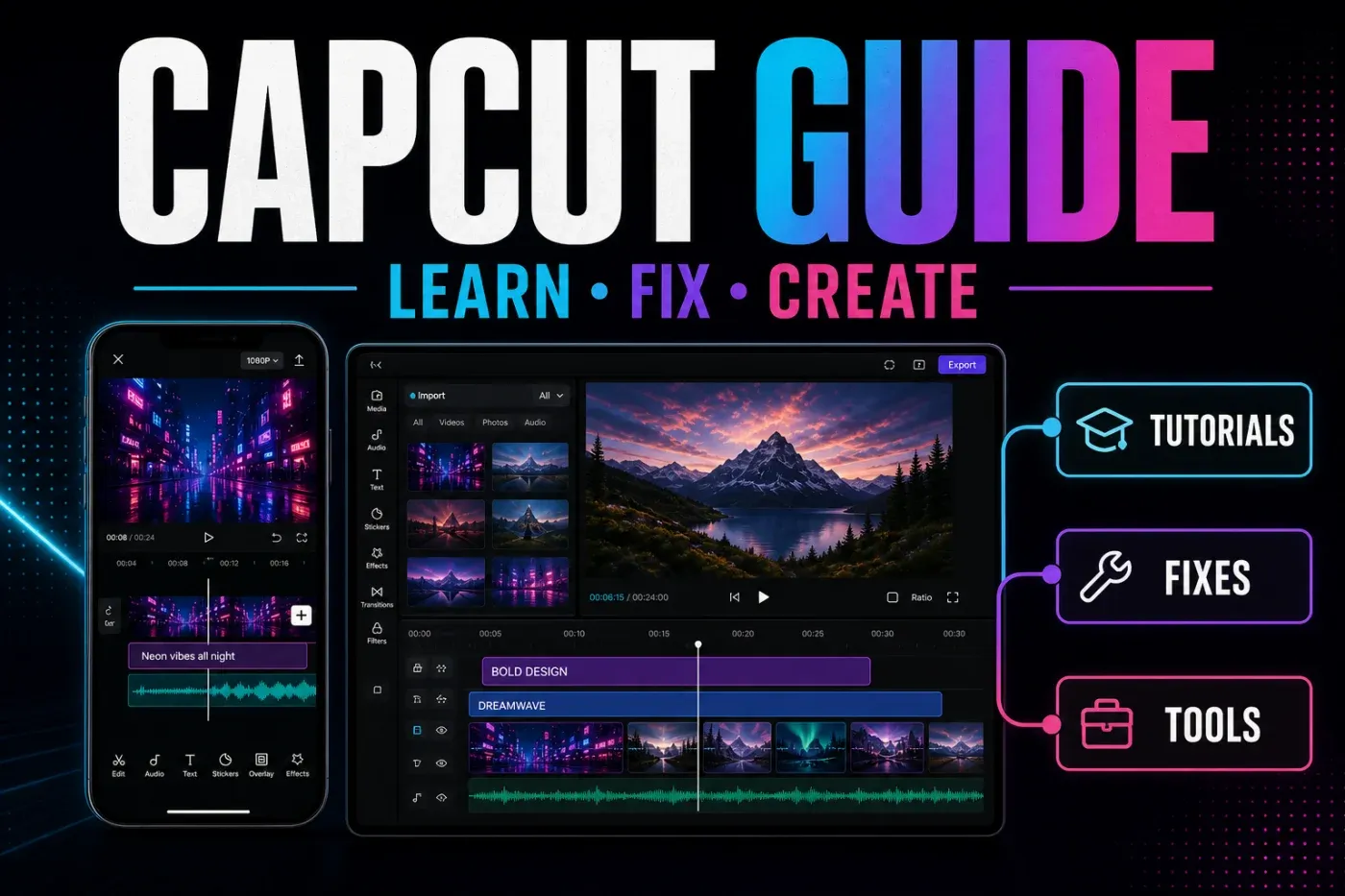
Fix it right now
The problems creators hit most — each one solved in a single guide.
Browse by topic
The same sections as the menu — every guide lives in one of these.
DownloadPC, Mac, iPhone, Android, web→
Tutorialsfirst cut to clean export→
Templatesfind, use, fix links→
AI toolscaptions, voices, backgrounds→
Effectsgreen screen, blur, velocity→
Fixescrashes, export, sound→
Business workflowsbrand, product and UGC video→
Proprice, trial, worth it→
AlternativesEdits, InShot, VN, Filmora→
Social platformsTikTok, Reels, Shorts workflows→
Latest CapCut guides
See what we published most recently: new tutorials, fixes and product checks.



Tested on real devices, not rewritten from other blogs
Hands-on checks are separated from sourced research. Each guide says when generation, export or a platform route was not tested.
Live interface checks
Official sources
Community signals
Limits disclosed