








Social media video sizes at a glance
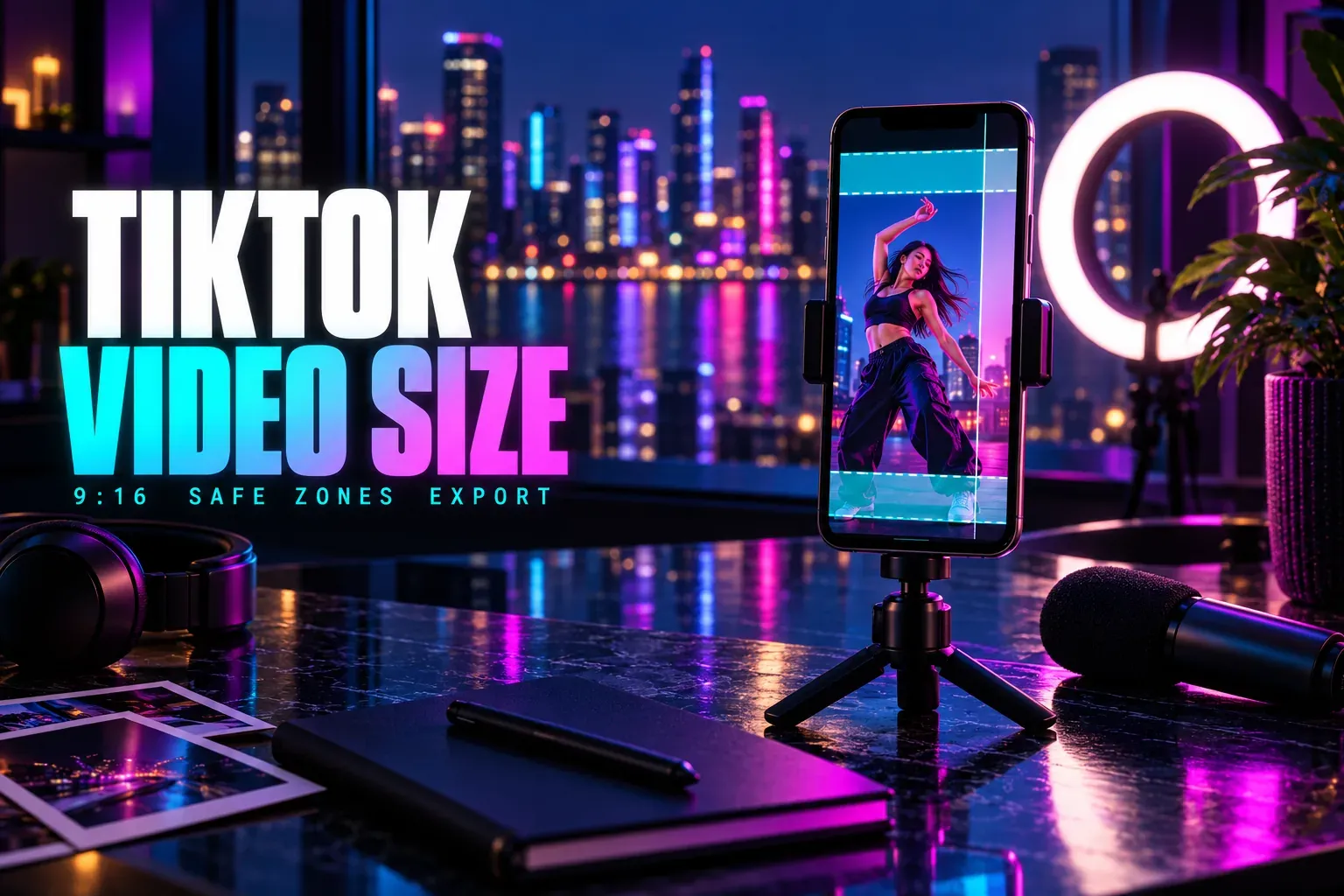
For every full-screen feed, export 1080 × 1920 pixels at 9:16, as an MP4 with H.264 video and AAC audio at 30 fps. That one file fills TikTok, Instagram Reels, YouTube Shorts, Facebook reels and Pinterest video Pins, and LinkedIn and X accept it too. The only platform that wants a second shape is YouTube, where a regular video is 1920 × 1080.
The frame is the easy part. Length and file size are where uploads fail, and they depend on the route: the app, the API that scheduling tools post through, or the ads system. The table uses the app rules unless a cell names another route.
| Platform | Frame to export | Length | Watch out for |
|---|---|---|---|
| TikTok | 1080 × 1920, 9:16 | Up to 10 min in the app; 3 min on every account | 4 GB through the API, 500 MB for ads |
| Instagram Reels | 1080 × 1920, 9:16 | Up to 20 min; 3 min or less to reach new viewers | At least 30 fps and 720 px; 420 × 654 cover |
| YouTube Shorts | 1080 × 1920, 9:16 | Up to 3 min | A Short over 1 min with a copyright claim is blocked |
| YouTube videos | 1920 × 1080, 16:9; 3840 × 2160 for 4K | 15 min by default; longer after verification | Vertical or square up to 3 min becomes a Short |
| 1080 × 1920, 9:16 | Videos post as reels with no length limit | Page publishing tools: 3 to 90 s, 540 × 960 minimum | |
| 1080 × 1920 fits the 1:2.4 to 2.4:1 range | 3 s (2 s on mobile) to 15 min | 75 KB to 5 GB, 10 to 60 fps | |
| 1080 × 1920, 9:16 | 4 s to 5 min | Keep the top 270 px and bottom 790 px clear | |
| X | 1080 × 1920 fits the 1:3 to 3:1 range | 140 s without a subscription | 512 MB without a subscription; 720p playback |
Every size here is width × height. 1080 × 1920 and 1920 × 1080 hold the same pixels; only the first is vertical.
One vertical master, with three exceptions
My pick for anything going to more than one platform is a single 1080 × 1920 master. It clears every minimum the platforms publish: Instagram's Reels size rules ask for at least 720 pixels and 30 frames per second, Facebook's Reels publishing guide for at least 540 × 960, and TikTok's developer media guide accepts 360 to 4096 pixels a side at 23 to 60 fps. LinkedIn's video specifications run from 1:2.4 to 2.4:1, and X's media best practices from 1:3 to 3:1, so 9:16 sits inside both.
Three cases still need their own export:
- A regular YouTube video. YouTube's upload encoding settings use a 16:9 player at 1920 × 1080, or 3840 × 2160 for 4K. Its Shorts rules treat a square or vertical upload of up to 3 minutes as a Short, so the vertical master can't stand in for a wide video.
- Footage shot at 24 or 25 fps. Keep the master at the source rate and make a 30 fps copy for Instagram, the only platform here with a 30 fps floor.
- A shoot meant for a 4:5 feed post. Instagram and Pinterest accept 4:5, but in a full-screen player it covers about 70% of the height. For Reels and Pins, crop to 9:16; our guide on changing the aspect ratio in CapCut covers the crop, and Auto Reframe follows a moving subject while it does it.
The length that works everywhere
Each platform publishes its own maximum, so the useful question is what one video can run and still post everywhere. The answer is 4 to 90 seconds. Here's where each limit comes from:
- 4 seconds is the shortest video Pinterest takes, according to its Pin specifications. Instagram's API starts at 3 seconds, and LinkedIn at 3 on a computer and 2 on mobile.
- 90 seconds is the longest reel a Facebook Page can publish through Meta's Reels API, which is how Page scheduling tools post. In the app itself, Meta says all videos on Facebook are now shared as reels without length or format restrictions.
- 140 seconds and 512 MB is the X limit without a subscription. Subscribers can post videos shorter than 4 hours and up to 16 GB, according to X's video help, at 720p once a video runs past 2 hours. X's developer guide adds that videos from accounts without a subscription play back at 720p.
- 3 minutes is the line on three platforms at once. TikTok guarantees 3-minute posts on every account, Instagram's reel length rules stop recommending Reels over 3 minutes to new audiences, and YouTube treats vertical videos up to 3 minutes as Shorts. Shorts over 1 minute with an active copyright claim are blocked.
I cut the shared version to 90 seconds or less when it goes everywhere, and post a longer cut only to the platforms that reward it: up to 10 minutes on TikTok, 20 on Reels and 15 by default on a regular YouTube upload.
App, API or ads: which file limit applies
Most of the contradictions in size guides come from mixing rule sets. A figure is only right for the route it came from:
- The app. TikTok and Instagram don't publish a file size limit for uploads in their apps. X does: 512 MB without a subscription.
- The developer API, which scheduling tools post through. TikTok takes up to 4 GB, Instagram's Reels API 300 MB and 3 seconds to 15 minutes, and Facebook Page reels 3 to 90 seconds.
- Ads. TikTok's In-Feed ad specs cap files at 500 MB, and Meta's Reels ads guide allows 4 GB and 15 minutes.
When a scheduling tool rejects a file the app would take, check the API limits first: Instagram's 300 MB and Facebook's 90 seconds are the two an ordinary export can hit. A 90-second export at 10 Mbps comes to about 113 MB, under every cap in the table, and our video bitrate calculator works out the bitrate that fits a longer clip into a given limit.
Safe zones: one clear area for every feed
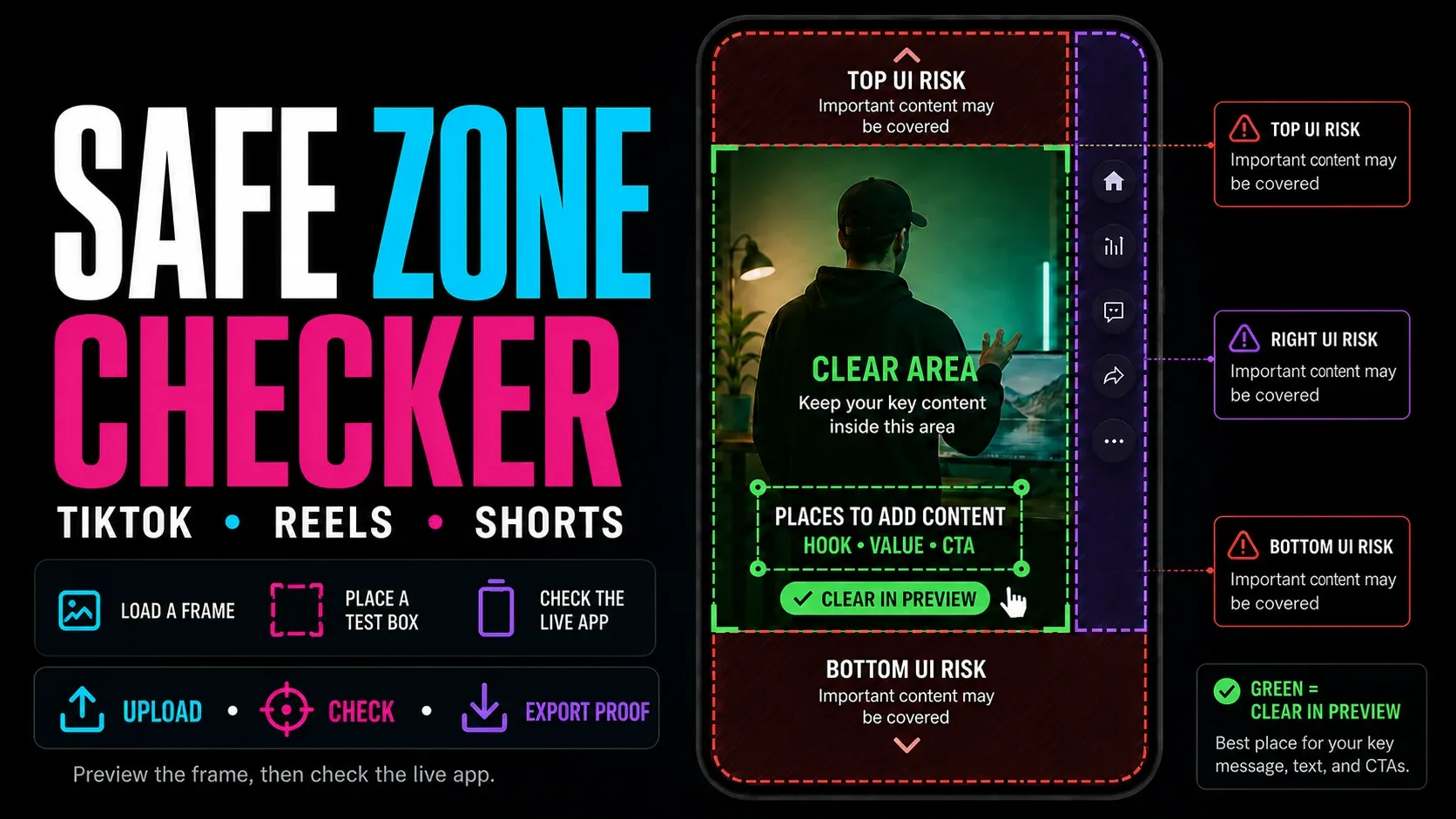
Each player lays its caption, username and buttons over the bottom and right of the video. The platforms don't publish margins for ordinary posts, so the numbers below come from the templates they publish for ads and Pins, scaled to 1080 × 1920. TikTok's comes from its In-Feed ad specs, Instagram's from Meta's Reels ads guide, YouTube's from Google's Shorts ads guidance, and Pinterest's from its Pin specifications.
| Template | Top | Bottom | Left | Right |
|---|---|---|---|---|
| TikTok In-Feed ads | 240 px | 660 px | 120 px | 120 px, plus a 180 px button column from 840 px down |
| Instagram Reels ads | 269 px | 672 px | 65 px | 65 px |
| YouTube Shorts ads | 192 px | 480 px | Not listed | 108 px |
| Pinterest video Pins | 270 px | 790 px | 65 px | 195 px |
| Clear on all four | 270 px | 790 px | 120 px | 195 px; 300 px from 840 px down |
Taking the strictest value from each column leaves a clear band of 765 × 570 pixels, from 270 to 840 pixels down, 120 pixels in from the left and 195 from the right. Below it, the area narrows to 660 pixels wide, beside TikTok's button column, and ends 1130 pixels down. A hook line, a price or a step number inside that band stays readable on all four platforms. The safe zone checker in the guide list above tests a real frame against the TikTok, Reels and Shorts layouts.
Set up one master in CapCut
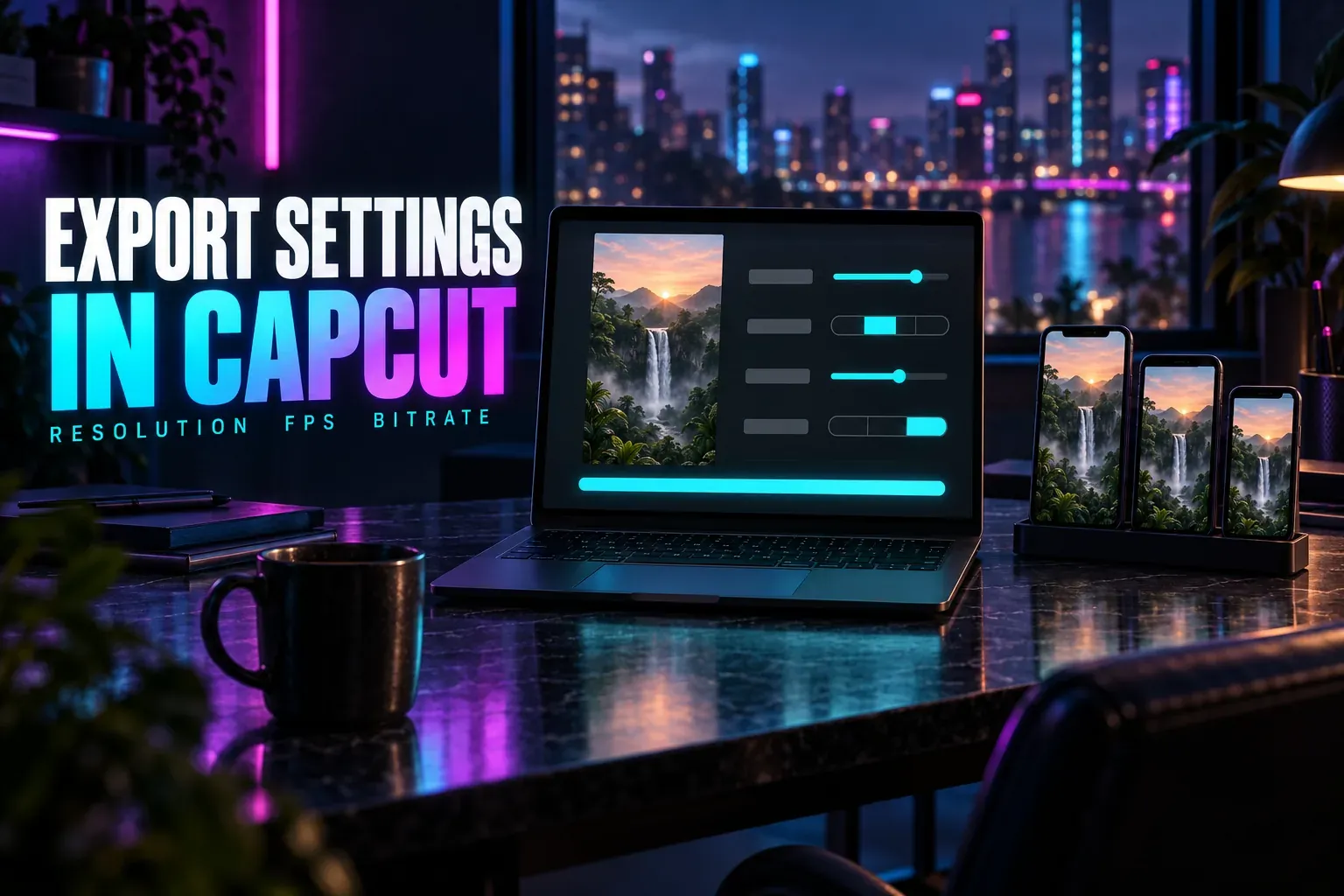
Start the project on a 9:16 canvas and export at 1080p, and CapCut writes a 1080 × 1920 file. Keep the frame rate of your footage, or 30 fps for Instagram when the footage is 24 or 25. For bitrate, YouTube's encoding page recommends 8 Mbps for 1080p at 24 to 30 fps and 12 Mbps at 48 to 60 fps, which is a sensible ceiling for the other feeds too. When the same video also goes to regular YouTube, duplicate the project and switch the canvas to 16:9 instead of stretching the vertical export.