
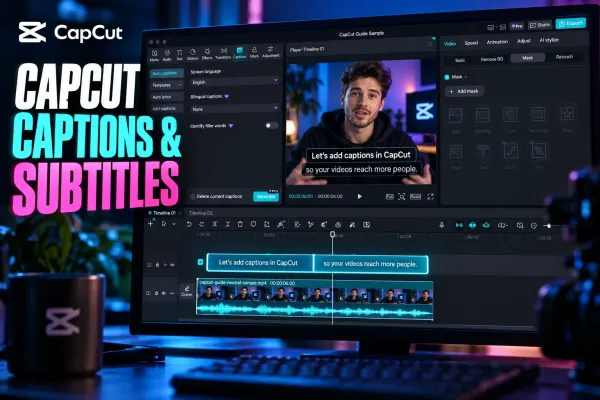
 Text & Captions
CapCut Captions and Subtitles: Choose the Right Workflow
Choose the right CapCut workflow for generating, editing, styling, translating, importing, exporting or fixing captions on any platform.
CATEGORY
Add, animate and auto-generate captions in CapCut. Font choices, kinetic text, sticker text and accuracy-fixing tips for auto subtitles.
Text & Captions
Choose the right CapCut workflow for generating, editing, styling, translating, importing, exporting or fixing captions on any platform.
 Tutorials
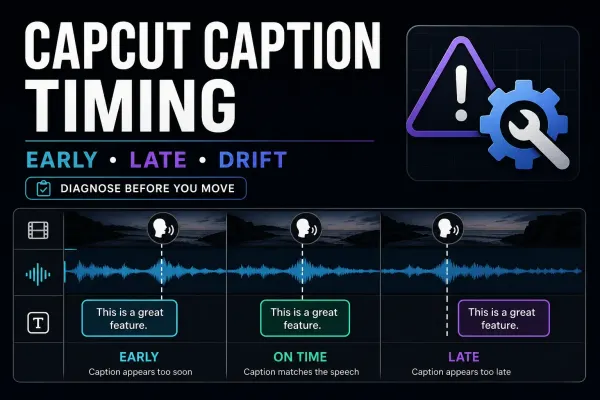
One late block, a shifted track or a delay that keeps growing: identify the timing pattern, repair it without disturbing the edit, and check the final video.
 Tutorials
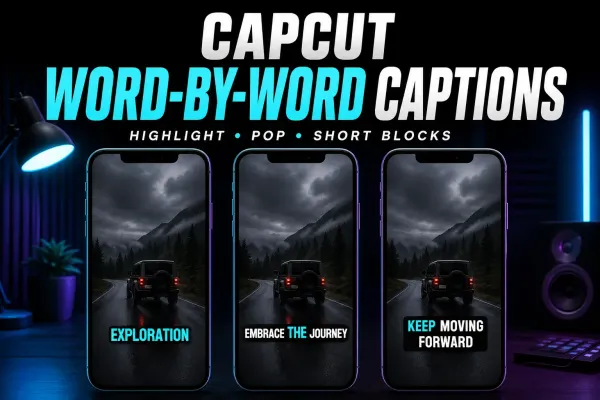
Choose a moving word highlight or one-word pop-ups, find the relevant CapCut controls, and time a short manual sequence without disturbing the rest of your captions.
 Tutorials
Show the source and translation together: Desktop controls, Web and Mobile options, a paired SRT example, and checks for readable two-language captions.
 Export
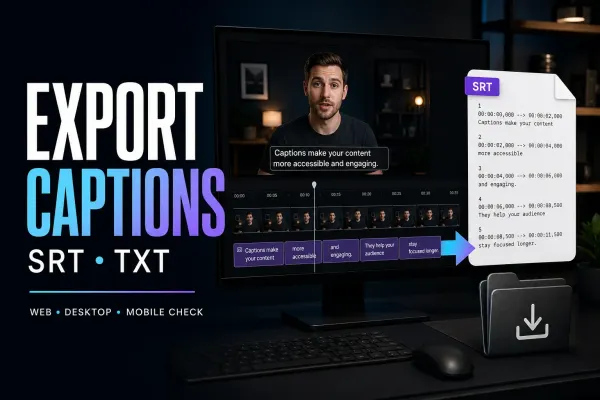
Get the subtitle file, not just words on the video. Find the native export, check missing options, and repair encoding before delivery.
 Tutorials
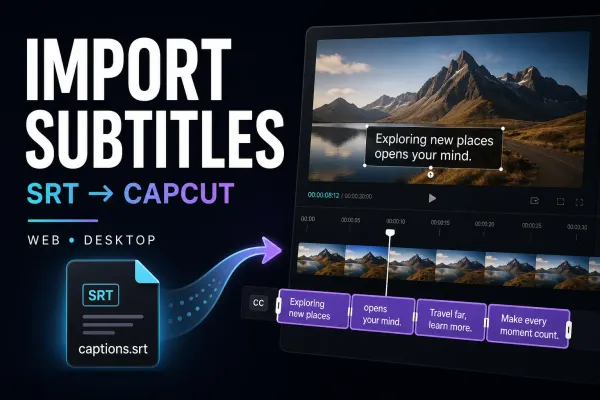
Bring your existing subtitle file into the edit. Find the import control, fix unreadable text and keep approved captions intact when styling or switching devices.
 Tutorials
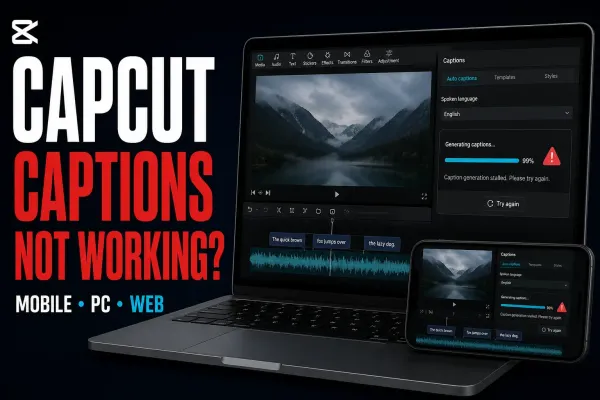
Find whether the problem is recognition, access or hidden text. Start with a safe speech test, then follow the branch that matches your error.
 Templates
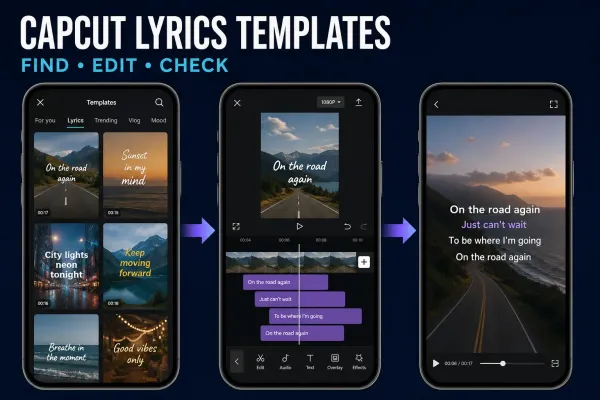
Choose a ready-made lyric video template or Auto Lyrics, then correct the words, timing and soundtrack before you export.
 Tutorials
Add and time manual text on CapCut Mobile, Desktop and Web, then keep titles readable, reuse a style and fix text that is missing.
 Text & Captions
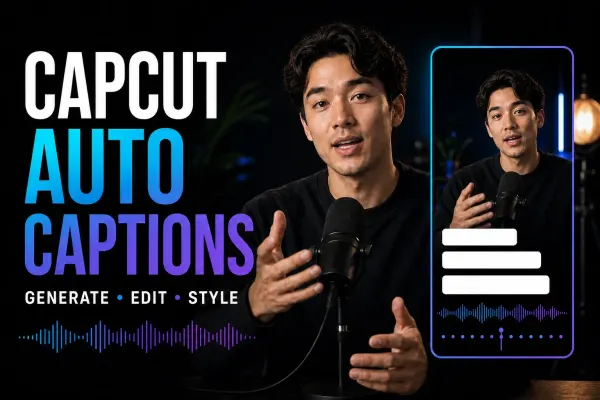
To add Auto Captions, open your project, choose Captions → Auto captions, select the spoken language and generate. Some layouts use Text. Then correct the words, check their timing and apply a readable style.
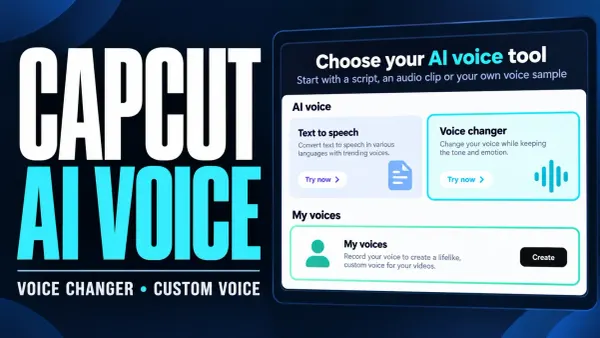 AI Tools
Change an audio clip, record your own voice profile and reuse it for new narration. Includes safe troubleshooting for missing voices.
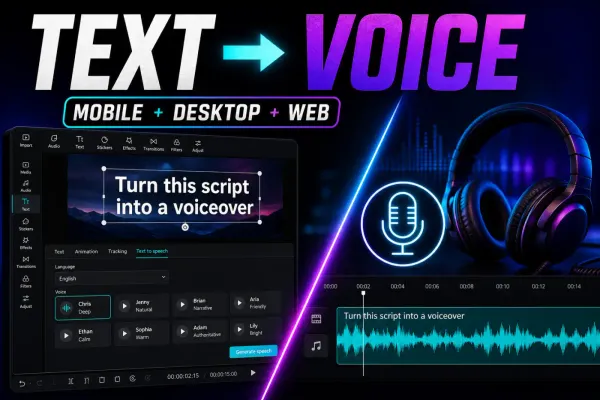 Text & Captions
A current guide to CapCut text to speech on mobile, desktop and web, with voice selection, timing, availability, licensing and troubleshooting checks.