
 Tutorials
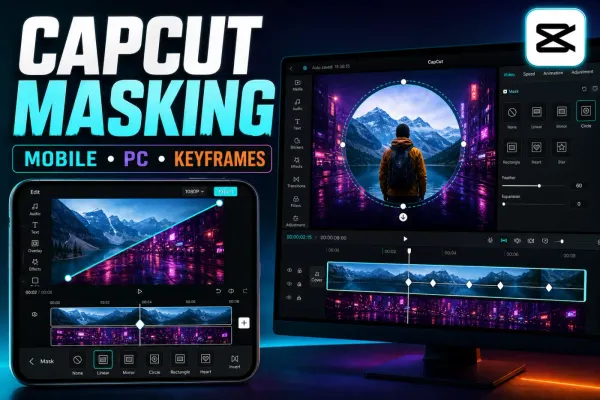
CapCut Masking Tutorial: Mobile, PC & Keyframes
Mask video in CapCut Mobile, Desktop or Web, control shape, feather and Invert, then animate the mask without moving the wrong layer.
CATEGORY
CapCut effects unpacked: glitch, VHS, light leaks, motion blur, freeze frame, slow-mo and the viral filters trending right now.
Tutorials
Mask video in CapCut Mobile, Desktop or Web, control shape, feather and Invert, then animate the mask without moving the wrong layer.
 Tutorials
Add photo or video overlays in CapCut Mobile, Desktop and Web, then control crop, timing, layer order, opacity, audio and export checks.
 Effects
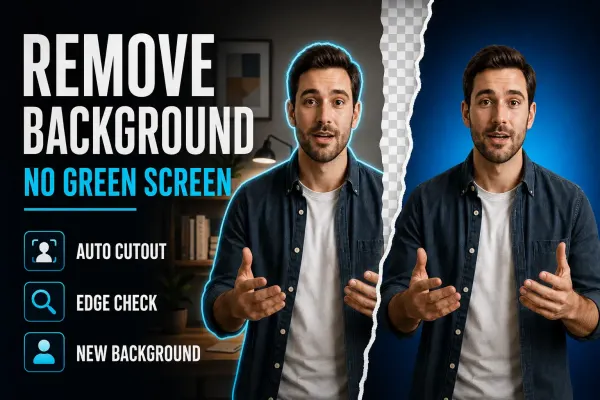
Remove a video background without a green screen, repair difficult edges, add a new scene and avoid flattened transparency on Mobile, Desktop and Web.
 Effects
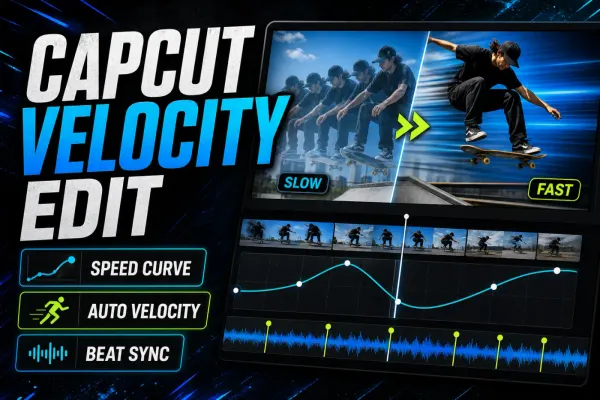
A practical CapCut velocity edit guide for manual speed ramps, Auto Velocity, beat timing and cleaner slow motion on Mobile, Desktop and Web.
 Effects
A practical way to blur one static or moving area in CapCut on PC and Mobile, with mask tracking, keyframes, drift fixes and a proper exported-file check.
 Effects
A practical face-blur workflow for CapCut Desktop and Mobile, including moving faces, multiple people, tracking drift and the privacy checks that happen after export.
 Effects
Three practical CapCut background-blur workflows: keep the subject sharp, fill empty canvas space, or mask one area without losing track of the timeline.
 Effects
Add CapCut video, body, and AI effects on Mobile, Desktop, or Web, compare effects with filters, and fix missing, paid, or failed results.
 Effects
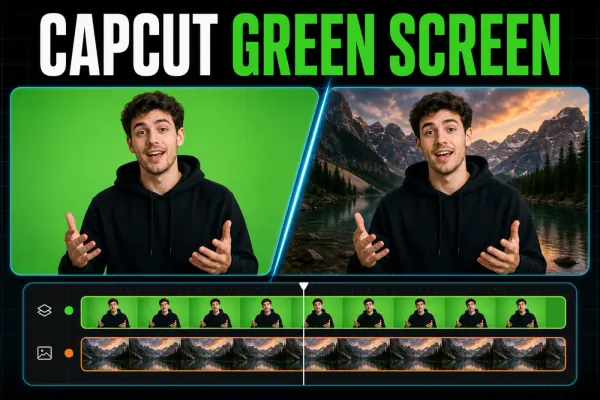
Put green-screen clips in the right order, find Chroma Key on each CapCut platform, clean the edge, and fix a missing or greyed-out tool.
 Templates
A current guide to CapCut slow-motion templates, manual Speed and Curve controls, source frame rate, interpolation artifacts and reliable test exports.