
 Tutorials
CapCut Brand Kit: Add Logos, Fonts & Brand Colors
Find CapCut Brand Kit, add approved logos, colors and fonts, and check team access. Apply the assets in a short project before using them in client work.
CATEGORY
Tutorials
Find CapCut Brand Kit, add approved logos, colors and fonts, and check team access. Apply the assets in a short project before using them in client work.
 Tutorials
Create a logo in CapCut with AI Design or a manual canvas, test it at real size, check rights and export the correct digital file.
 Tutorials
Create a separate YouTube thumbnail in CapCut, use the current video or Shorts dimensions, check the saved file and upload it in Studio.
 Tips & Tricks
Choose the right CapCut photo editor route on Mobile, Web or Desktop, save a real still image, and fix missing tools, imports or soft output.
 Templates
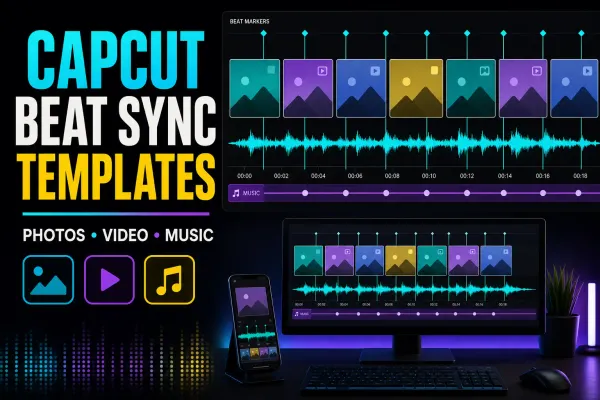
Compare live beat-sync templates by media count, then choose a fixed template, AutoCut or manual markers and repair timing, crop or audio problems.
 Templates
Choose a live meme template, build the timing manually, make a static image or clean up a green-screen reaction without losing the punchline.
 Templates
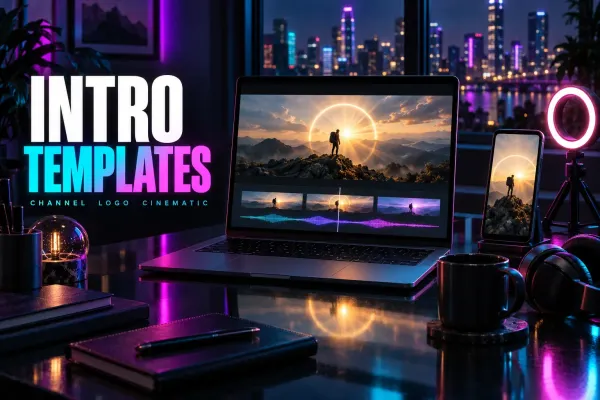
Compare four CapCut intro templates by clip count, duration and format, check text and music, or build an editable opener to reuse.
 Templates
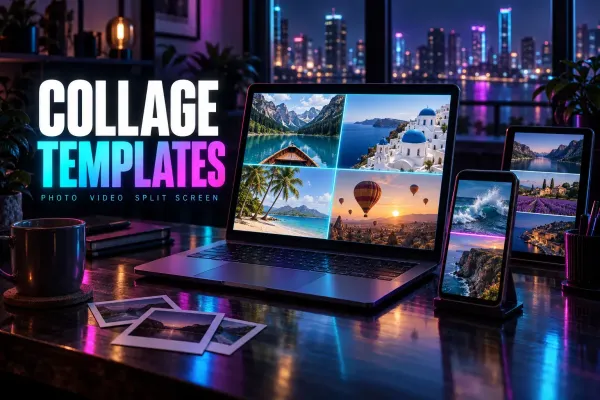
Choose a live CapCut collage template, make a static photo grid, or build a manual split screen without mixing up collage, slideshow and merge workflows.
 Templates
Choose a live monthly, yearly or event recap template by story shape and clip count—or build manually when fixed timing makes the memories hard to follow.
 Templates
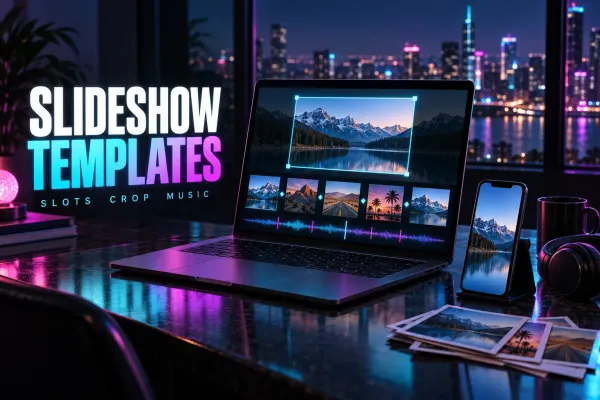
Choose a live CapCut slideshow template by media count, pace and format—or build the sequence manually when the fixed edit doesn't fit.