
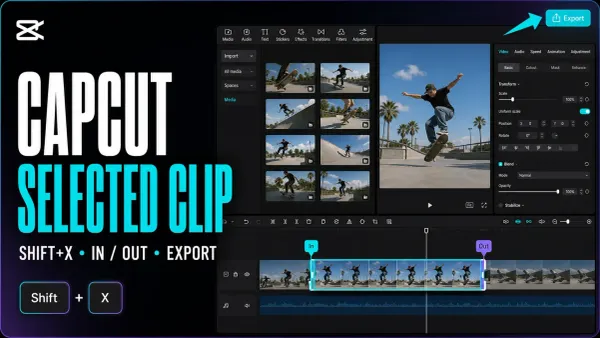
 Export
How to Export a Selected Clip in CapCut (PC and Mac)
Save one clip, a custom section or several separate files. Mark the timeline range, keep the right layers and check each finished video.
CATEGORY
CapCut guides for export settings, selected ranges and checking finished videos.
Export
Save one clip, a custom section or several separate files. Mark the timeline range, keep the right layers and check each finished video.
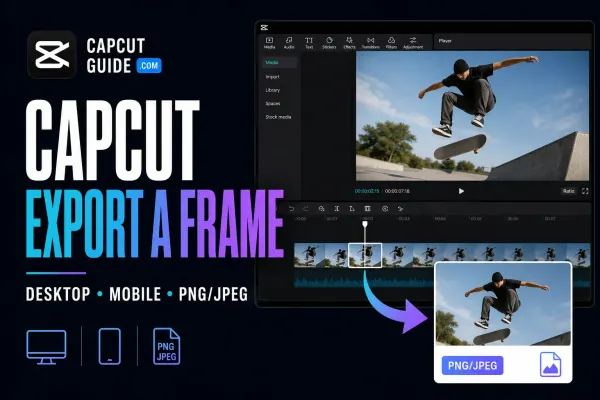 Export
Save one video moment as a separate picture. Find the Desktop command, check the phone route and choose a format that suits the job.
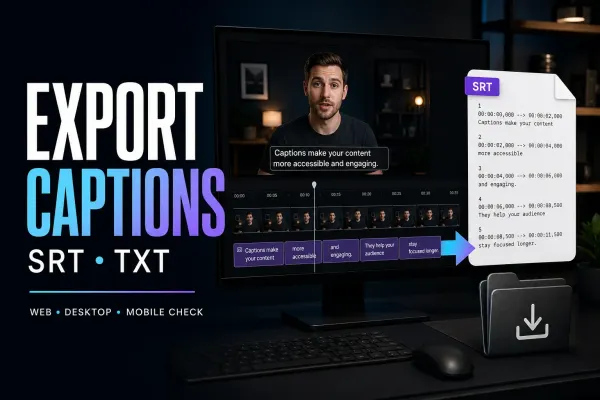 Export
Get the subtitle file, not just words on the video. Find the native export, check missing options, and repair encoding before delivery.
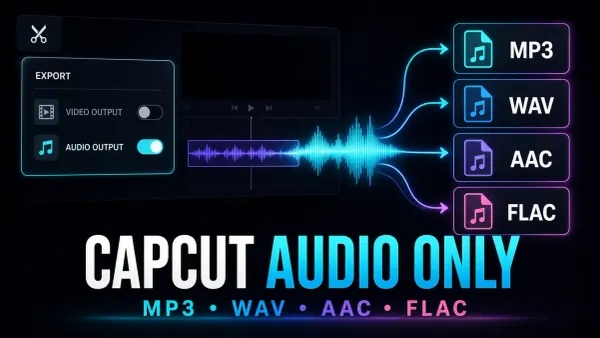 Export
Save the soundtrack, not another video. Use Desktop audio export, prepare one clip, or convert a finished video when the phone or browser option is missing.